7-4 Chapter 7: Driver Installation
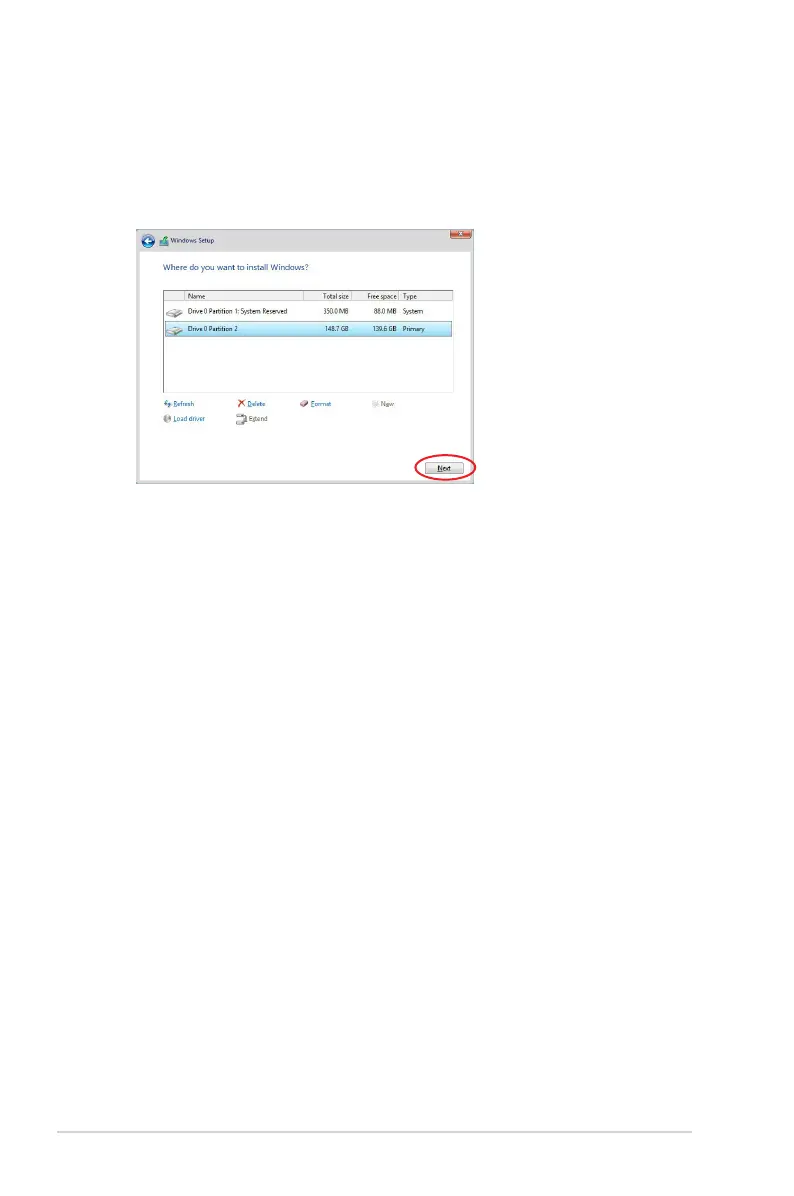
7. When the system nishes loading the RAID driver,
•
Replace the motherboard Support DVD with the Windows Server installation disc.
•
Remove the USB ash drive.
Select the drive to install Windows and click
Next
.
8. Setup then proceeds with the OS installation. Follow screen instructions to continue.













 To Next Page