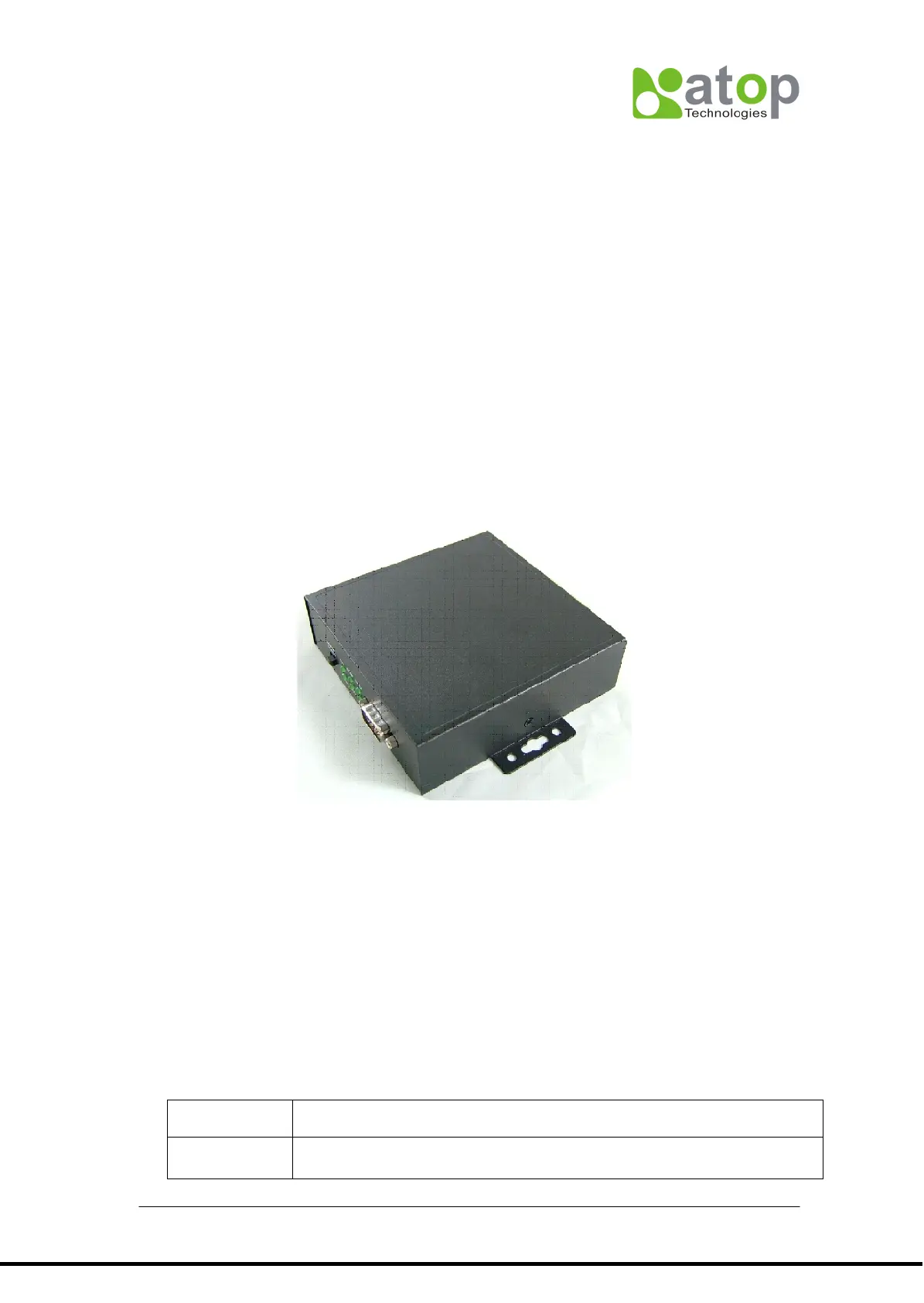
3.1.1.1 AT500’s IP configuration
AT500’s default IP address is “10.0.50.100” and sub-mask is “255.255.0.0”. You can use
ATOP’s tool “MONITOR.exe” to know and re-configure each AT500’s IP address.
3.1.1.2 Connection to TCP/IP controller (AT500)
Since AT500 has no DHCP function, so its host control PC/NB need to assign one IP
address which have to be within the same domain as the AT500. Then you can create one
TCP connection to connect it. AT500’s TCP port is 4660.
3.1.2 AT400-Compact TCP/IP controller.
AT400 is another kind of TCP/IP controller of ABLEPick Pick-to-light system. AT400 has
two serial ports design, Port #1 (MESSAGE_TYPE = 60H) is the one output channel to
connect to the picking devices. which with compact capacity can be up to maximum 30 pcs
of picking devices. The Port 2 (MESSAGE_TYPE = 61H) is a RS232 serial port, which can
be used to connect to device with RS232 interface, such as power scanner.
AT400 can be powered by two ways, one is using the standard power adapter with specific
DC12V/5A/ 60W, by plug in DC jack. The other way is powered by external power supply
or battery with DC 12V via the 3-pin terminal block
AT400’s default IP address is “10.0.50.100” and sub-mask is “255.255.0.0”. You can use
ATOP’s tool “MONITOR.exe” to know and re-configure each AT400’s IP address.
3.1.2.1 Abnormal voltage protection function
Basically, AT400 has the similar functionality as the standard TCP/IP controller(AT500), but
it has been designed in an additional function to implement the abnormal voltage
protection , either in the hardware or by return message via firmware function to inform
application software. That is a powerful function on the power control especially when
using an external power supply, like battery…etc.
Hardware



 To Next Page