3.2.1.2 3 Buttons.
Most of the ABLEPick picking devices has 3 buttons design, and their functions are the
same except the AT50C.& AT70C
Right side : Confirmation button, which is to push to confirm picking successfully.
Left side : Two small buttons, up-count(function key) and down-count (shortage) buttons.
Push shortage (down-count) button can acknowledge the shortage situation or by
adjusting up-count/down-count button to present partial picking process. Both different
behaviors could be configured by software.
There are two modes in picking operation: Pick mode and Stock mode.
(a) Pick mode is for picking time. Picker can only push confirmation button to
confirm picking successfully or push short button to indicate out of stock.
(b) Stock mode is for stock counting. Picker can push up-count/down-count buttons
to adjust the stock quantity shown on the tag and then push confirmation button to
confirm this stock count.
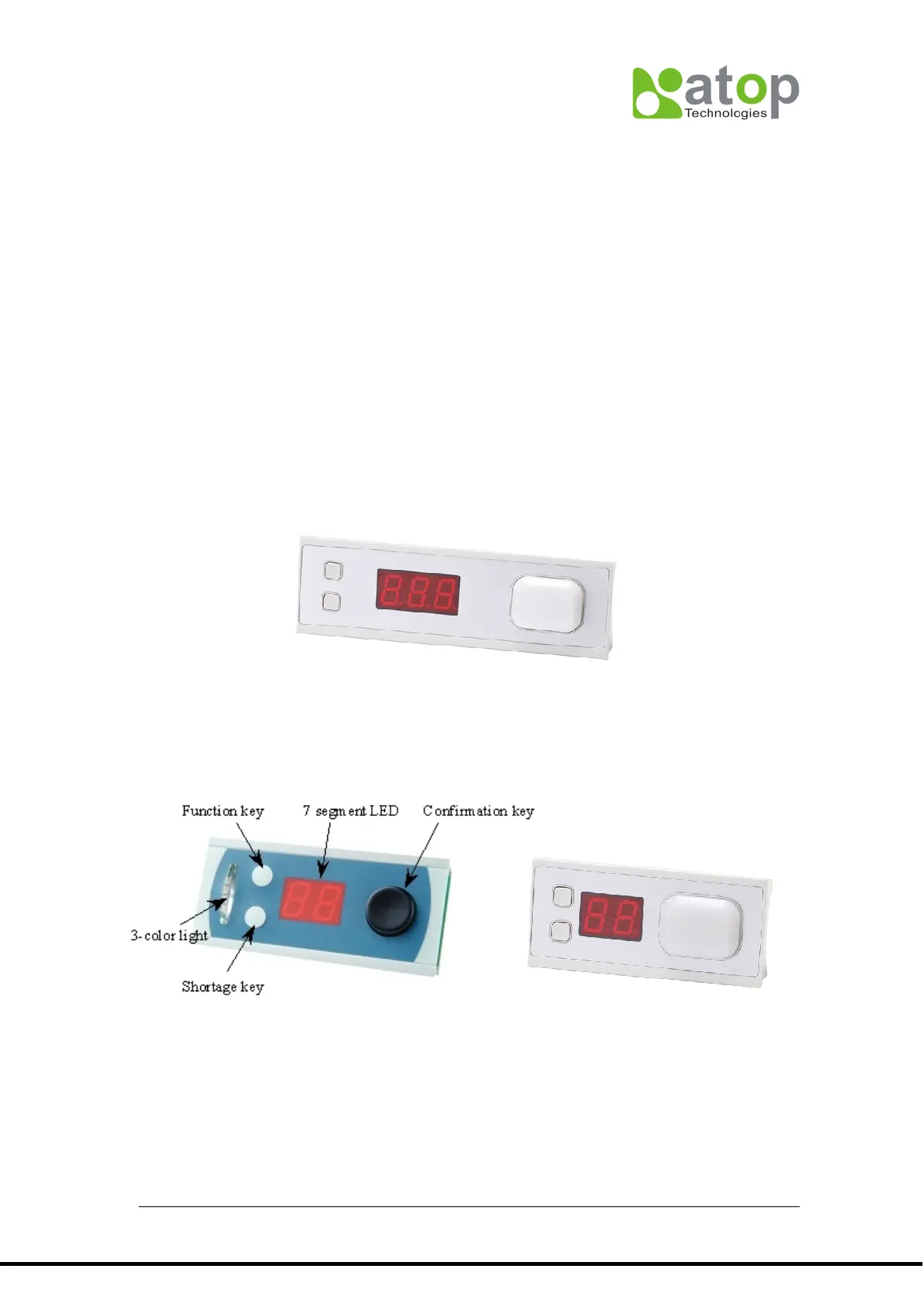
3.2.2 3-digit picking tag (AT703)
AT702 has 3-digit 7-segment LED display, one large illuminated button with 6-color LED
3.2.3 2-digit picking tag (AT502 & AT702)
AT502 has 2-digit 7-segment LED display, 3 buttons and 3-color LED lights.
AT702 has 5-digit 7-segment LED display, one large illuminated button with 6-color LED
3.2.4 3-digit directional picking tag(AT503A)
Besides 3-digit 7-segment LED display, 3 buttons and 3-color LED lights, AT503A has two
arrows. One Up arrow with RED light and one Down arrow with GREEN light. Most of the
features and behaviors are similar to AT505, only one difference is AT503A has two
message buffers.(AT505 has only one). In other words, you can send two messages to
AT530 at the same time. The first message will be shown on the LED display, but second



 To Next Page