15
How to install the receiver
Low RF signal may result if there are obstructions between the receiver antennas and transmitter. In such a case,
reposition the receiver to get better reception.
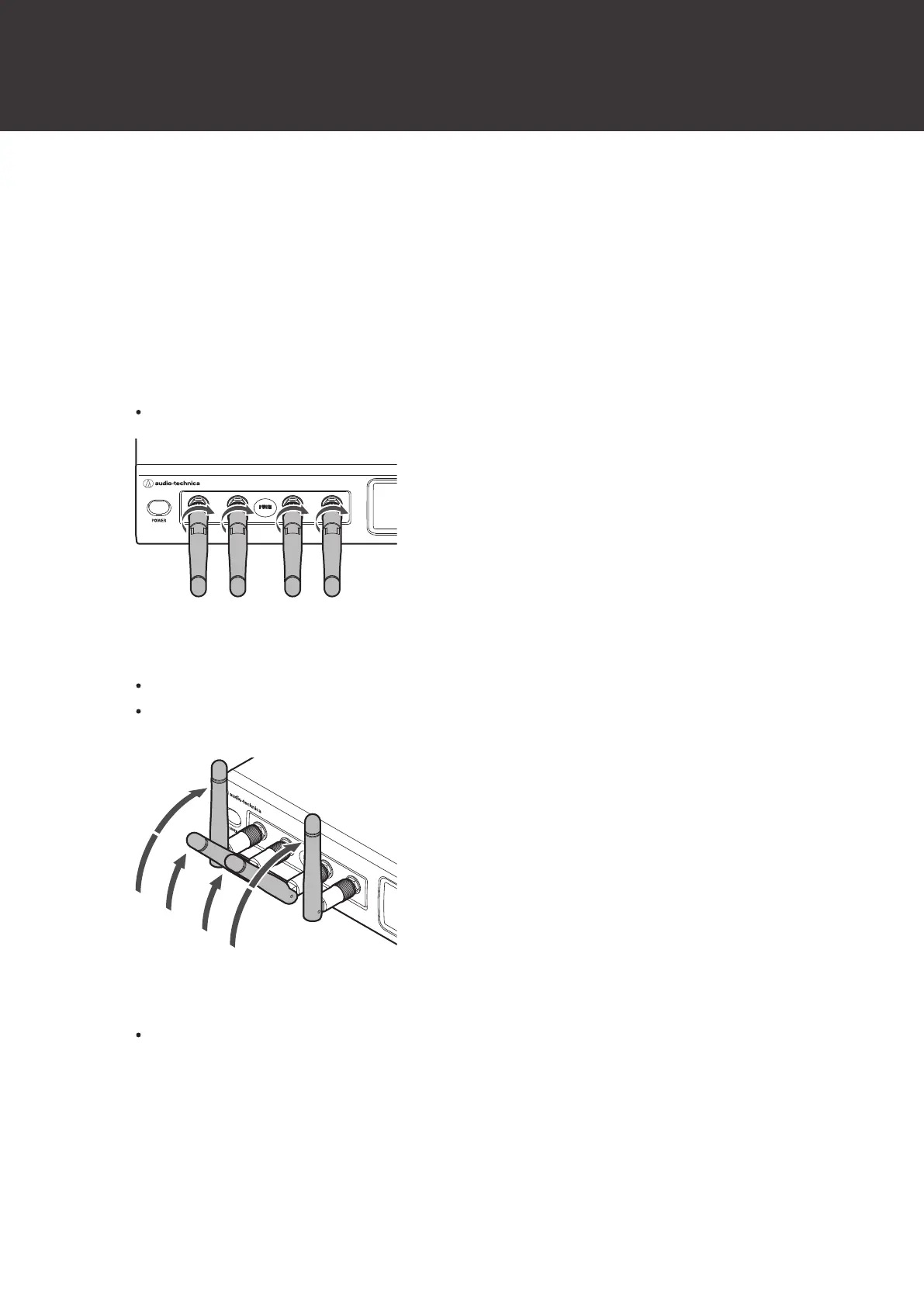
How to mount the antennas
Failing to mount the included antennas on the receiver will result in poor radio wave reception.
1
Mount the antennas on the receiver and screw them in.
Firmly tighten the antennas as far as they will go.
2
Raise the antennas.
As a guideline, raise the antennas until they click.
As a further guideline, raise the two antennas in the center until the first time they click and the left and right
antennas until the second time they click.
3
Tilt the antennas to the left or right.
Tilt them 30degrees to the left or right as shown in the figure.













 To Next Page