Setting ATW-R1440
62
Pairing mode
1
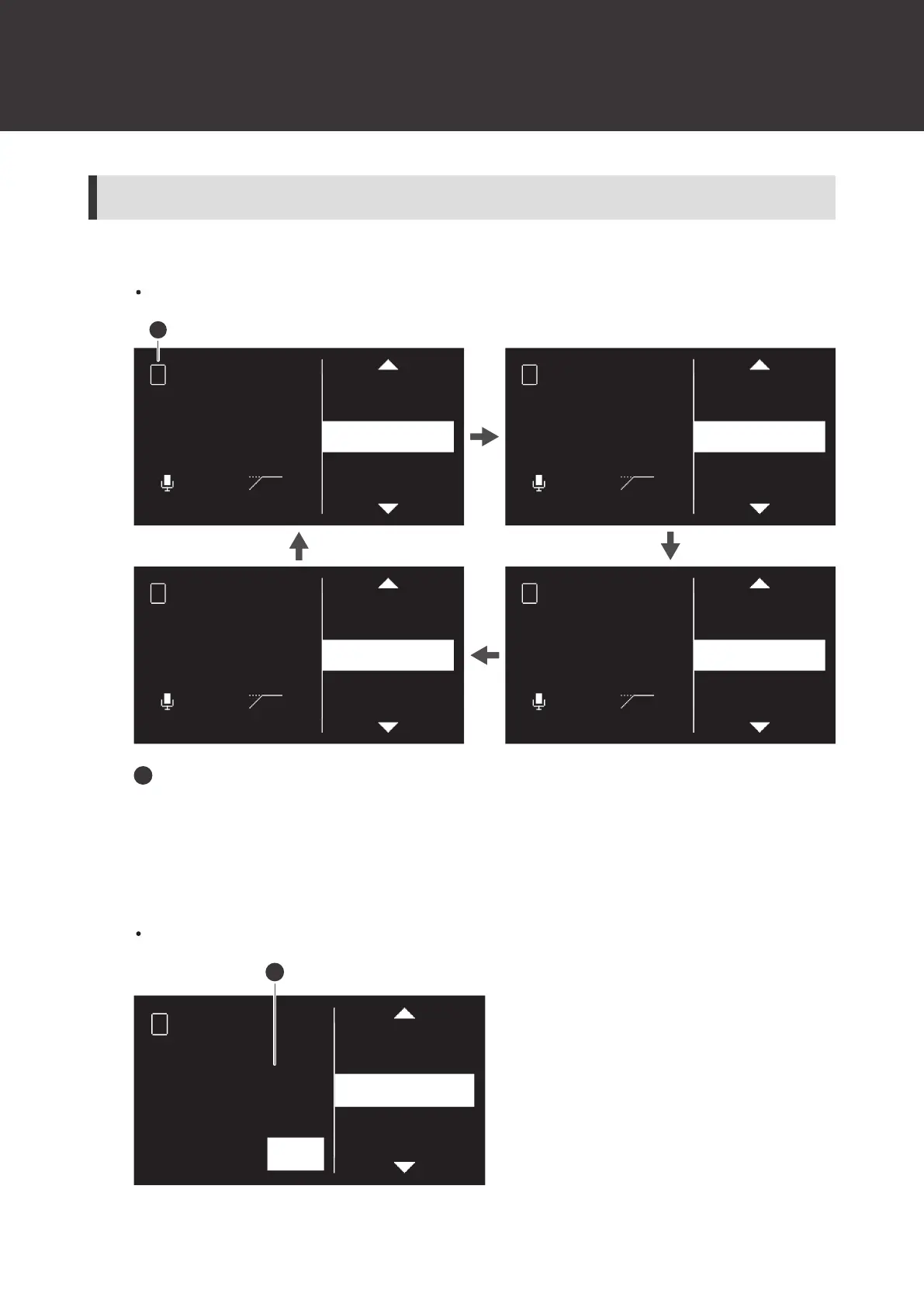
Press the CH MENU button to select the channel to set.
Each press of this button switches the channel to set.
LINE / MIC
LEVEL
UTILITIES
IDENTIFY
PAIR
LINE
0dB
OFF
LINE / MIC
LEVEL
UTILITIES
IDENTIFY
PAIR
LINE
0dB
OFF
LINE / MIC
LEVEL
UTILITIES
IDENTIFY
PAIR
LINE
0dB
OFF
2
4 3
LINE / MIC
LEVEL
UTILITIES
IDENTIFY
PAIR
LINE
0dB
OFF
1
1
Channel
2
Turn the control dial to select “PAIR” and press the control dial.
3
Turn the control dial to select the character to set to the transmitter ID, and then press the control
dial.
You can set two characters from A to Z and from 0 to 9.













 To Next Page