Setting ATW-R1440
60
Checking the MAC address
1
From the receiver settings menu, select “NETWORK” and press the control dial.
2
Turn the control dial to select “MAC ADDRESS” and press the control dial.
The MAC address appears.
Channel settings
Basic operation
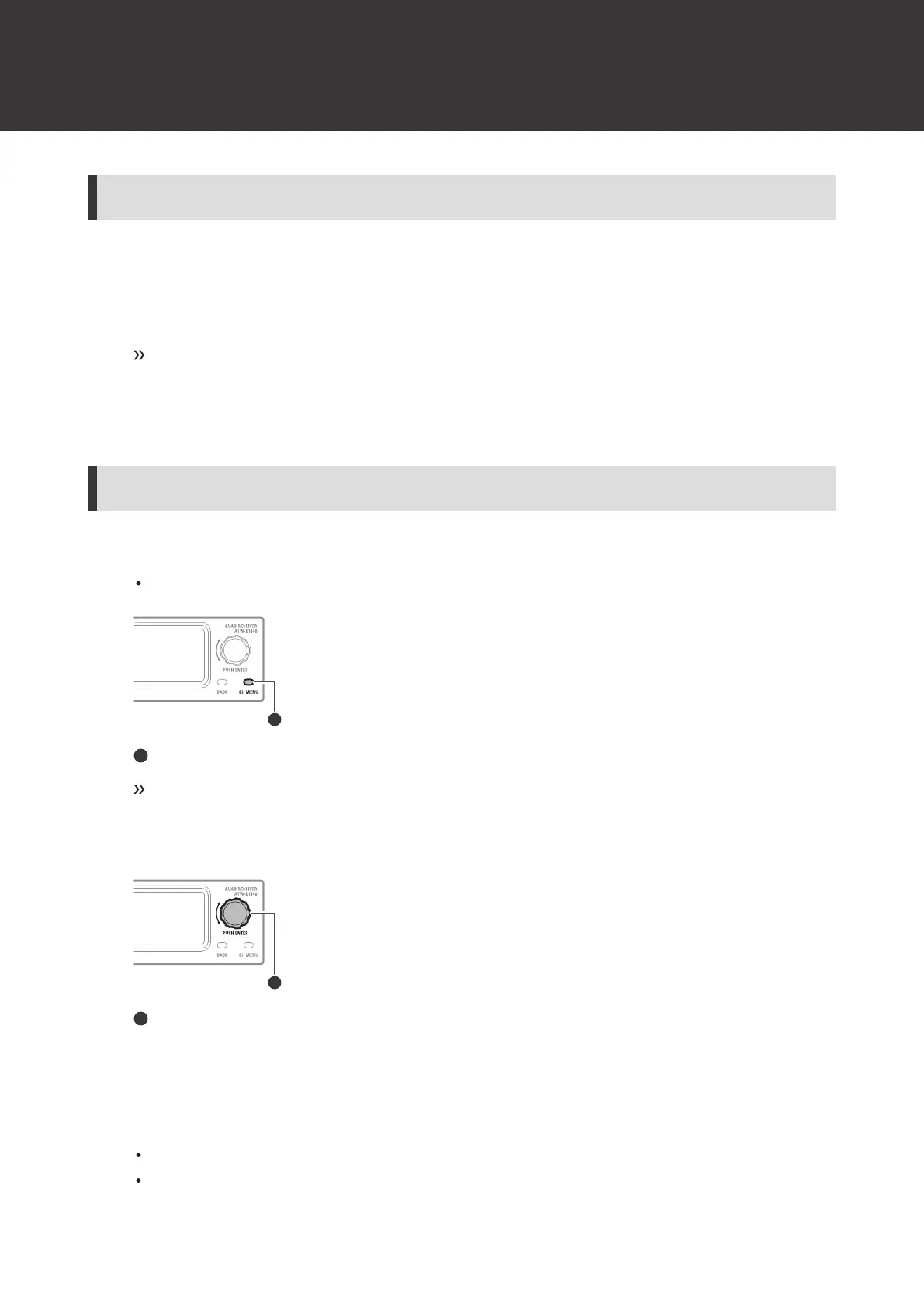
1
Press the CH MENU button.
Each press of the CH MENU button switches the channel to set.
CH MENU button
The channel settings menu appears.
2
Turn the control dial to select the channel settings menu and setting.
Control dial
3
Press the control dial to confirm the selection.
4
Press the BACK button to go back one screen.
If a setting is being configured, it will be canceled.
Press and hold (approximately 2 seconds) to return to the main screen.













 To Next Page