31
How to charge
Charging the ATW-T1401/ATW-T1402
Use charging station ATW-CHG3a/ATW-CHG3Na (sold separately) to charge the devices.
For a detailed description of the charging station, see its user manual.
Insert the nickel-metal hydride batteries into the transmitter before charging it.
Do not charge alkaline batteries or lithium batteries.
You can also charge with the ATW-CHG3/ATW-CHG3N.
1
Connect the AC adapter to the charging station, and then turn it on.
2
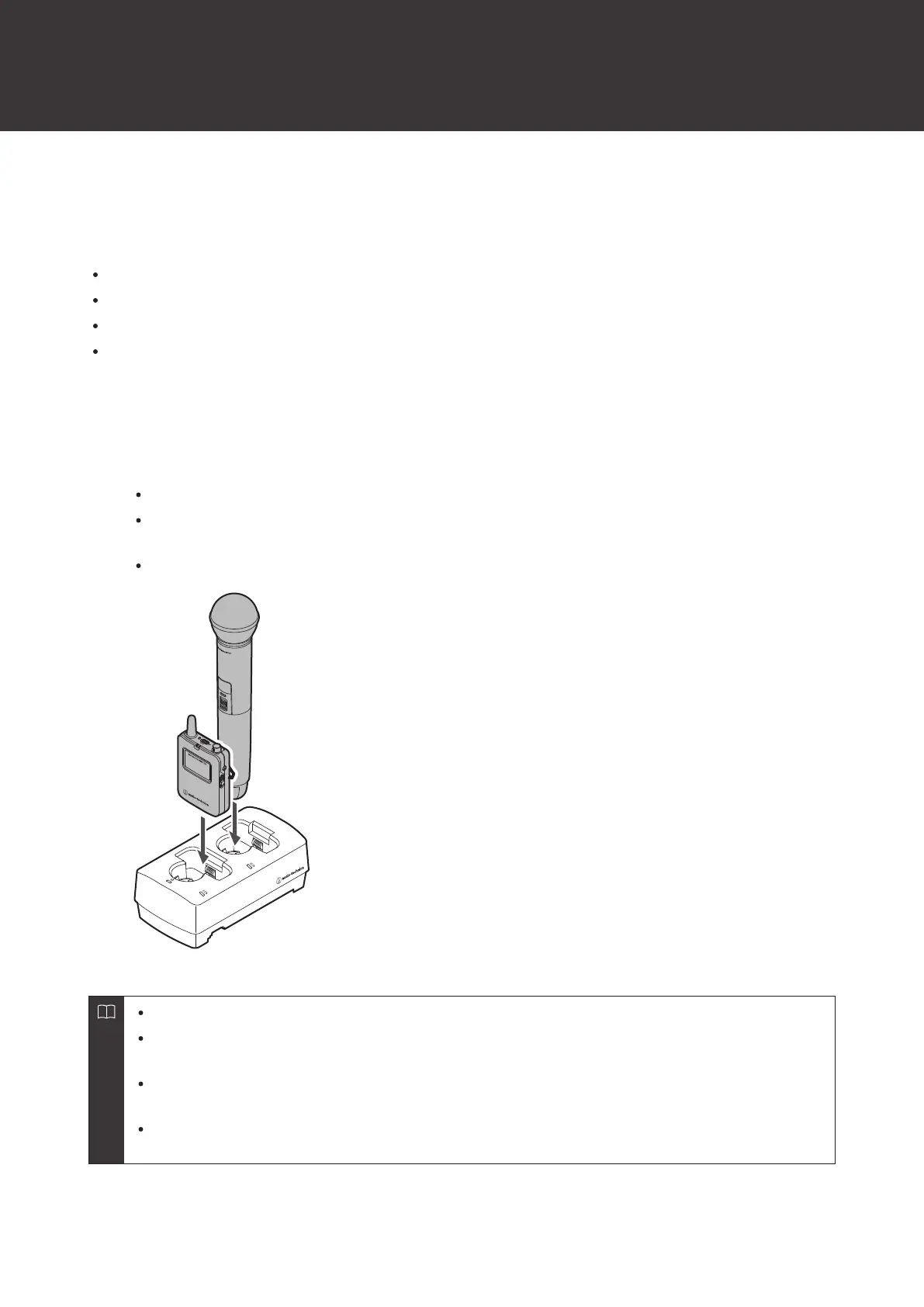
Insert the transmitters to charge into the charging ports of the charging station.
You can charge up to two transmitters at the same time in one charging station.
Check the orientation of the transmitters before inserting them. Transmitters cannot be charged if their
orientation is not correct.
When the charging of a transmitter starts, the status indicator lamp on the charging station lights in red.
During charging, the transmitters turn off.
If you insert a transmitter that is on into the charging station and remove it before 60 minutes have elapsed,
the transmitter will automatically turn on again.
If you insert a transmitter that is on into the charging station and remove it after at least 60 minutes have
elapsed, the transmitter will remain off.
Repeatedly charging a rechargeable battery will reduce its capacity. If the usage time of a battery becomes
shorter, replace it with a new battery as soon as possible.













 To Next Page