72
Wireless Manager
Wireless Manager is dedicated software that supports the wireless operation of Audio-Technica products.
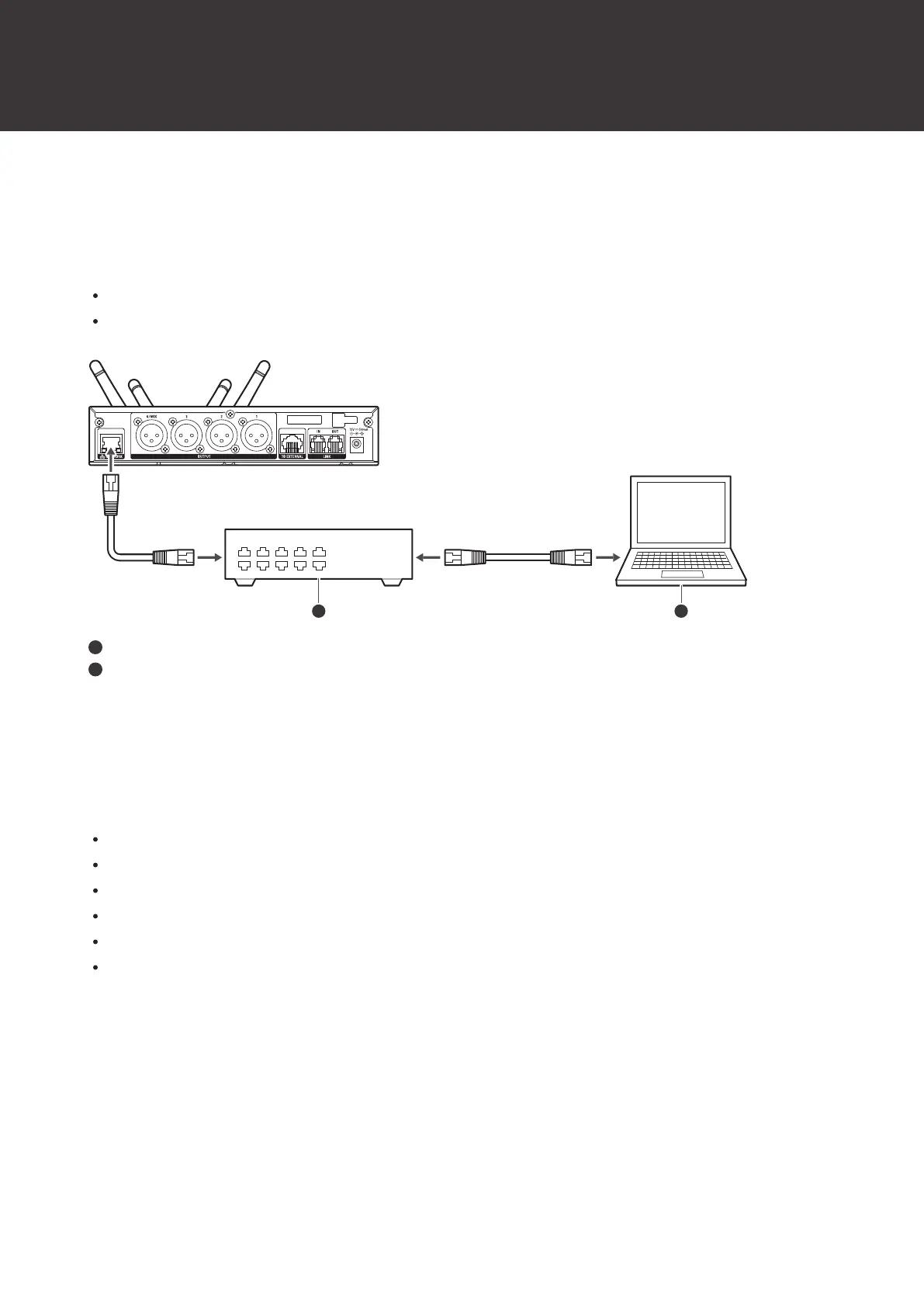
Connecting the receiver to a computer running Windows/macOS allows you to monitor the status of and control the
receiver.
You can configure device settings in an offline manner and even import settings by establishing an online connection
with a device.
Read the Wireless Manager user manual for details.
Before using Wireless Manager, configure the “NETWORK” settings described in "Receiver settings" (p. 50).
Switching hub
PC
Things you can only do with Wireless Manager
You can configure the following settings and perform the following operations with Wireless Manager only. Read the
Wireless Manager user manual for details.
Detailed mix output settings
Detailed EQ (equalizer) settings
Detailed compressor settings
Walk test
2.4GHz RF scan
Firmware update













 To Next Page