50
Setting ATW-R1440
Various settings can be made from the screens shown on the display.
Receiver settings
Basic operation
1
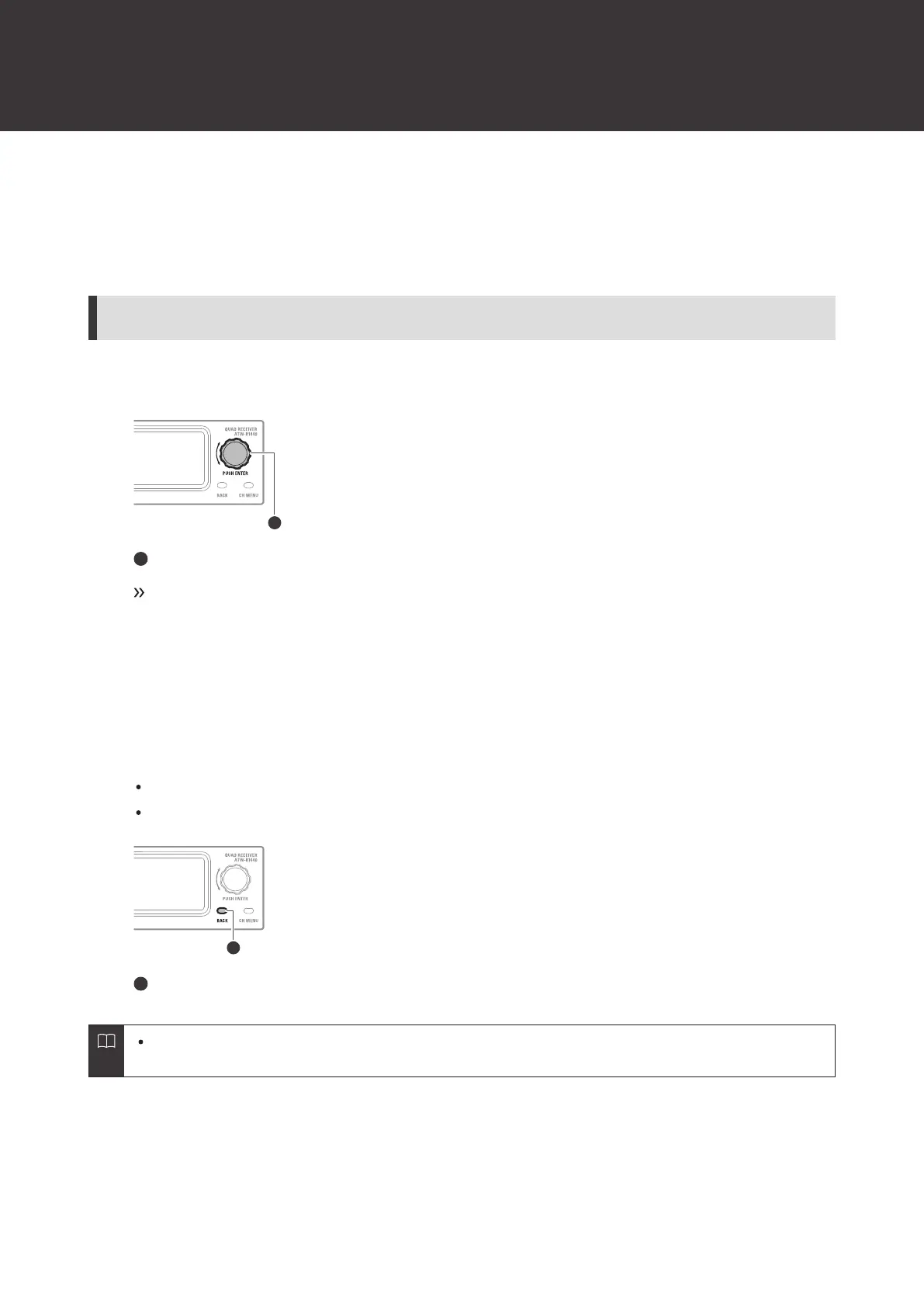
Press the control dial.
Control dial
The receiver settings menu appears.
2
Turn the control dial to select the receiver settings menu and setting.
3
Press the control dial to confirm the selection.
4
Press the BACK button to go back one screen.
If a setting is being configured, it will be canceled.
Press and hold (approximately 2 seconds) to return to the main screen.
BACK button
While on the settings screen, the display will return to the main screen if approximately 30seconds pass
without any operations being performed.













 To Next Page