33
How to use the devices
ATW-R1440
Turning the device on/off
1
Connect the AC adapter, and then connect the power plug to an electrical outlet.
2
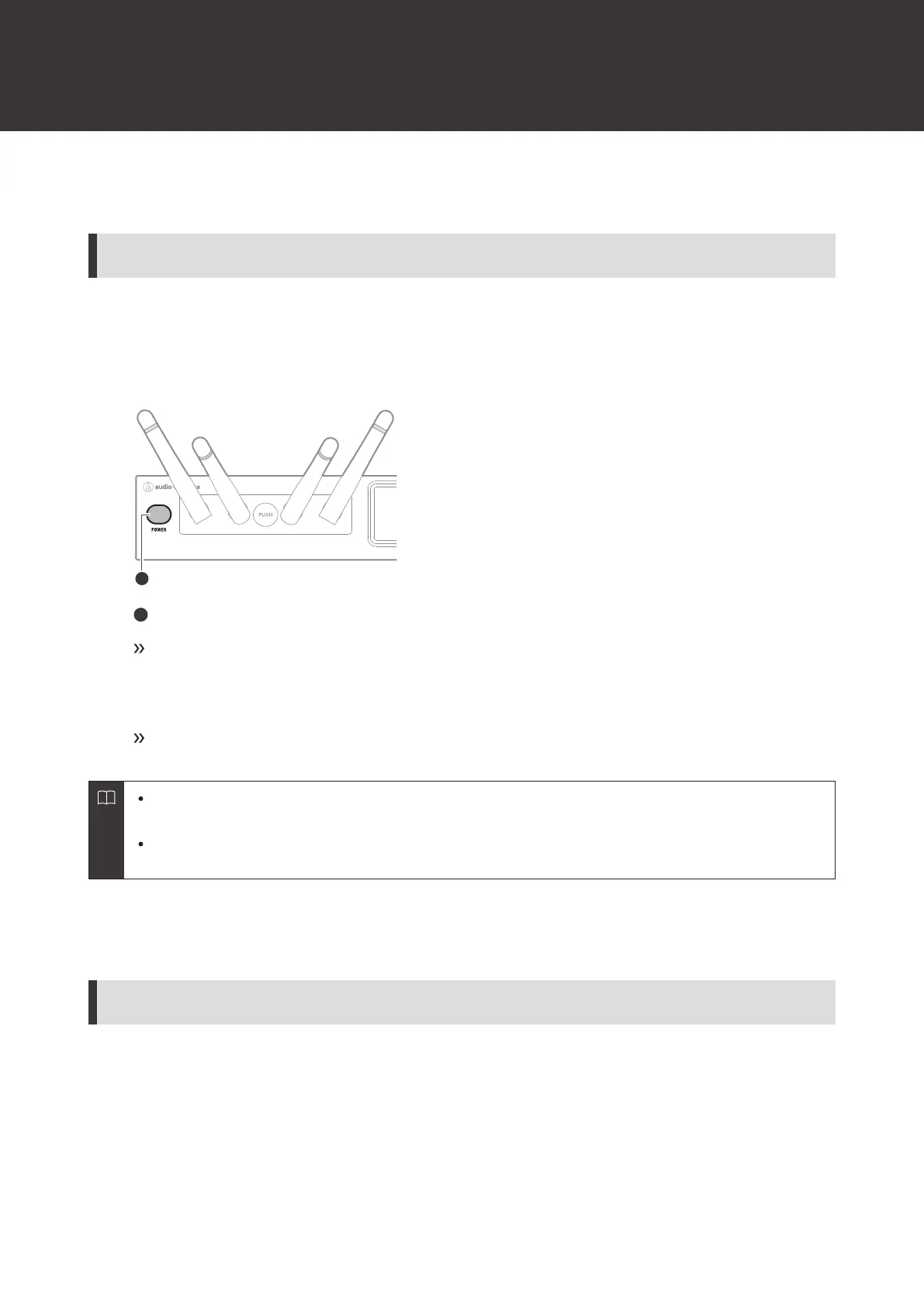
With the device off, press and hold (approximately 2 seconds) the power button.
Power button
The device turns on and its display lights.
3
With the device on, press and hold (approximately 2 seconds) the power button.
The device turns off.
It may take some time (approximately 30 seconds) for operations to become possible after the device turns
on.
If the supply of power from the electrical outlet is interrupted with the device on, it will automatically turn
back on when the supply of power starts again.
ATW-T1401
How to insert batteries
1
Slide the battery cover latches down.













 To Next Page