Setting ATW-R1440
57
IP settings
1
From the receiver settings menu, select “NETWORK” and press the control dial.
2
Turn the control dial to select “IP SETTING” and press the control dial.
3
Select an item you want to set and press the control dial.
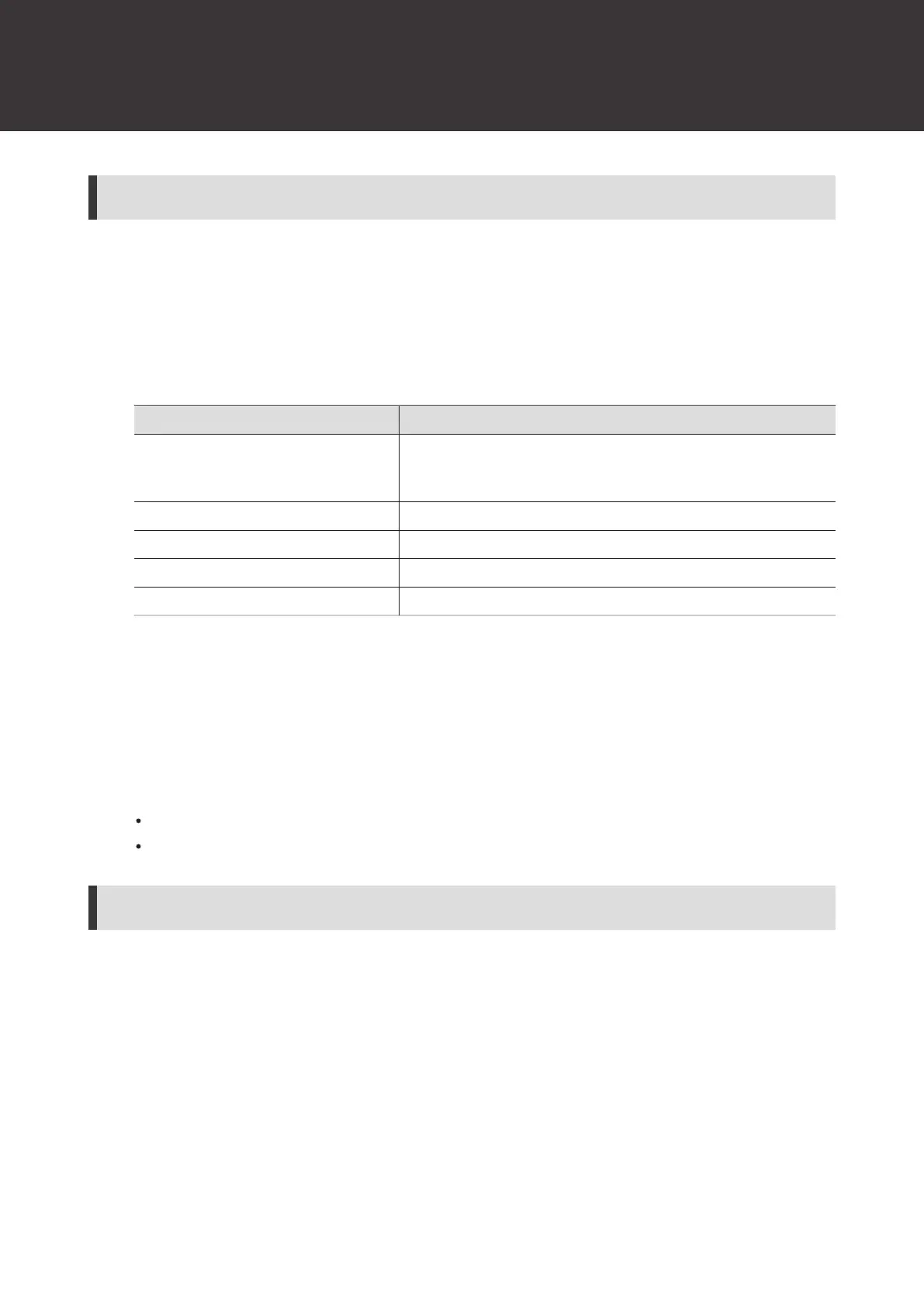
Item Details
IP Mode
Set how to obtain IP addresses.
“Auto”: IP addresses are automatically assigned.
“Static”: The specified static IP addresses are used.
IP Address
[1]
Specify the static IP address.
Subnet Mask
[1]
Set the subnet mask.
Gateway
[1]
Set the gateway.
Port Number Displays the port number.
[1] This item can be set only when “IP Mode” is set to “Static”.
4
Set each item.
5
Select “Apply” and press the control dial.
6
Turn the control dial to select “Reboot”/“Later” and press the control dial.
If you selected “Reboot”, the receiver restarts to complete the setting.
If you selected “Later”, the setting is complete but is not applied until the receiver restarts.
Setting the remote control
1
From the receiver settings menu, select “NETWORK” and press the control dial.
2
Turn the control dial to select “REMOTE CTRL” and press the control dial.
3
Select an item you want to set and press the control dial.













 To Next Page