75
How to update the firmware
ATW-R1440
When devices are RX linked, updating the base unit updates the expansion unit receiver as well.
1
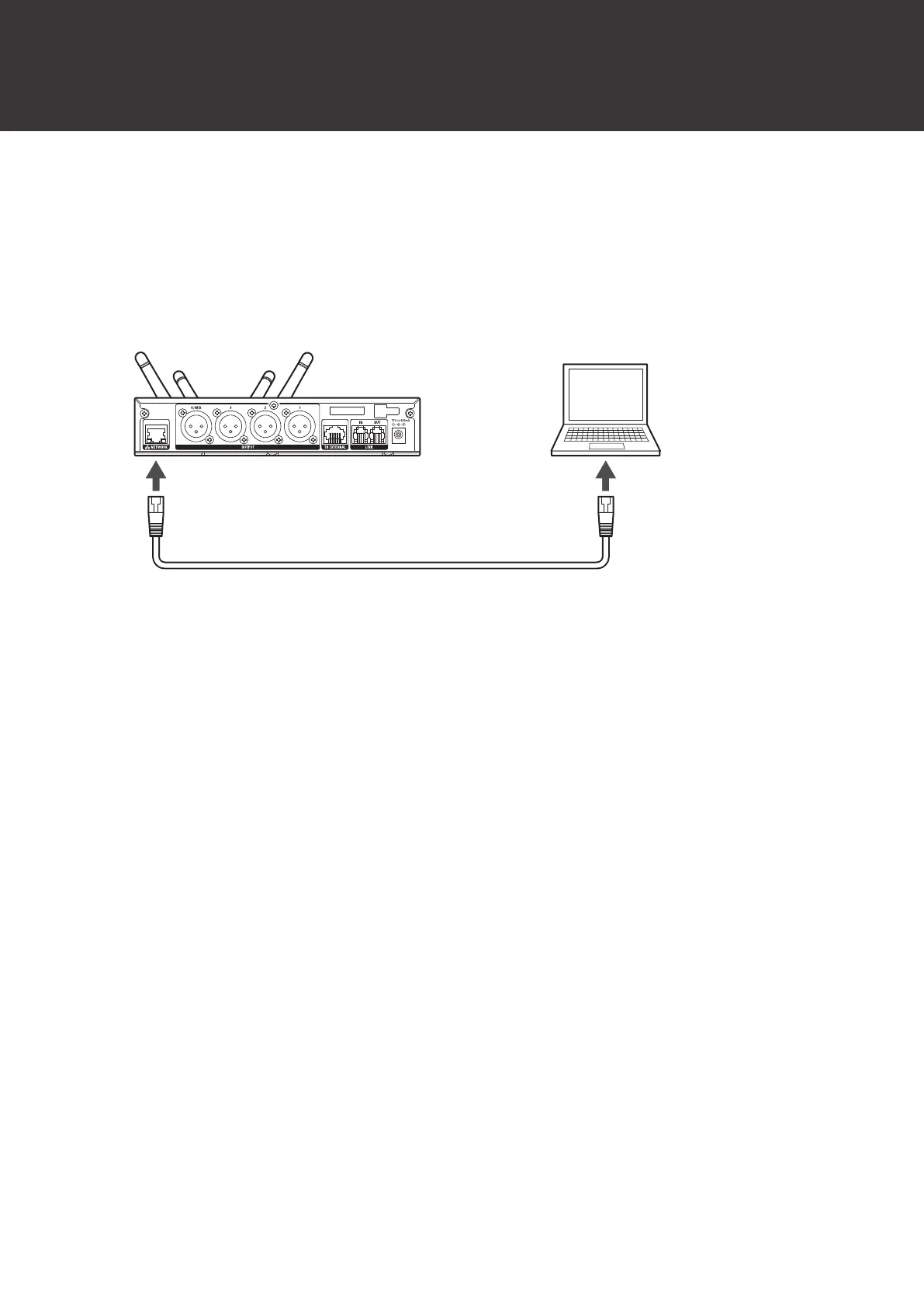
Use a LAN cable to connect the NETWORK port of the receiver to the computer running
Windows/macOS.
2
Launch Wireless Manager, and then select “Firmware Update” on the “Tools” menu.
ATW-T1401/ATW-T1402/ATW-T1406/ATW-T1407
Turn off the transmitter.
1
Use a USB cable to connect the USB port of the transmitter to the computer running
Windows/macOS.













 To Next Page