How to charge
32
Charging the ATW-T1406/ATW-T1407
1
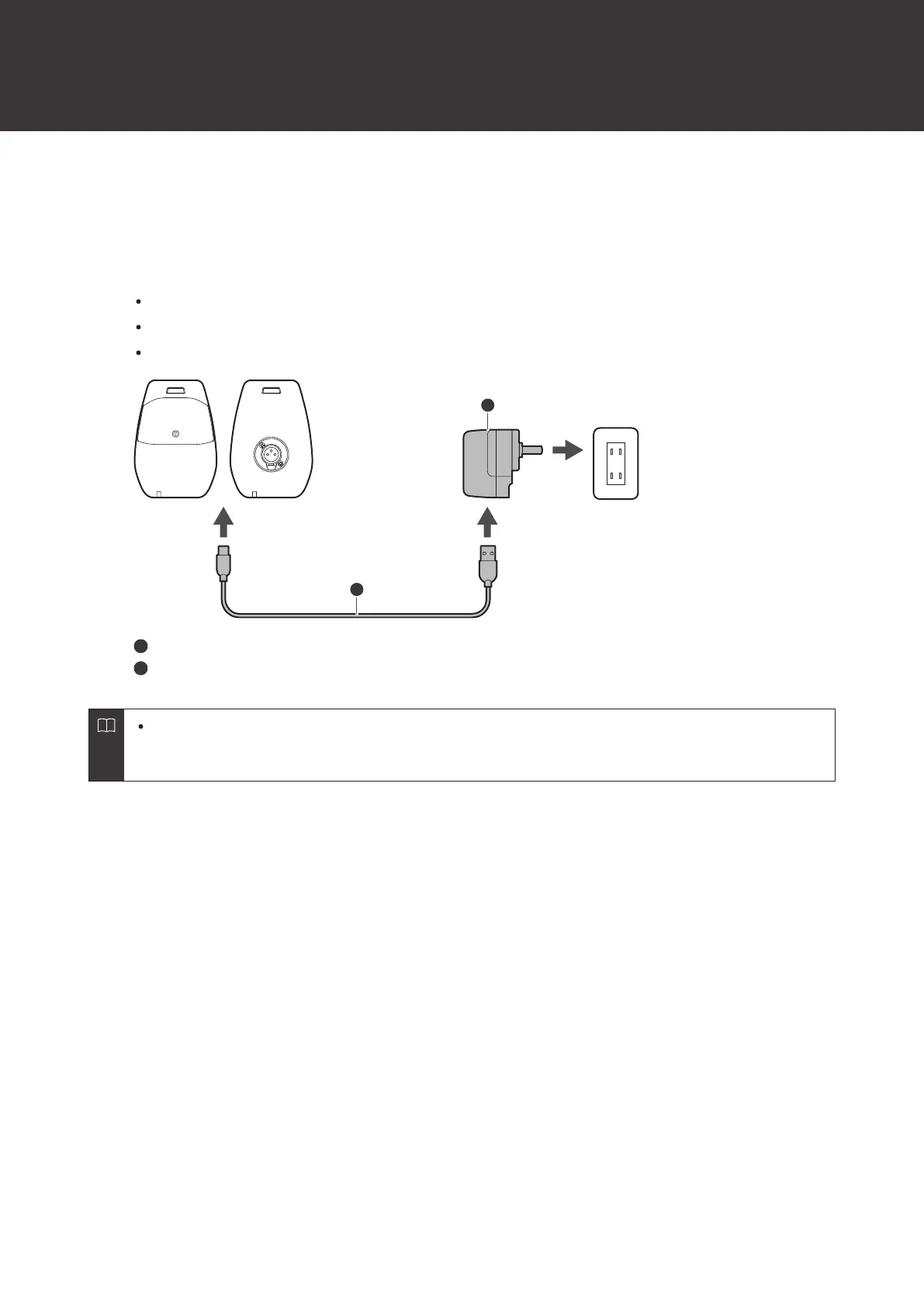
Connect the included USB cable / USB power supply adapter to the USB port (USB Type-C) of the
transmitter.
Insert the USB cable into the USB port in a straight (level) manner.
When the charging starts, the status indicator lamp lights in red.
You can also charge the device by connecting it to a USB port on a PC.
USB cable
USB power supply adapter
The internal rechargeable battery in these products cannot be removed. The battery may have reached the
end of its service life if the usage time becomes significantly shorter even after the battery has been fully
charged. In this situation, contact your local Audio-Technica dealer.













 To Next Page