How to use the devices
36
1
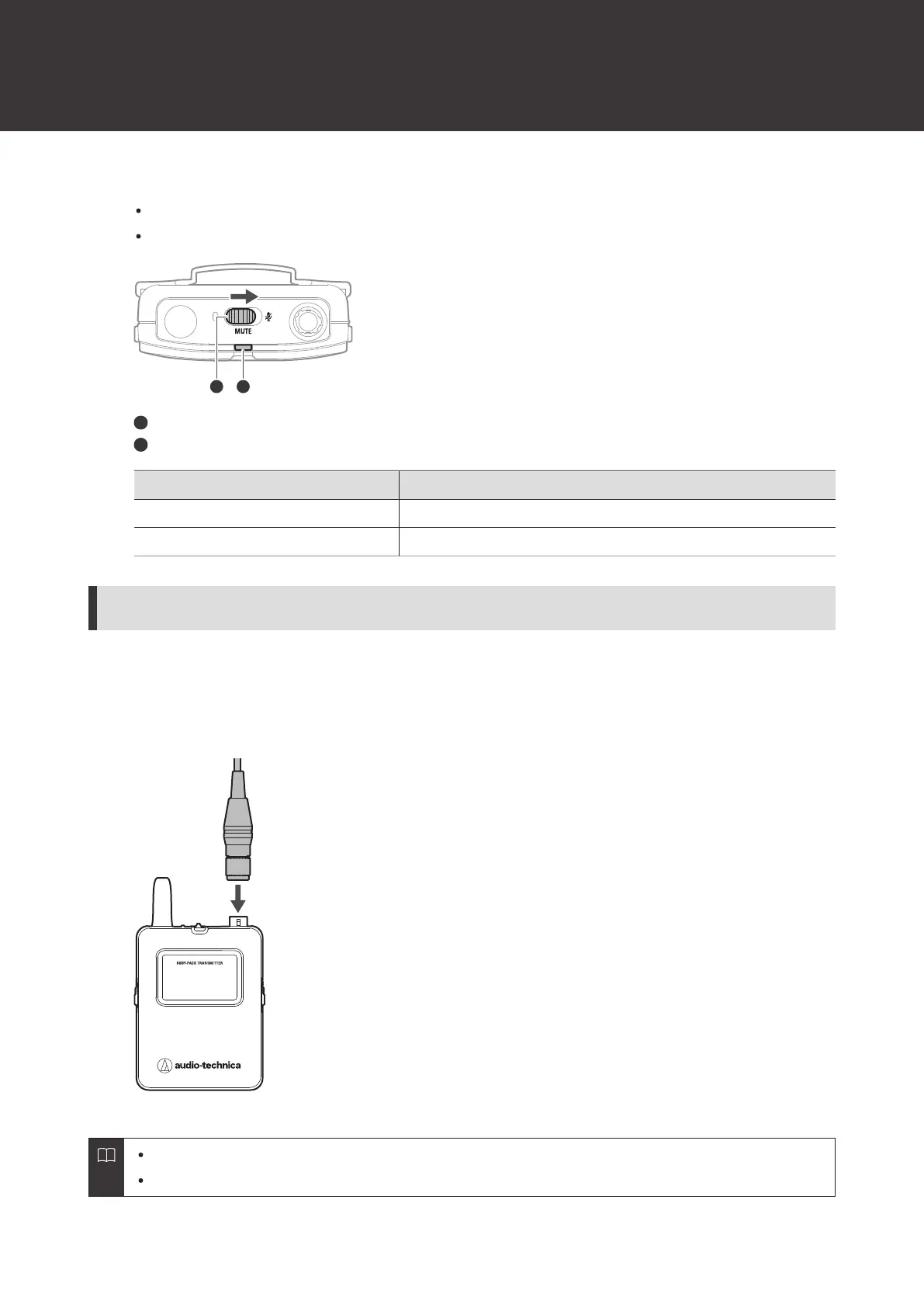
Slide the mute switch.
Slide the mute switch right to mute the device and slide the mute switch left to unmute the device.
The indicator lamp displays the status.
Mute switch
Indicator lamp
Indicator lamp Status
Lit in red Muted
Lit in green Unmuted
How to connect an external device
Connect an external microphone, guitar cable, or other device that supports the cW connector.
1
Connect a microphone, etc. to the input connector.
For details on handling the external device, see its user manual.
For details on compatible external microphones, contact your local Audio-Technica dealer.













 To Next Page