Log on user
7.
Use Up ▲ Down ▼ to select user:
Information: Required user level: Specialist (4) or higher
➥
The symbols have the following meaning:
-
black triangle: ▶ = current setting
-
white triangle: ▷ = selection (not saved yet)
8.
Press Ok .
➥
Display indicates: Password 0***
9.
Enter password (→ enter password).
➥
Display shows the set value.
➥
The bottom row indicates: Edit Esc
10.
Press Edit .
Change value
11.
Enter new value for operating time via Up ▲ Down ▼.
Information: The adjustable operating time range is specified on the actuator
name plate and is indicated on the display in round brackets.
12.
Save new value via Save.
➥
Operating time setting is complete
13.
Return to step 4 (Selection): Press Esc .
10.6. Test run
Only perform test run only once all settings previously described have been
performed.
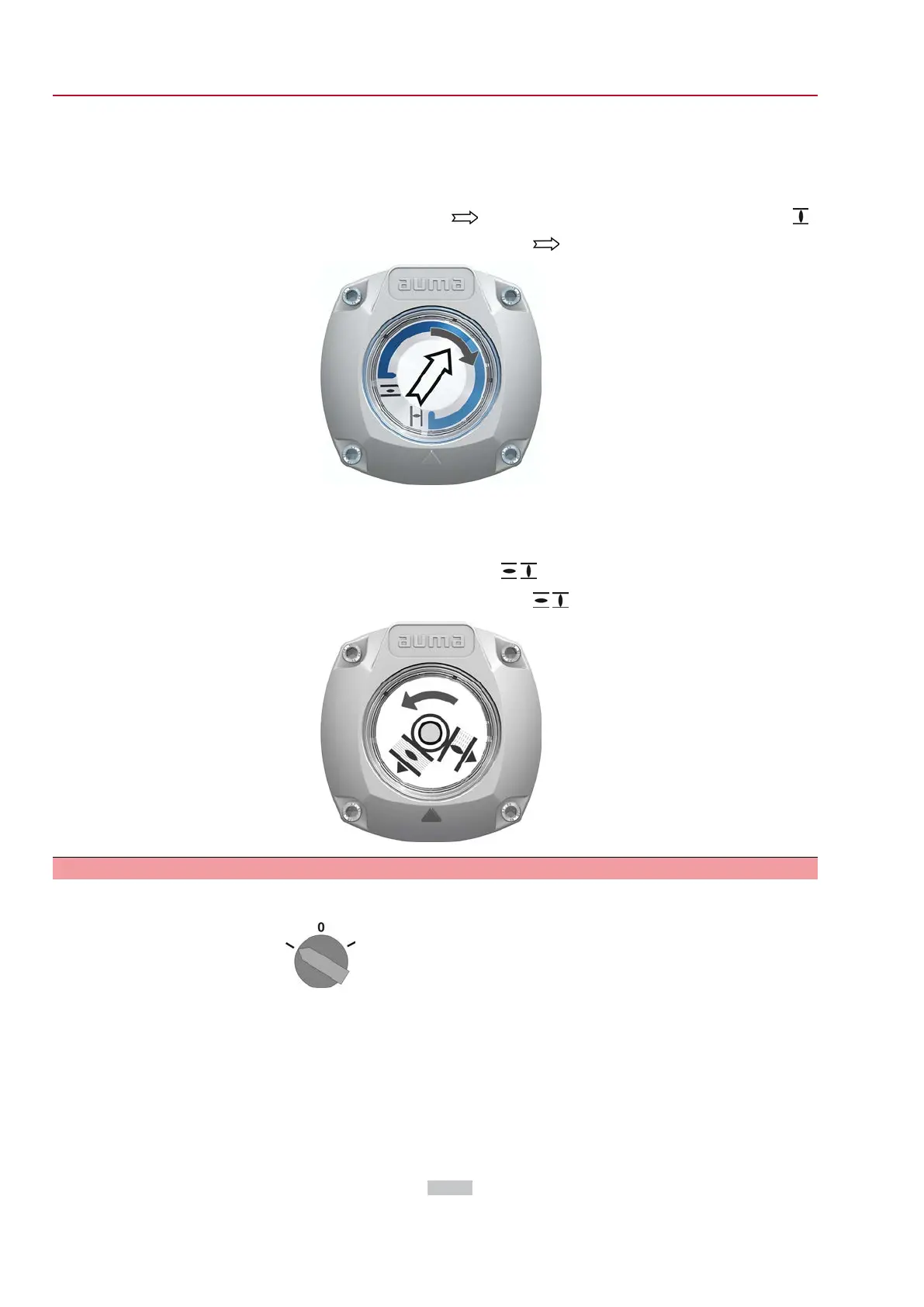
10.6.1. Direction of rotation at mechanical position indicator: check
Valve damage due to incorrect direction of rotation!
→
If the direction of rotation is wrong, switch off immediately (press STOP).
→
Eliminate cause, i.e. correct phase sequence for cable set wall bracket.
→
Repeat test run.
Information Switch off before reaching the end position.
1. Move actuator manually to intermediate position or to sufficient distance from
end position.
60
SQV 05.2 – SQV 14.2 / SQRV 05.2 – SQRV 14.2 Control unit: electronic (MWG)
Commissioning (basic settings) ACV 01.2 Non-Intrusive Profinet



 To Next Page
 Loading...










