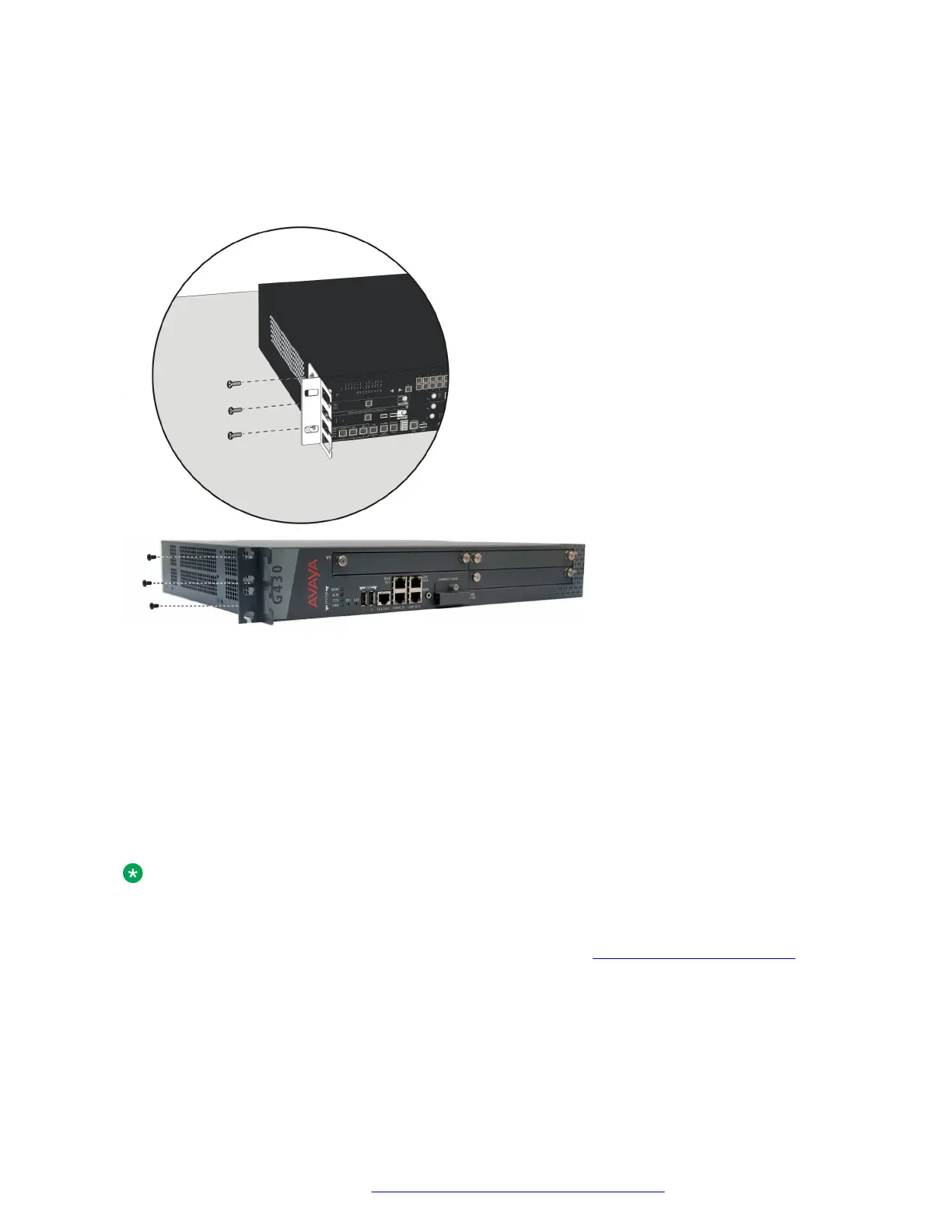
3. Tighten with a screwdriver.
Attaching a mounting bracket with cable guides
About this task
Mounting the Branch Gateway in the rack
Procedure
1. Position the Branch Gateway in the rack.
Ensure that there is adequate ventilation.
2. Verify that the screw holes are aligned with the rack hole positions.
Mounting the Branch Gateway on a wall
About this task
Note:
You can only mount a G430 on a wall if you do not attach any EM200 modules to it.
To mount the Branch Gateway on a wall, use the two wall mounting brackets You can also add a
mounting bracket with cable guides if desired, as explained in Brackets with cable guides on
page 24.
Branch Gateway installations
July 2018 Deploying and Upgrading Avaya G430 Branch Gateway 25
Comments on this document? infodev@avaya.com


 To Next Page