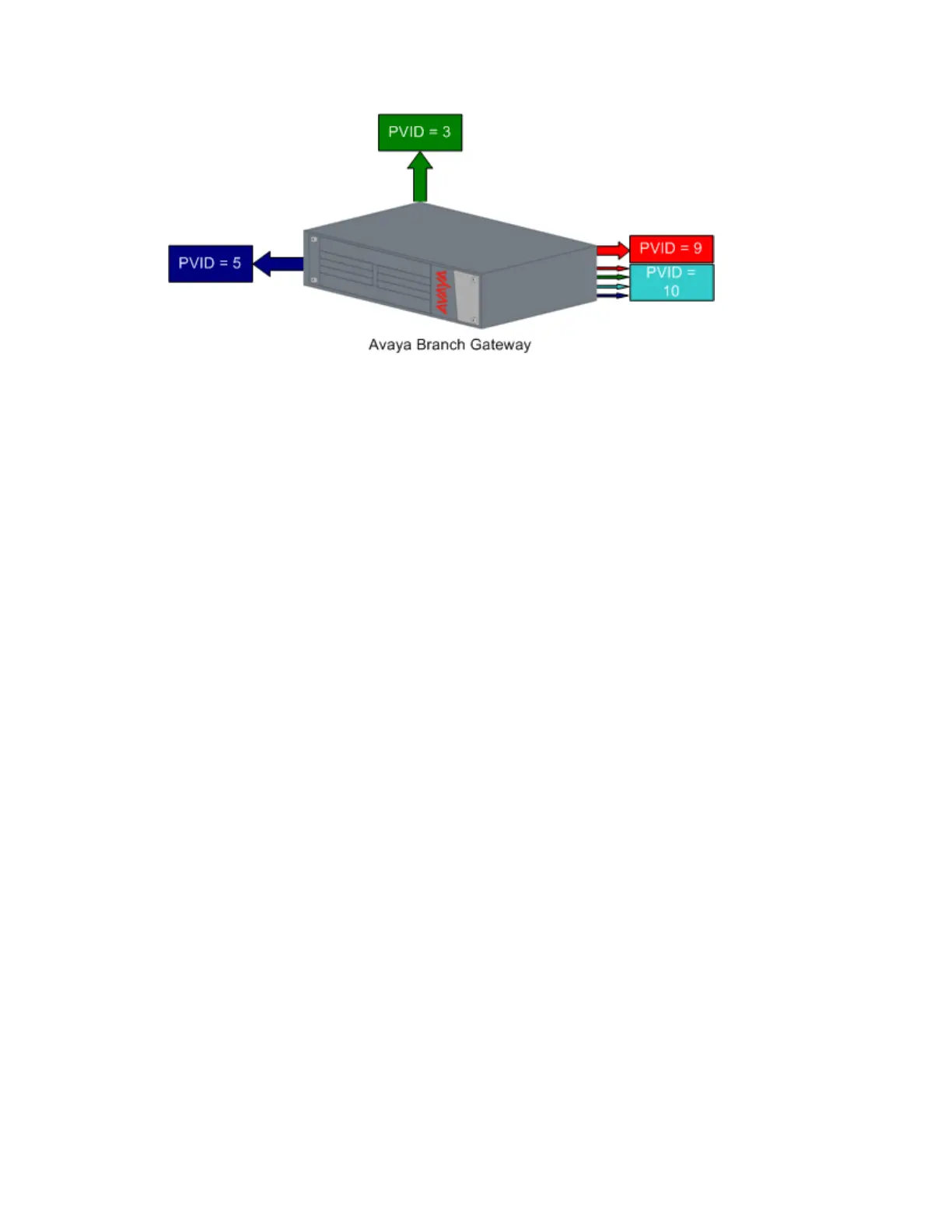
Figure 13: Multi VLAN Binding
Bind to Configured
• The VLAN table of the port supports all the Static VLAN entries and all the ports’ VLAN
IDs (PVIDs) present in the switch
• VLANs 1, 3, 5, 9, 10 coming from the bus are allowed access through this port
• All the ports in Bound to Configured mode support the same list of VLANs
Static Binding
• The user manually specifies the list of VLAN IDs to be bound to the port, up to eight VLANs
• Default mode for all ports
• Only VLAN 9, and any other VLANs statically configured on the port will be allowed to
access this port
Gateway VLAN table
The Branch Gateway VLAN table lists all VLANs configured on the Branch Gateway. You can
configure up to 64 VLANs. To display a list of VLANs, use the show vlan command.
When the VLAN table reaches its maximum capacity, you cannot configure any more VLANs.
If this occurs, use the clear vlan command, followed by the name or number of the VLAN
you want to delete, to free space in the VLAN table. Any new VLANs configured by you are
made known to all the modules in the system.
Advanced switching
Administering Avaya G430 Branch Gateway October 2013 329



 To Next Page