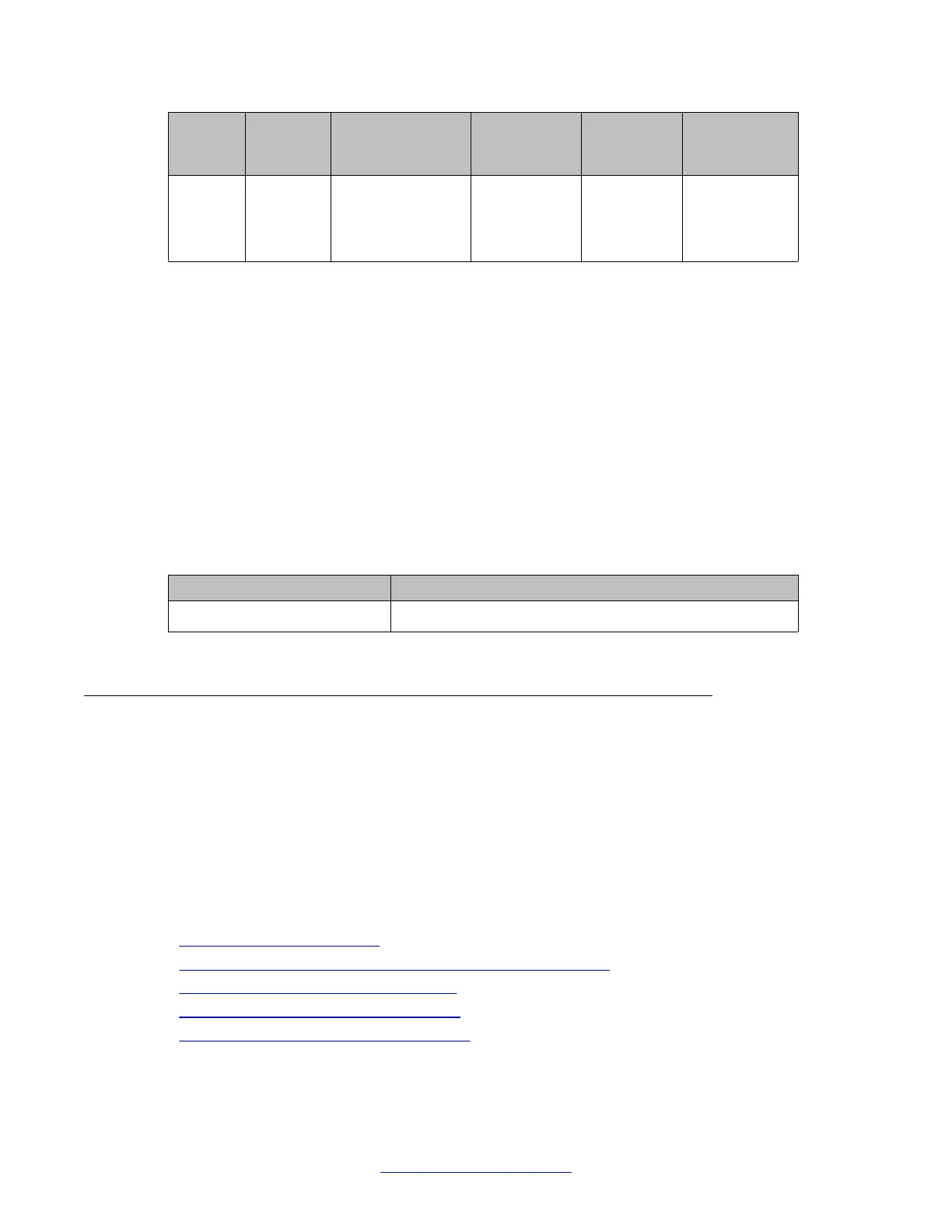
Port
status
Keepalive
status
Show interfaces
output
Administrativ
e state
Operational
state
Extended
operational
state
Shutdow
n
N/A FastEthernet 10/3
is administratively
down, line protocol
is down
Down Down AdminDown
For more information about these commands, see the Avaya Branch Gateways G250 and
G350 CLI Reference.
For more information about these commands, see the Avaya Branch Gateway G430 CLI
Reference.
Summary of interface status commands
For more information about these commands, see the Avaya Branch Gateways G250 and
G350 CLI Reference.
For more information about these commands, see the Avaya Branch Gateway G430 CLI
Reference.
Command
Description
show interfaces Display interface information
CNA test plugs
The Converged Network Analyzer (CNA) is a distributed system for real-time monitoring of IP
networks, using active measurements. The CNA supports various network tests including
connectivity tests with pings, topology tests with traceroute, and QoS tests with synthetic RTP
streams. Within a CNA system, test plugs are the entities that execute the tests, according to
instructions from CNA schedulers, and return the results. For more information about
administrating the CNA system, see IM R3.0 Converged Network Analyzer (CNA)
Configuration.
Related topics:
CNA test plug functionality on page 405
Configuring the Branch Gateway test plug for registration on page 406
CNA test plug configuration example on page 407
Resetting the CNA test plug counters on page 409
Summary of CNA test plug commands on page 409
Monitoring applications
404 Administering Avaya G430 Branch Gateway October 2013
Comments? infodev@avaya.com



 To Next Page