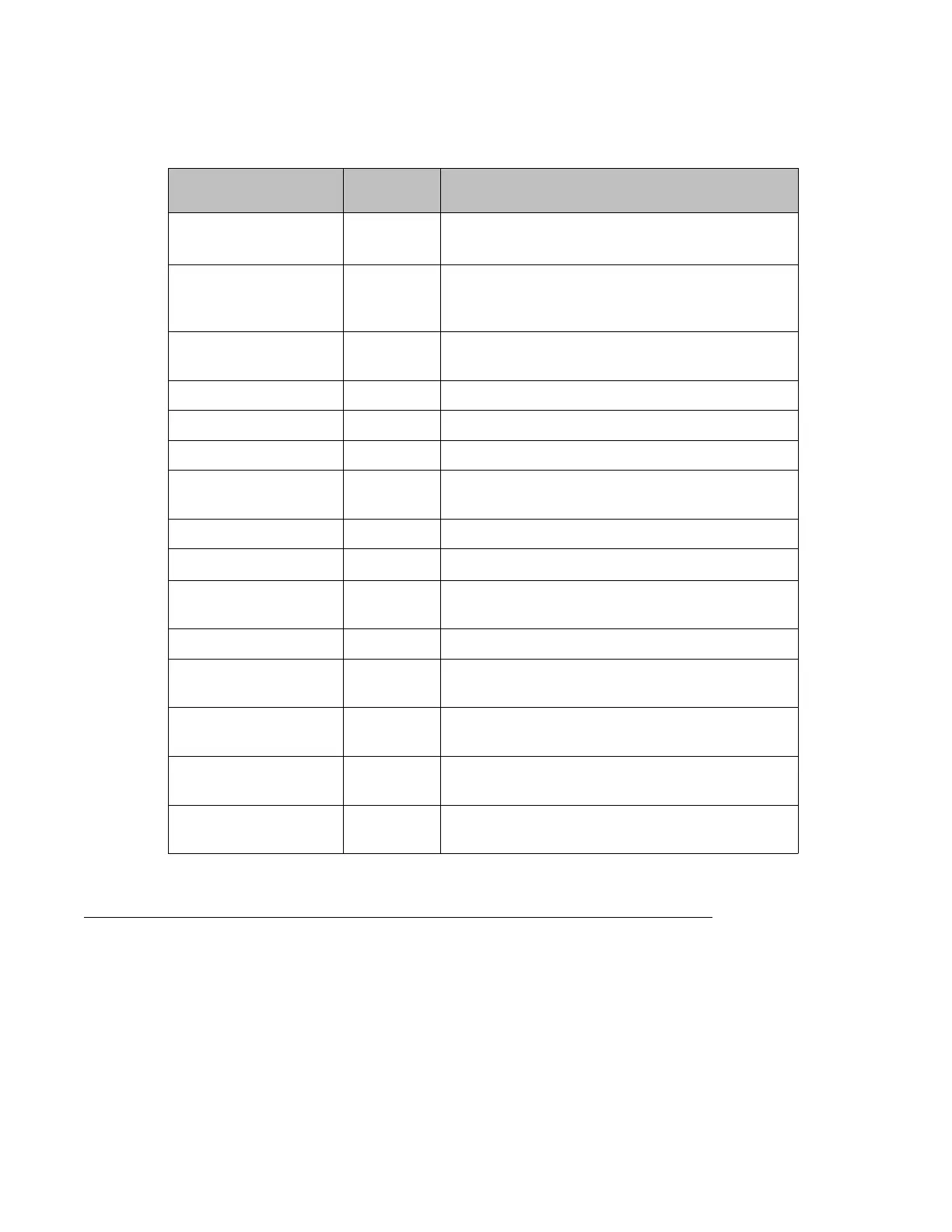
For more information about these commands, see the Avaya Branch Gateway G430 CLI
Reference.
Root level command First level
Command
Description
clear port
static-vlan
Delete statically configured VLANs from the port
clear vlan Delete an existing VLAN and its interface, remove
the entry from the VLAN table, and return ports from
this VLAN to the default VLAN 1
interface vlan Create a VLAN interface, enter interface VLAN
configuration mode, or delete a VLAN interface
icc-vlan Set the current VLAN as the ICC-VLAN
set port static-vlan Assign a static VLAN to a port
set port vlan Set the port VLAN ID (PVID)
set port vlan-binding-
mode
Define the binding method used by ports
set trunk Configure the VLAN tagging mode of a port
set vlan Create or modify a VLAN
show cam vlan Display all MAC entries in the CAM table for a
specific VLAN
show icc-vlan Display the current ICC VLAN
show interfaces Display interface configuration and statistics for a
particular interface or all interfaces
show port vlan-binding-
mode
Display port VLAN binding mode information
show trunk Display VLAN tagging information for all or some
ports
show vlan Display the VLANs configured in the Branch
Gateway
Port redundancy
Redundancy involves the duplication of devices, services, or connections, so that in the event
of a failure, the redundant duplicate can take over for the one that failed.
Since computer networks are critical for business operations, it is vital to ensure that the
network continues to function even if a piece of equipment fails. Even the most reliable
Advanced switching
Administering Avaya G430 Branch Gateway October 2013 333



 To Next Page