Allowed values on QoS fields
Layer QoS field Allowed values
2 802.1p 0–7
3 DSCP 0–63
Use of policy-based routing
You can use policy-based routing to determine the routing path a packet takes based on the
type of packet, or the packet’s source or destination IP addresses, or its DSCP field. This
enables you to route different types of traffic over different routes or interfaces. For example,
you use policy-based routing to route voice traffic over a WAN interface and data traffic over
the Internet. Policy-based routing is implemented by means of policy-based routing (PBR) lists.
PBR lists are similar in many respects to access control lists and QoS lists. However, since
there are also some key differences, policy-based routing is explained in a separate chapter.
Refer to
Policy-based routing on page 587.
Policy list management
You can manage policy lists on the Branch Gateway with CLI commands. You can also
manage policy lists throughout your network with Avaya QoS Manager. Avaya QoS Manager
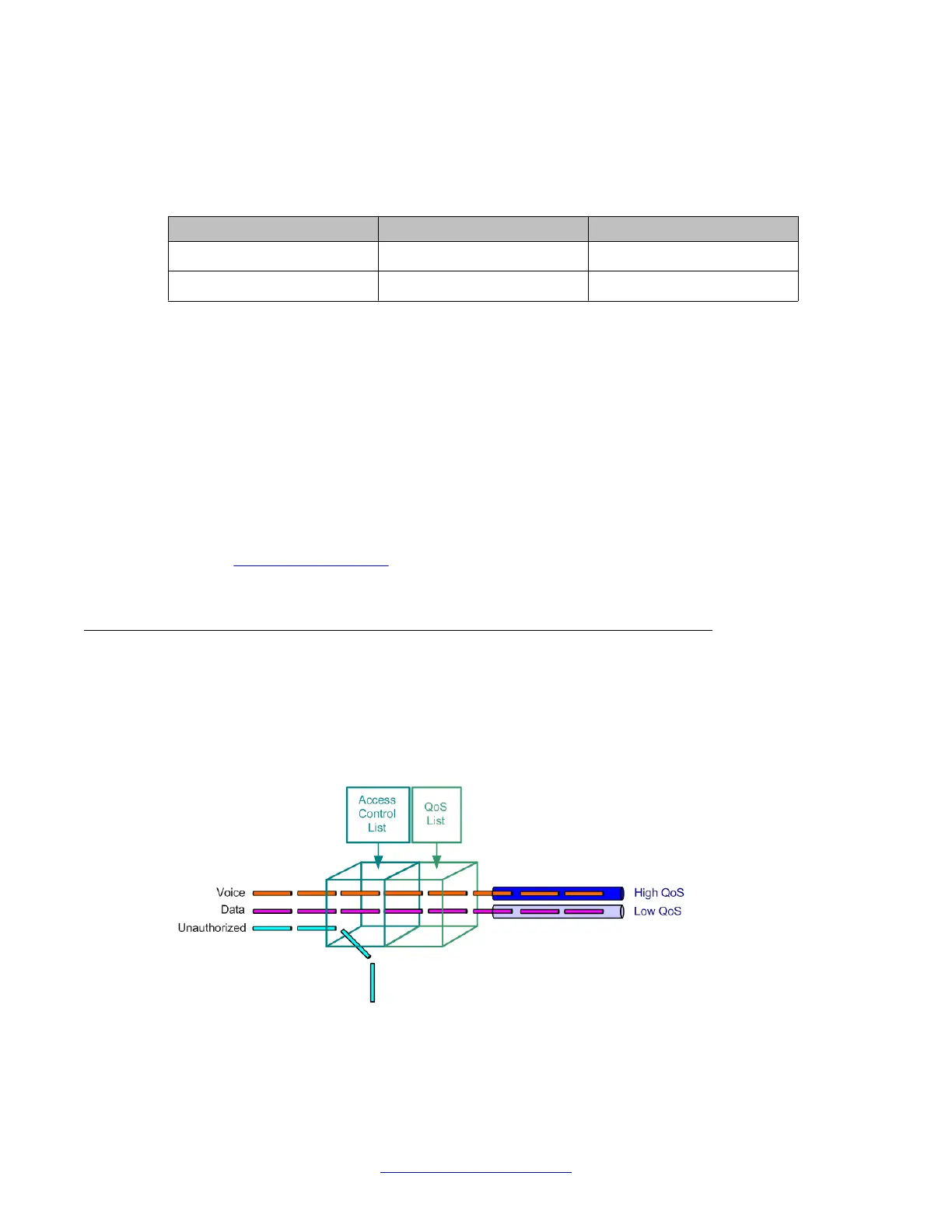
is part of Avaya Integrated Management. The following figure illustrates the operation of policy
lists on the Branch Gateway:
Policy lists
560 Administering Avaya G430 Branch Gateway October 2013
Comments? infodev@avaya.com



 To Next Page