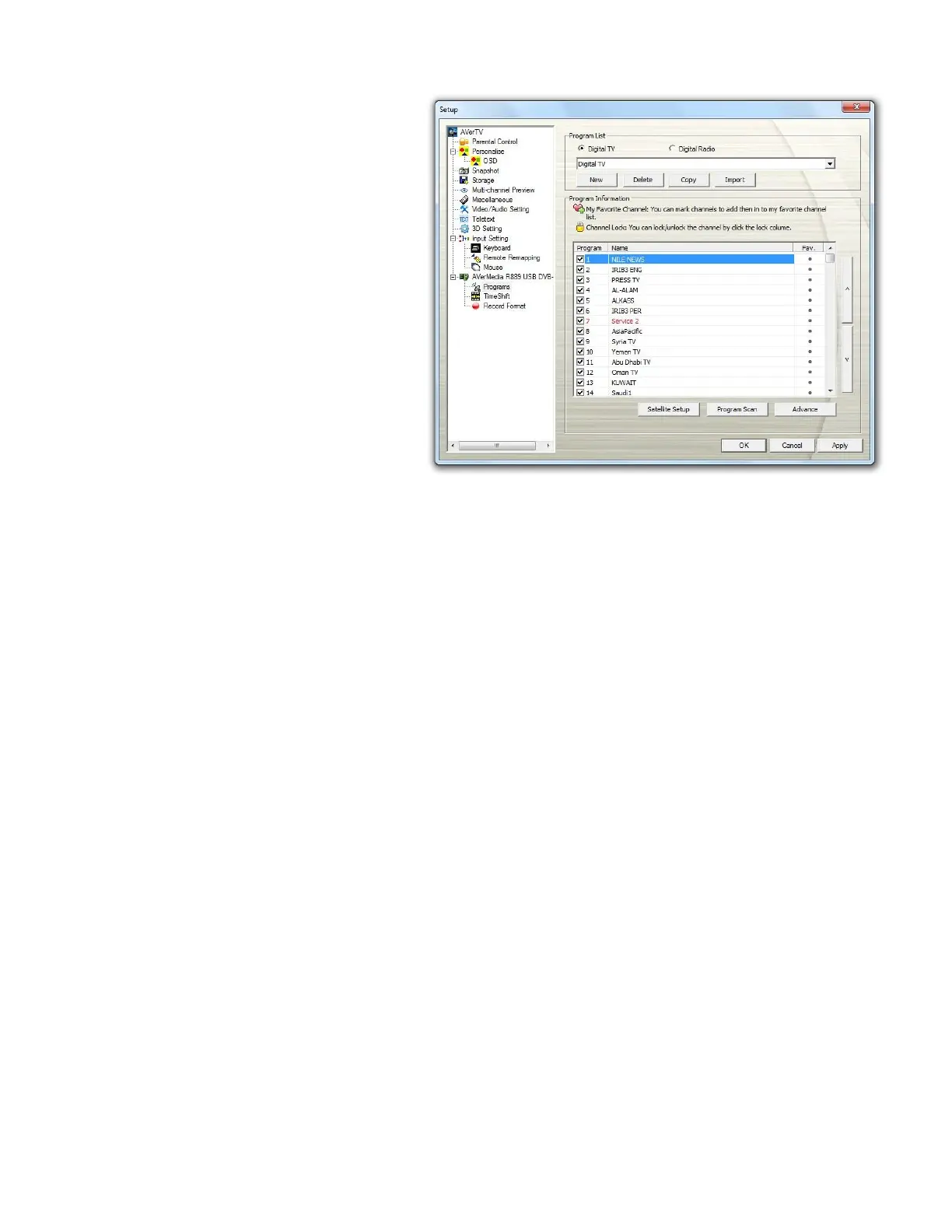
21. Click Program Scan to start the
scanning process. If you want to
terminate the searching process,
just click Stop.
If you have set up the motor/dish
position, when you click Program
Scan, a message pops up
notifying you the motor is
adjusting position. Channel
scanning only begins as soon as
the countdown time is up or you
click Continue. It is recommended
NOT to click Continue but wait
until the countdown time is up in
case of channel scanning failure
due to invalid positioning.
22. You can check the scanning
progress from the progress bar.
After scanning, the active TV
channels will be listed inside the
box. Click Apply to save the
scanned channels.



 To Next Page