frequencies in the list and
click or to
adjust the position of the dish.
Once the strength and quality are
detected, assign a Position
Numberand click Store to save
the dish position for this selected
satellite. Click Clear to delete the
setting of this position. For the
same satellite, you only need to
save the position once. For
another satellite, please assign
another unused position number.
18. Click OK to save the settings and
leave Advanced Settings dialog
box.
Click Remove beside OK option
to delete this satellite data or
click Cancel to abort without
saving.
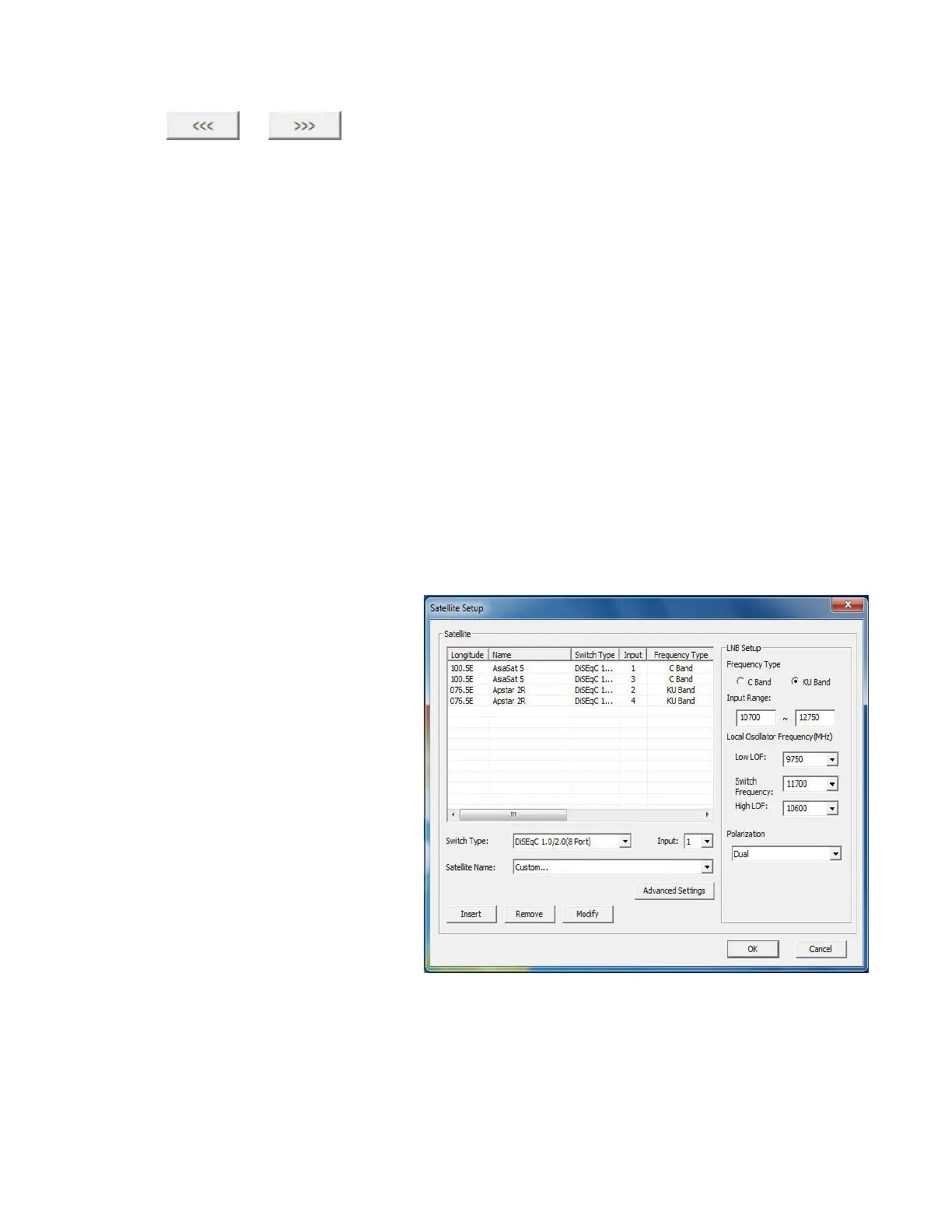
19. Click Modify to update the
selected satellite data.
Click Remove to delete the
selected satellite data from the list.
Click Modify to update the
selected satellite data.
20. Click OK to save the settings and
leave Satellite Setup dialog box.
Click Cancel to abort without
saving.



 To Next Page