AVerMedia Technologies Inc.
54
3. In addition, when switching
channels, the TV screen can
show the current and
succeeding program
information.
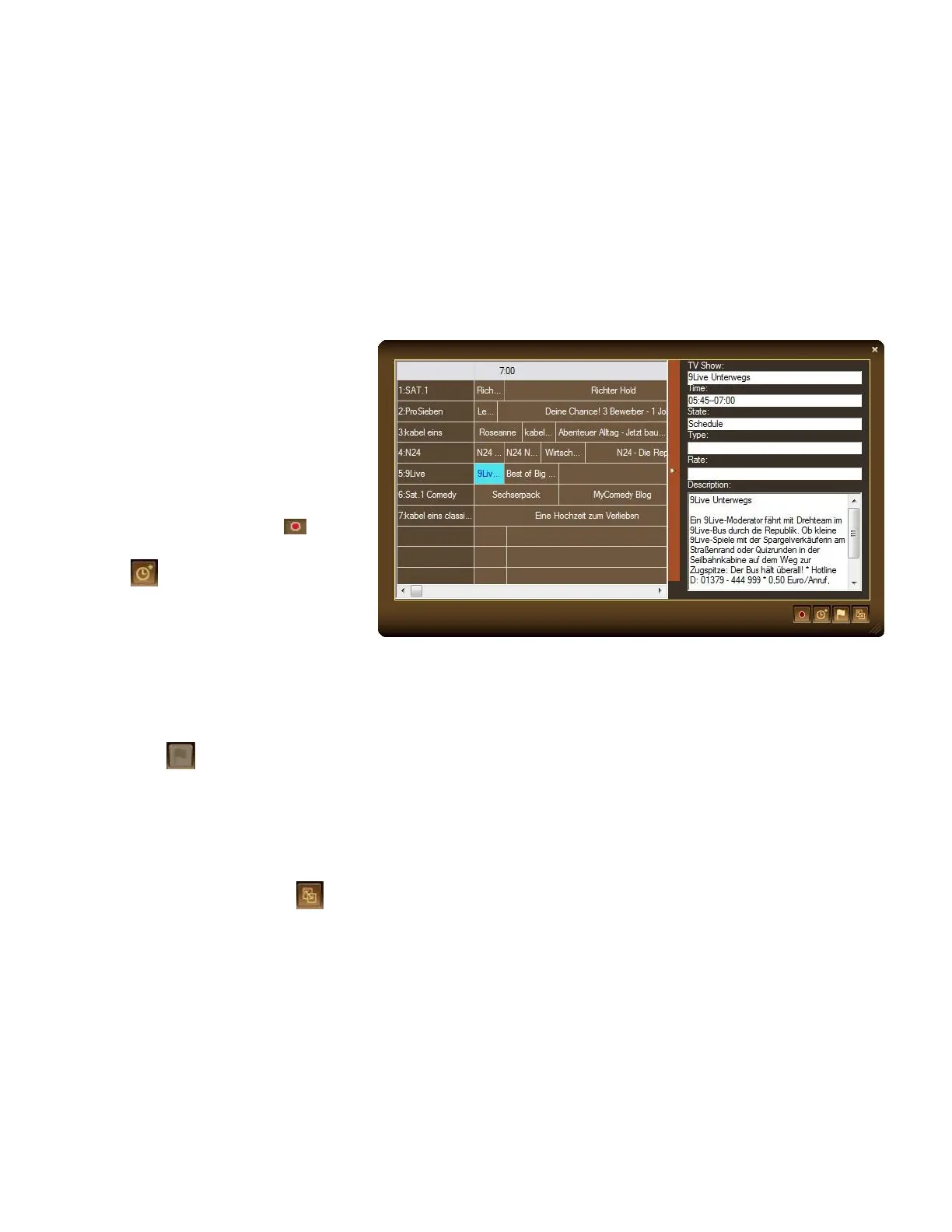
Our EPG window also allows you to preset a schedule for watching or recording programs.
To preset a schedule from EPG
1. Open EPG window.
2. Select your favorite programs
3. Then click Record
or Activate TV Application
to activate AVerTV
3D. And the system will
execute your command on
schedule.
4. If the EPG data contains
multiple languages, you can
click to switch EPG
language. For non-multi-
language EPG data, this
function will be disabled.
5. Click Display Mode to
sort the EPG list by time or by
channel.



 To Next Page