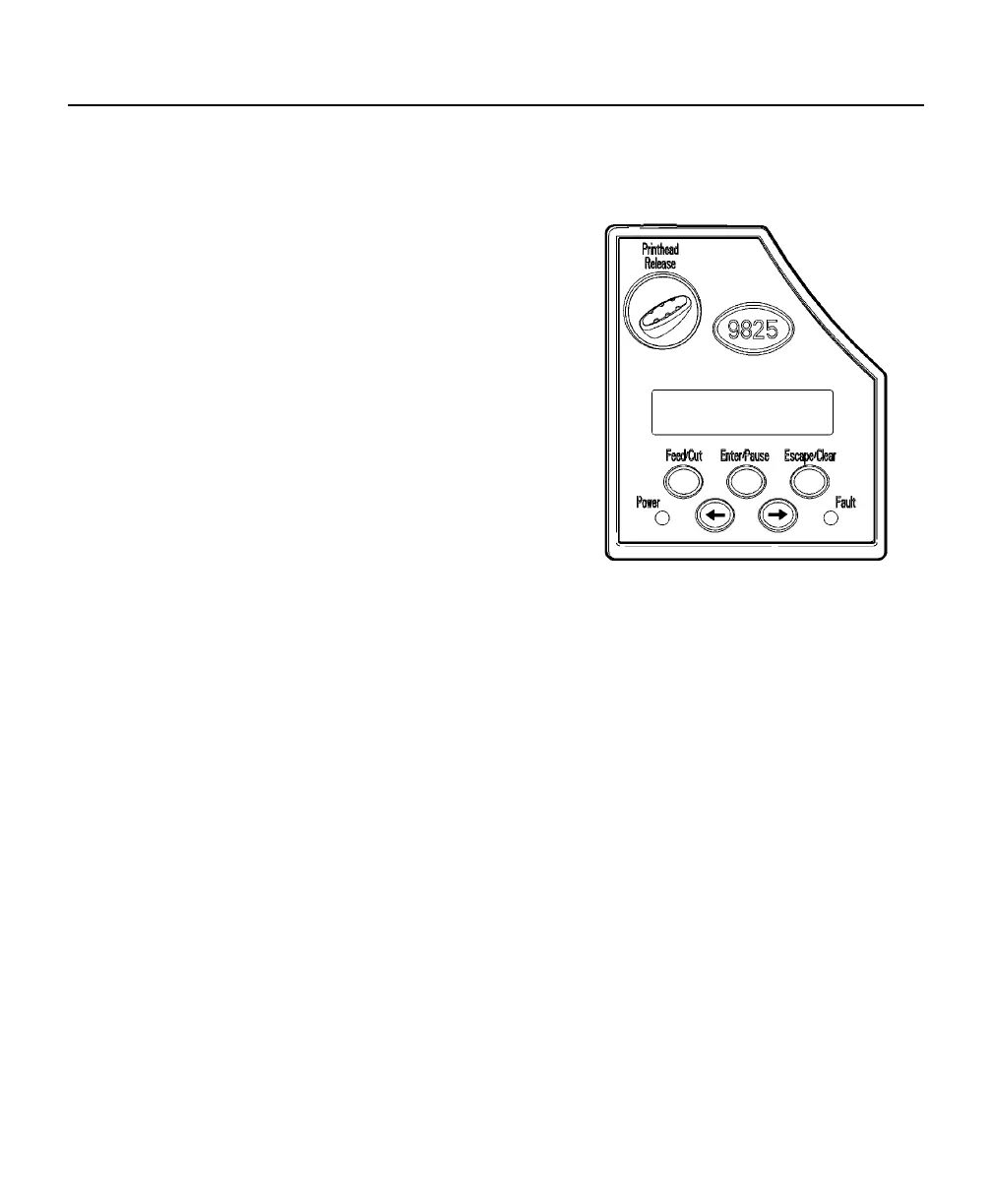
Using the Control Panel
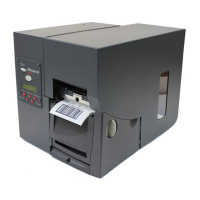
The control panel has a two-line LCD display, 2 status lights, and five
buttons. The control panel displays error codes/messages, and allows you
to setup/configure the printer.
Printer Status Lights
Power:
The printer shows a steady green light
when it is on.
Fault:
The printer shows a blinking amber
light when there is a printer error.
Button Functions
Feed/Cut:
♦
♦
♦
♦
♦
♦
Prints a label in the on-demand mode.
When the printer is online, feeds a blank label if there is
no print job.
Prints a label with error information that is useful to your
System Administrator if an error is displayed.
When the printer is offline, changes the displayed value
by one or 10.
Enter/Pause:
When the printer is online, pauses the current print job
or resumes a paused print job.
When the printer is offline, selects the displayed menu
item.
1-6 Operator's Handbook







 To Next Page