SETTING DEFAULTS
This chapter explains how to select the monetary sign, secondary
sign, decimal places, slashed zero, power-up mode, prompt set, imaging
errors, and ignore configuration packets. This chapter also explains how to
format flash, check the available flash memory, and pack flash memory.
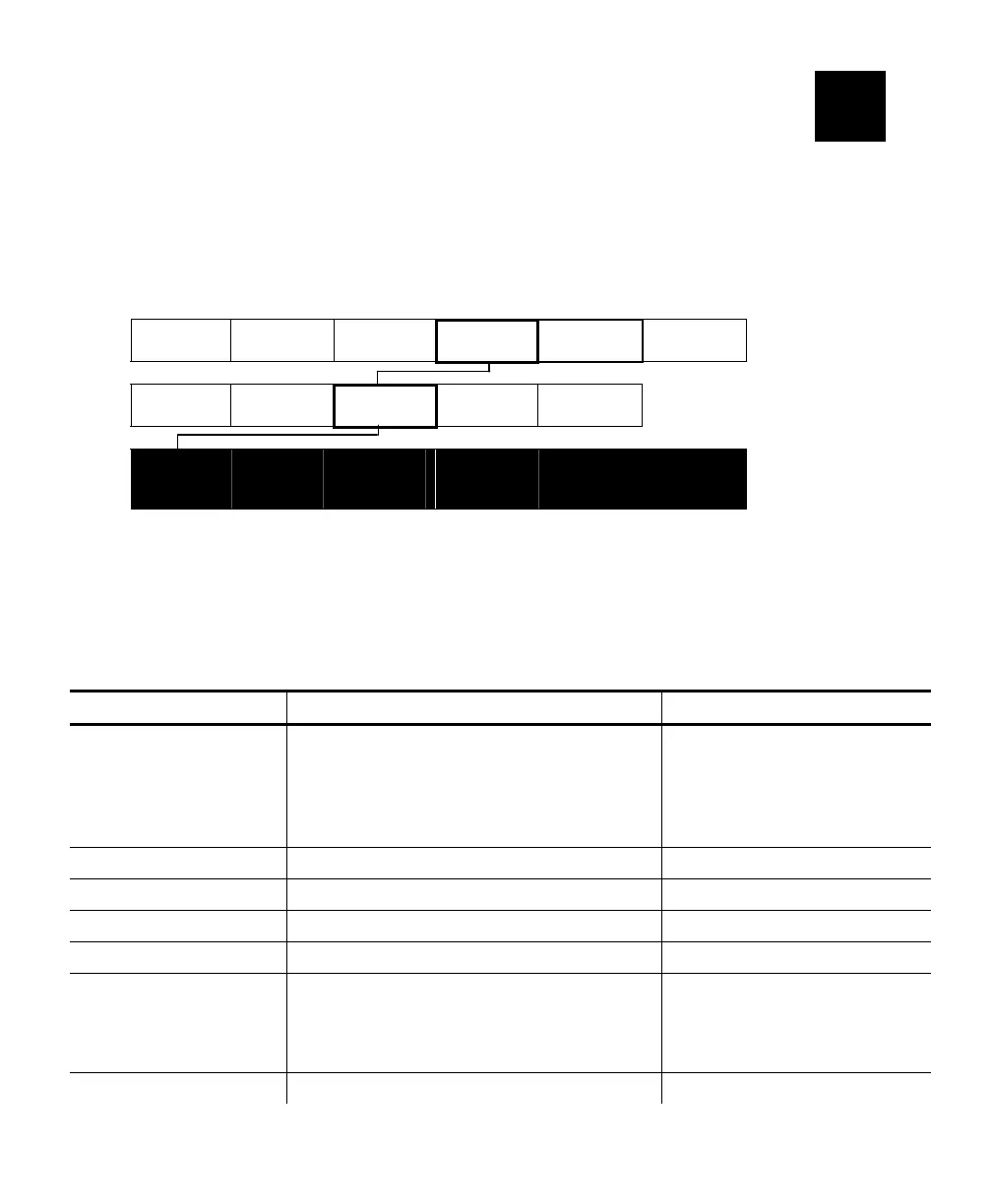
Main Menu
Cancel All
Print Mode Repeat
Batch
Setup Scripts Diagnostics
Supply
Contrast
Defaults
Port
Settings
Flash
Memory
Monetary
Sign
Secondary
Sign
Decimal
Places
Slashed
Zero
Power-up
Mode
Prompt
Set
You can set your printer configurations to fit your daily operation, using
either the offline menus or the online configuration option. After an option is
selected in the online configuration or offline Setup Menu, the option is
saved when the printer is turned off.
The monetary formatting options are listed in the table below.
Option Choices Default
Monetary sign
None/USA/UK/Japan/
Germany/France/Spain/
Italy/Sweden/Finland/
Austria/India/Russia/
Korea/Thailand/China/Euro-Dollar
USA
Secondary Sign No/Yes No
Decimal Places 0/1/2/3 2
Slashed Zero No/Yes No
Power-up Mode Online/Offline Online
Prompt Set
English/French/German/
Spanish-ES/Japanese/Portuguese/
Italian/Swedish/Spanish 2/
Danish/Dutch/Finnish/Norwegian
English
Flash Storage Disabled/Enabled Disabled
6
Setting Defaults 6-1












 To Next Page