IFD400 Series Pilot Guide
FMS Subsystem 2-7
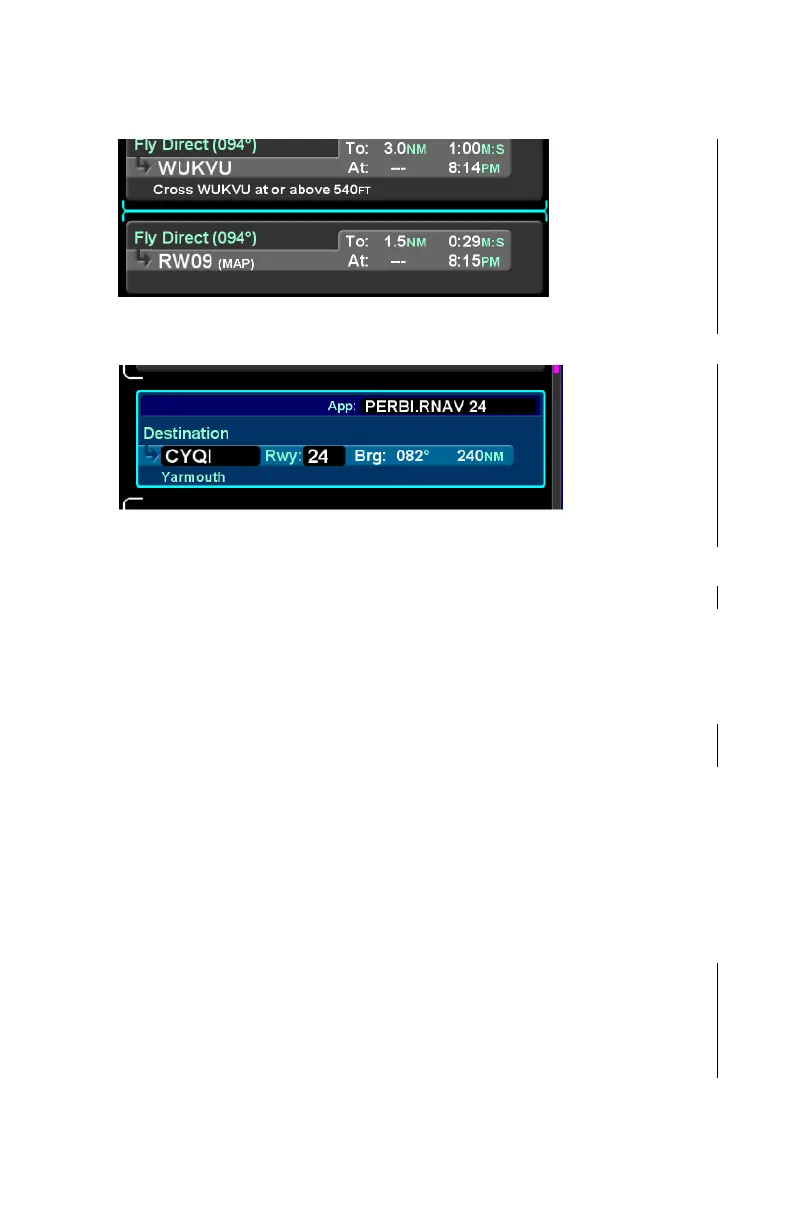
Insert Cursor
Edit Cursor
Moving the cursor
Cursor movement can be controlled by the inner and outer knobs
located at the bottom right side of the IFD. Rotation of the outer
knob will move the cursor through the flight plan between insert
and edit cursors for each row. Think of this as "coarse" control
for moving quickly through the flight plan. Rotation of the inner
knob will also move the cursor between insert and edit cursors,
but also stop at each editable field. Think of this as "fine" control.
Cursor movement can also be controlled using the touchscreen.
Touching between rows will move the insert cursor to that
position. Touching a row that is not already surrounded by the
edit cursor will move the edit cursor to that position. Touching a
field within a row that is surrounded by the cursor will move the
field cursor to that position.
Flight plan editing
Throughout the FMS Subsystem section of this document, the
word “select” is used to describe the initiation of an operation
based on the cursor position. Unless otherwise specified, the
field indicated (or “highlighted”) by the cursor can be selected by
pressing the inner knob, touching the cursor, or pressing the
Insert Cursor –
Thin cyan line
Edit Cursor –
Cyan box
surrounding
the row



 To Next Page