IFD400 Series Pilot Guide
2-18 FMS Subsystem
Manual knob - Turn or push the right inner knob. A
cursor will appear in the field. Turn the inner knob to
change characters and turn the outer knob to change
cursor position.
Scrolling - Turn the right outer knob. With each click of
the knob, the cursor will be populated with the next or
previous item in the list being shown (e.g. the flight plan,
the nearest list).
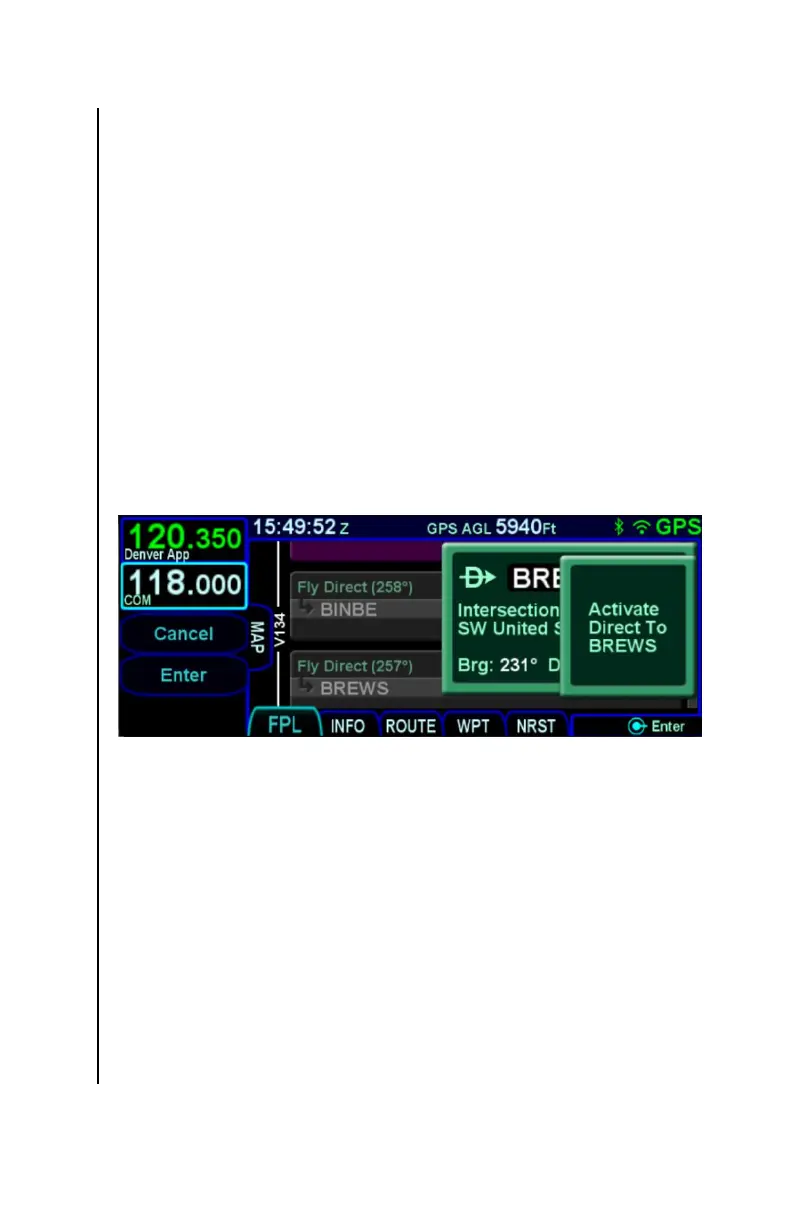
Once the desired waypoint identifier has been entered, accept the
entry to display a confirmation dialog saying "Activate Direct To"
and the selected identifier. Touch the dialog box, press ENTR, or
press the Enter LSK to confirm the operation. Press CLR or the
Cancel LSK to abort the operation.
Direct-To Confirmation
Determining Offpath or OnPath
When the direct-to identifier is selected by scrolling through the
flight plan, the direct-to will always be considered onpath.
Otherwise, the FMS looks through the flight plan starting with the
active leg and continuing downpath for a leg with a matching
identifier. Note that legs in a missed approach are considered
only if the missed approach is enabled. If a matching leg is
found, then the direct-to is considered onpath. If no matching leg
is found, then the direct-to is considered offpath. Note that
because only legs downpath of the active leg are considered,
entering the identifier of a leg before the active leg will cause the
direct-to to be offpath.



 To Next Page