IFD400 Series Pilot Guide
FMS Subsystem 2-33
right knob button to start inserting the procedure using a
dropdown. If the insert cursor is positioned above the airport, the
dropdown may contain more items than just arrivals and
approaches. The examples below use destination field method for
clarity. After pressing the knob, the FMS will present a dropdown
from which to select the desired procedure. The process for
using the dropdowns to select the arrival and/or approach and
any enroute and runway transitions is the same as the process
for selecting a departure.
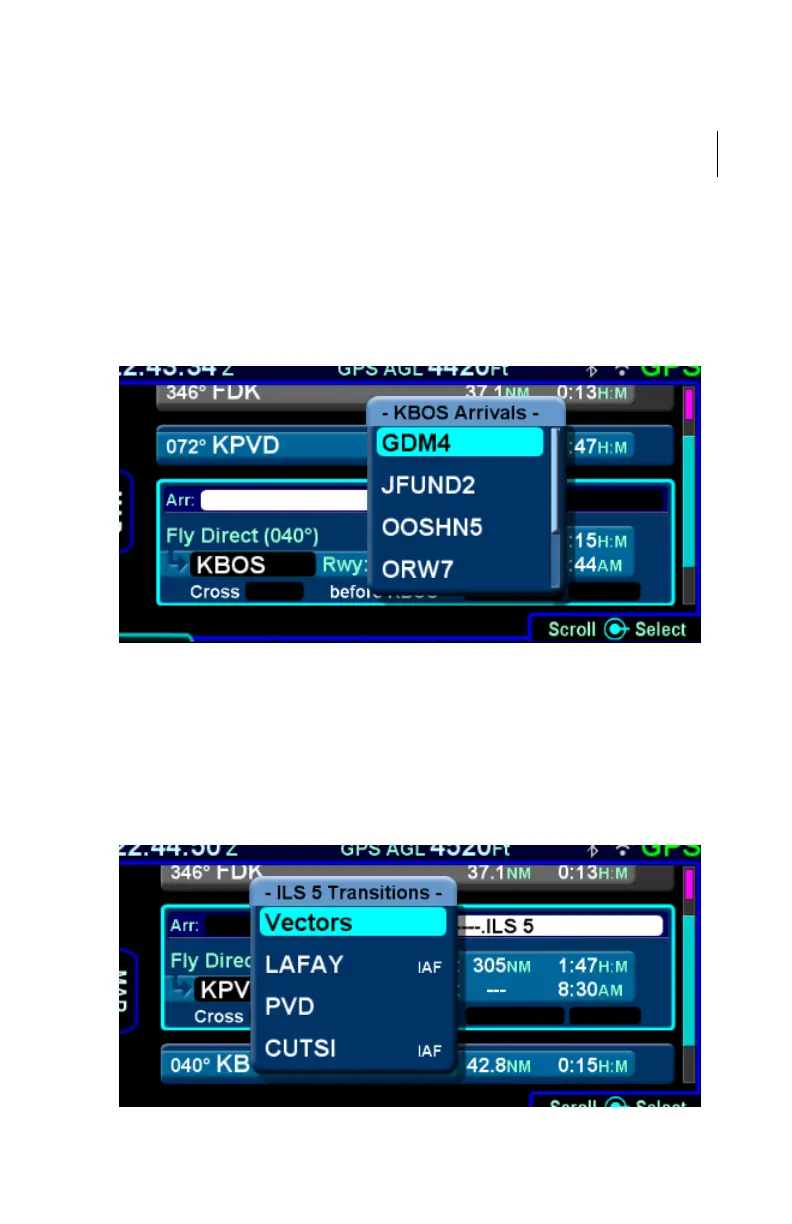
Arrivals Dropdown
When an approach is being entered, Vectors-To-Final (VTF) will
be presented in the dropdown containing approach transitions.
Since approaches do not have defined runway transitions, no
runway transition dropdown will be presented when entering an
approach.
Approach Transitions Dropdown



 To Next Page