IFD400 Series Pilot Guide
2-34 FMS Subsystem
After having selected the procedure, including related transitions,
the legs will be inserted into the flight plan and the corresponding
destination airport field will contain the name of the procedure
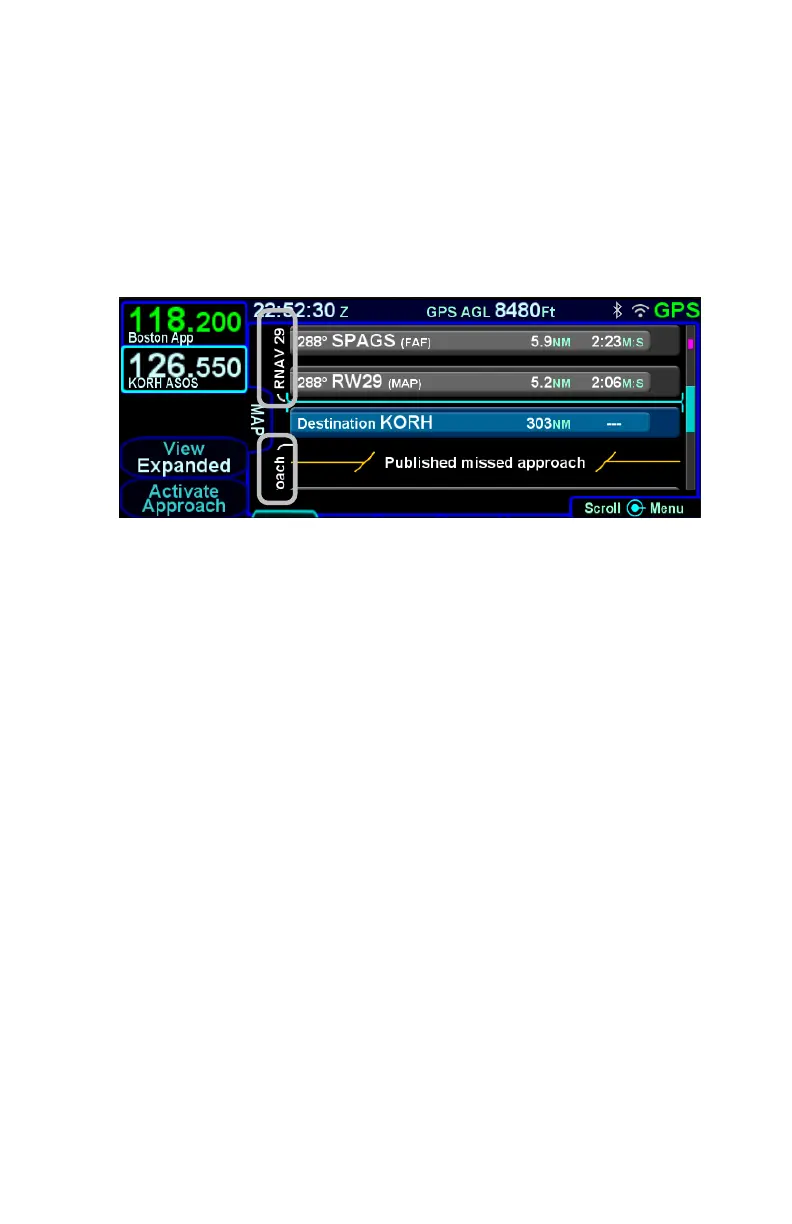
that was just inserted. In expanded view, a white bracket will be
presented along the left side of the legs in the procedure, labeled
with the name of the procedure.
Procedure Brackets



 To Next Page