Advanced DVB-S2 Receiver Operational Manual
SR1 Specifications
14
5
55
5 SR1 Installation
Safety Warning
The antenna used with the SR1 must have proper grounding.
5.1
Powering Up the SR1
Ensure the following when powering up the SR1:
Verify the SR1 is powered with 12C DC.
Always use power adaptor supplied by Ayecka.
Plug the power adaptor into the AC power, with caution.
5.2
Front Panel
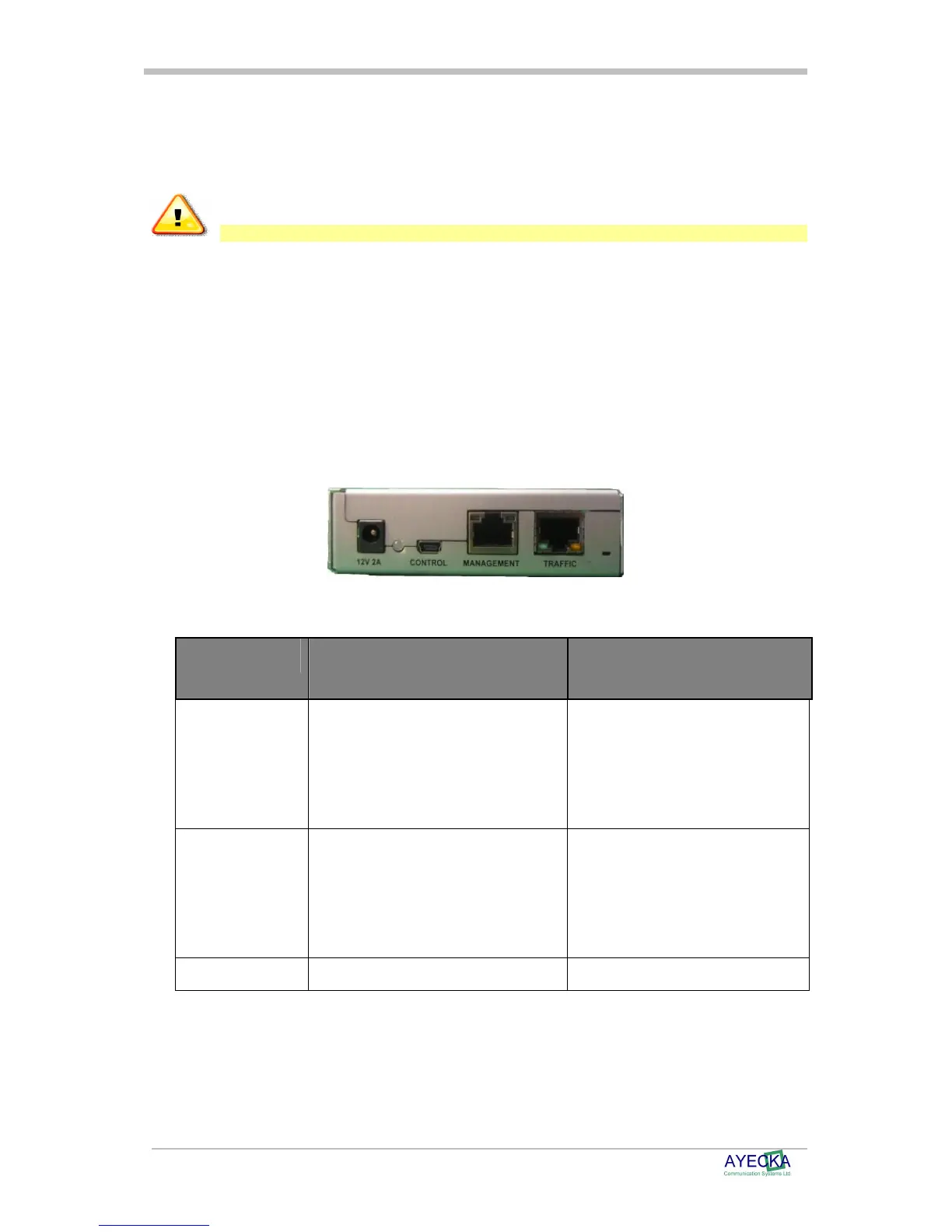
The front panel is the SR1 side that is connected to the different networks, is illustrated below.
Figure 3 - SR1 Front Panel
The following table describes the front panel interfaces:
Interface Description Type / Range
Traffic port GigE RJ45 connector.
RJ45
100/1000 BaseT
Auto sense
Yellow LED – Gige
Green Led - TX
Management port 100BaseT RJ45 connector.
Two leds
RJ45
10/100 BaseT
Auto sense
Left LED – Activity
Right Led - link
Control Serial over USB for local management. Mini USB type B



 To Next Page