R5912128 /03 SP4K-B114
10.2 Closing the sealed compartment
Required tools
Torx screwdriver T20
How to close the sealed compartment
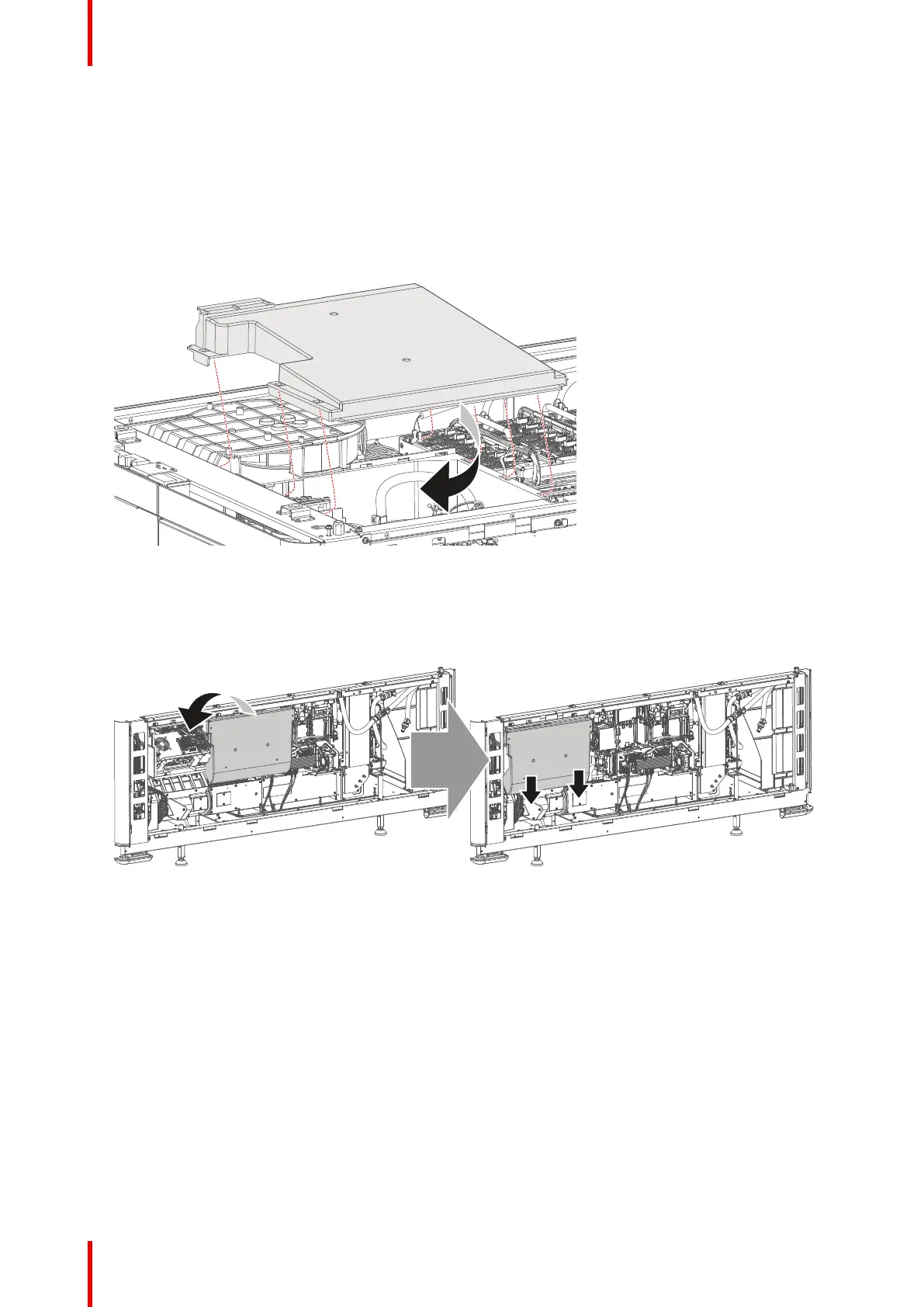
1. Place the top cover on the light processor compartment as illustrated.
Image 10–4 Sealed top cover, mount
2. Slide the top cover wards on the lips until it is in its correct position..
3. Hook the cover plate onto the studs.
4. Slide the cover downwards on both lips until it is in its correct position.
Image 10–5 Sealed compartment side cover, mount
5. Tighten the four screws of the side cover (reference 1). Use a T20 Torx screwdriver.
Convergence



 To Next Page