R5912128 /03 SP4K-B50
4.5 Connecting a UPS with the projector
electronics
WARNING: Only use UPS units which are suitable for the SP4K-B series projector. See chapter
Installation requirements, for more information about the requirements of the UPS.
CAUTION: The electrical connection with the UPS INLET socket of the projector must be done with
a certified AC power supply cord (minimum 1.50 mm² or 14 AWG and minimum 300V)
The projector is configured by default for use without UPS.
Required tools
• Torx screwdriver T20
• Flat screwdriver
• Open-end wrench 24 mm
• Nut driver 10 mm
• Torque wrench with 10 mm hexagon socket
Required parts
Certified AC power supply cord 1.5 mm², 14 AWG, min 300 V
How to connect a UPS unit with the projector electronics?
1. Make sure the net input cover has been removed. For more info, see “Accessing the power connections”,
page 45.
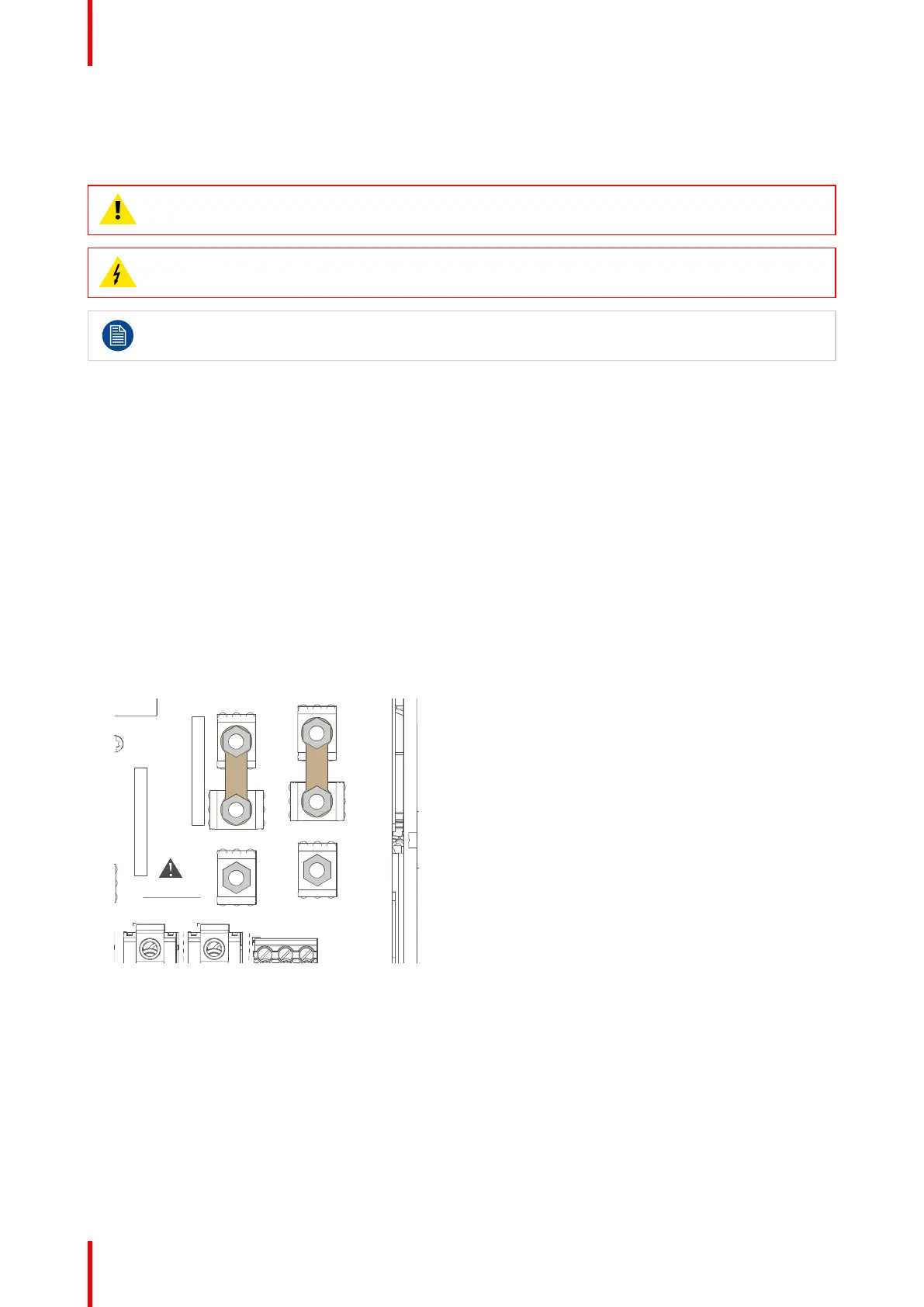
2. Loosen the top nuts on the six UPS configuration pins. Use a 10 mm nut driver.
Image 4–12
3. Replace the links as illustrated.
Physical installation projector



 To Next Page