R5912128 /03 SP4K-B92
7.10 Obtaining the ICMP-X certificate
Required tools
Smartphone (with auto-focus) or control software (e.g. Communicator, Web Communicator, Commander or
Web Commander)
Using the CertID label to download the ICMP-X certificate
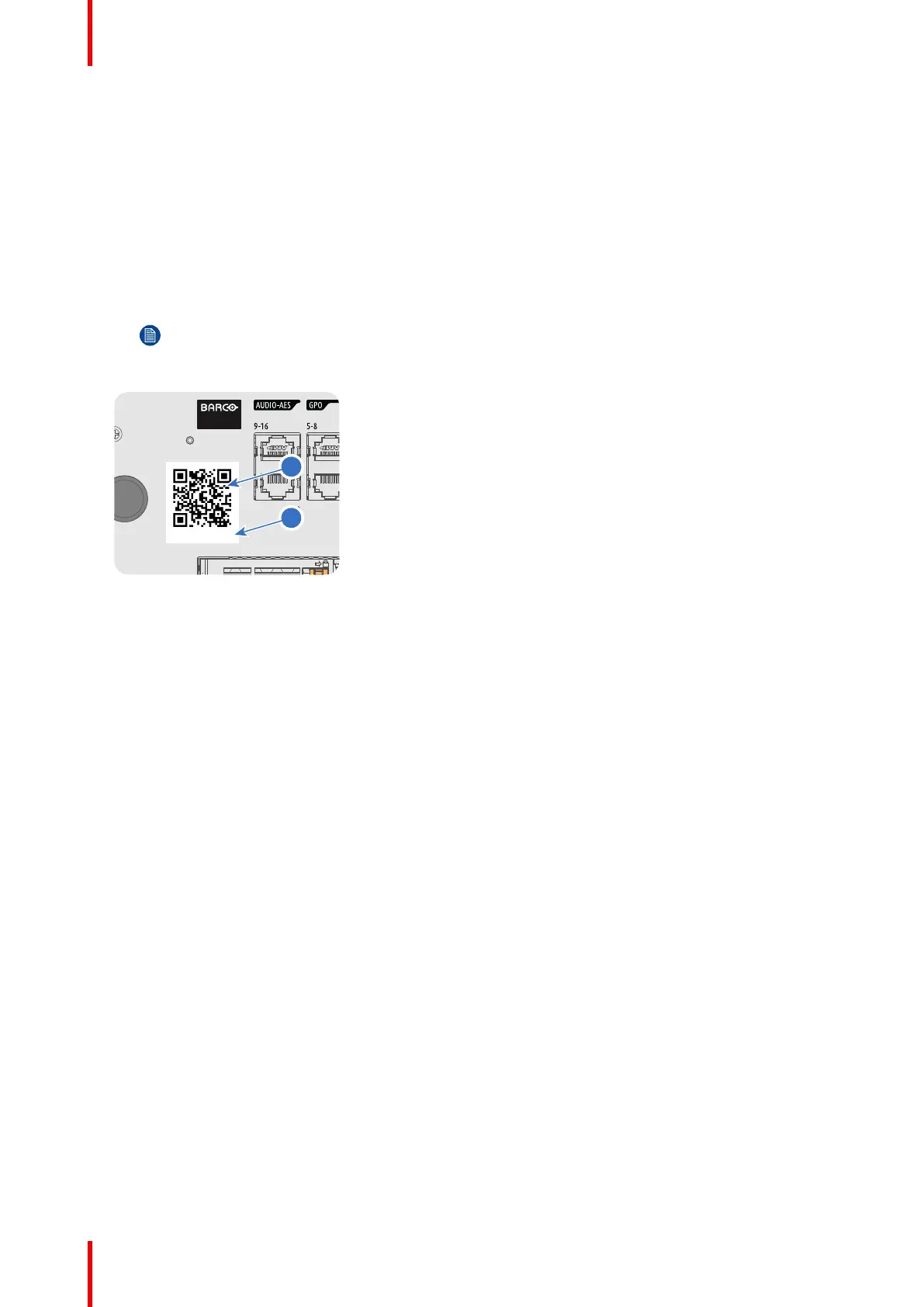
1. Scan the QR code (reference 1) on the front face of the ICMP-X with a smartphone. It's recommended to
use a smartphone with auto-focus. The QR reader will automatically redirect to the ICMP-X certificate
download page on the web server.
Note: Instead of downloading the ICMP-X certificate you can use the CertID number (reference
2), located below the QR code, in communication with your KDM supplier. Certified KDM
suppliers can use this CertID number to retrieve the ICMP-X certificate directly.
Image 7–12
Using control software to obtain the ICMP-X certificate
1. Use your control software to download the ICMP-X certificate from the ICMP-X main board. For detailed
instructions, refer to the user guide of your control software, or the projector User Guide.
ICMP-X



 To Next Page