45R5912128 /03 SP4K-B
4.2 Accessing the power connections
CAUTION: Whenever you access the mains board and thus remove the net input cover, make sure
the projector is disconnected from the power net.
Required tools
Torx screwdriver T20
How to access
1. Remove the back and power side cover of the projector.
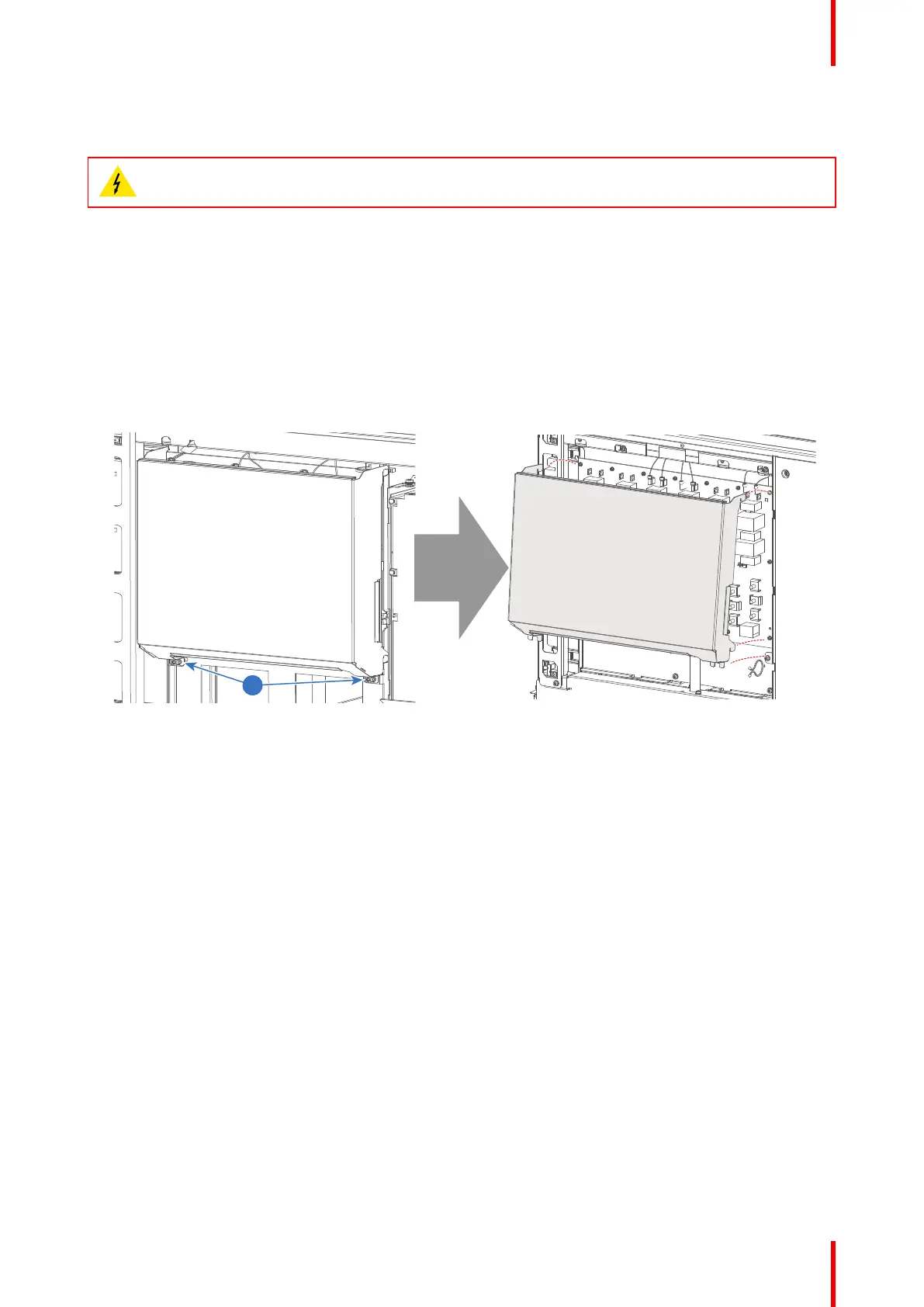
2. Slightly loosen the two screws on the bottom of the net input cover (reference 1, Image 4–5). Use a T20
Torx screwdriver.
3. Lift the net input cover up and away from the projector.
Image 4–5 Removal of the net input cover
Physical installation projector



 To Next Page