57R5912128 /03 SP4K-B
5.2 Lens selection
Which lens do I need?
1. Browse to Barco's website on www.Barco.com.
2. Go to the product page of the desired product.
3. On the product page, go to the Tools section and click Lens calculator.
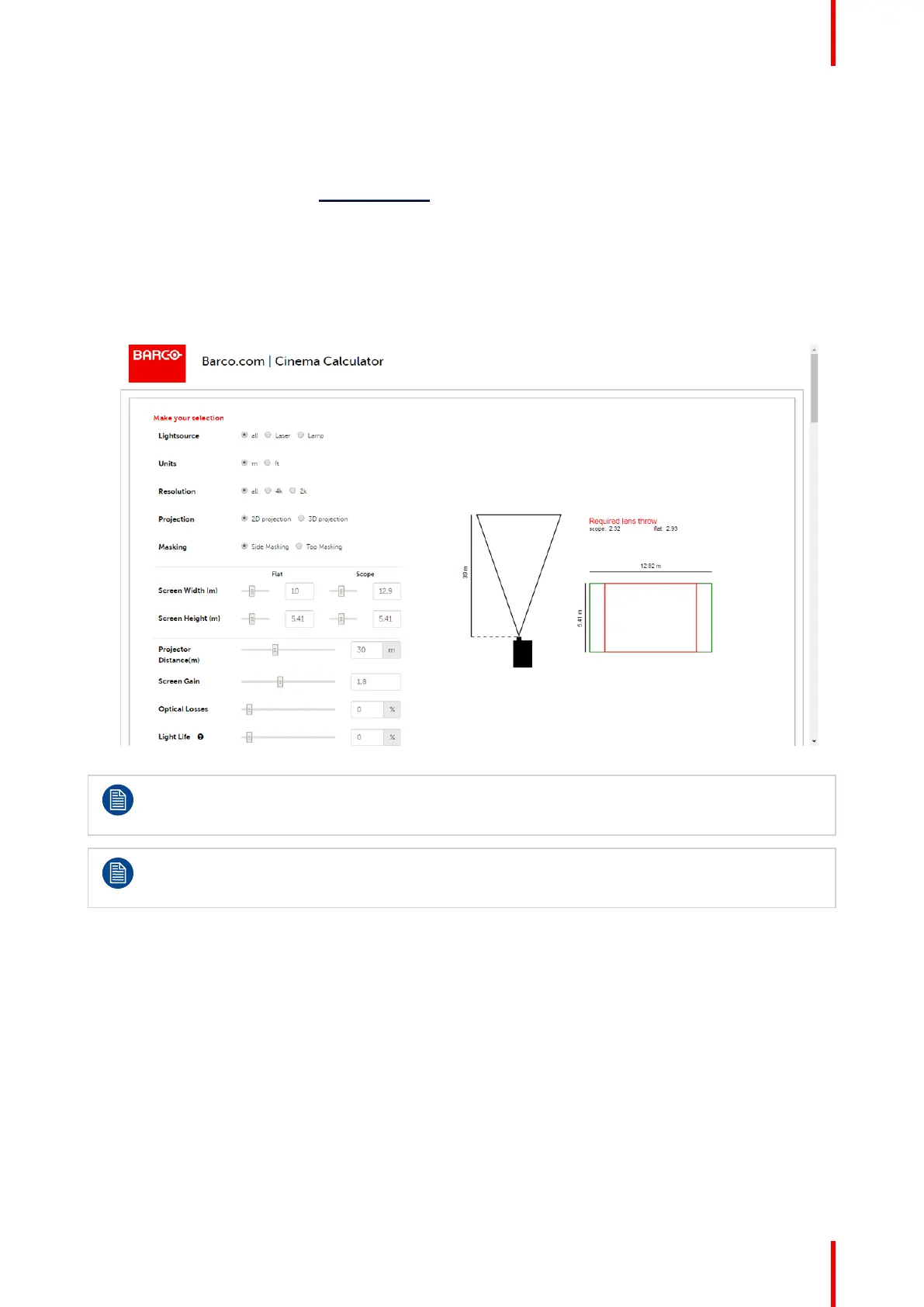
The lens calculator will be displayed.
The lens calculator allows you to have an overview of which lenses are suitable for your specific projector
setup. Just make your selection of parameters and all possible configurations are displayed.
Image 5–1 Example of the Digital Cinema Lens calculator tool
Take into account that when the projector is tilted the Screen Width you have to fill in should be
larger than the physical screen width due to the keystone distortion of the projected image. How
much larger depends on the amount of tilt.
Due to production tolerances the real distances can differ by 2% from the calculated values.
For critical situations (fixed installs that use the lens at one of its extreme zoom positions) this
should be taken into account.
Lenses and Lens holder



 To Next Page