R5912128 /03 SP4K-B134
12.7 Removal of the small rear cover
Is it necessary to remove this small cover?
No. All installation and service procedures can be completed without removing this small cover. This
procedure is only provided to be complete.
Required tools
Torx screwdriver T20
How to remove
1. Remove the top cover and rear cover.
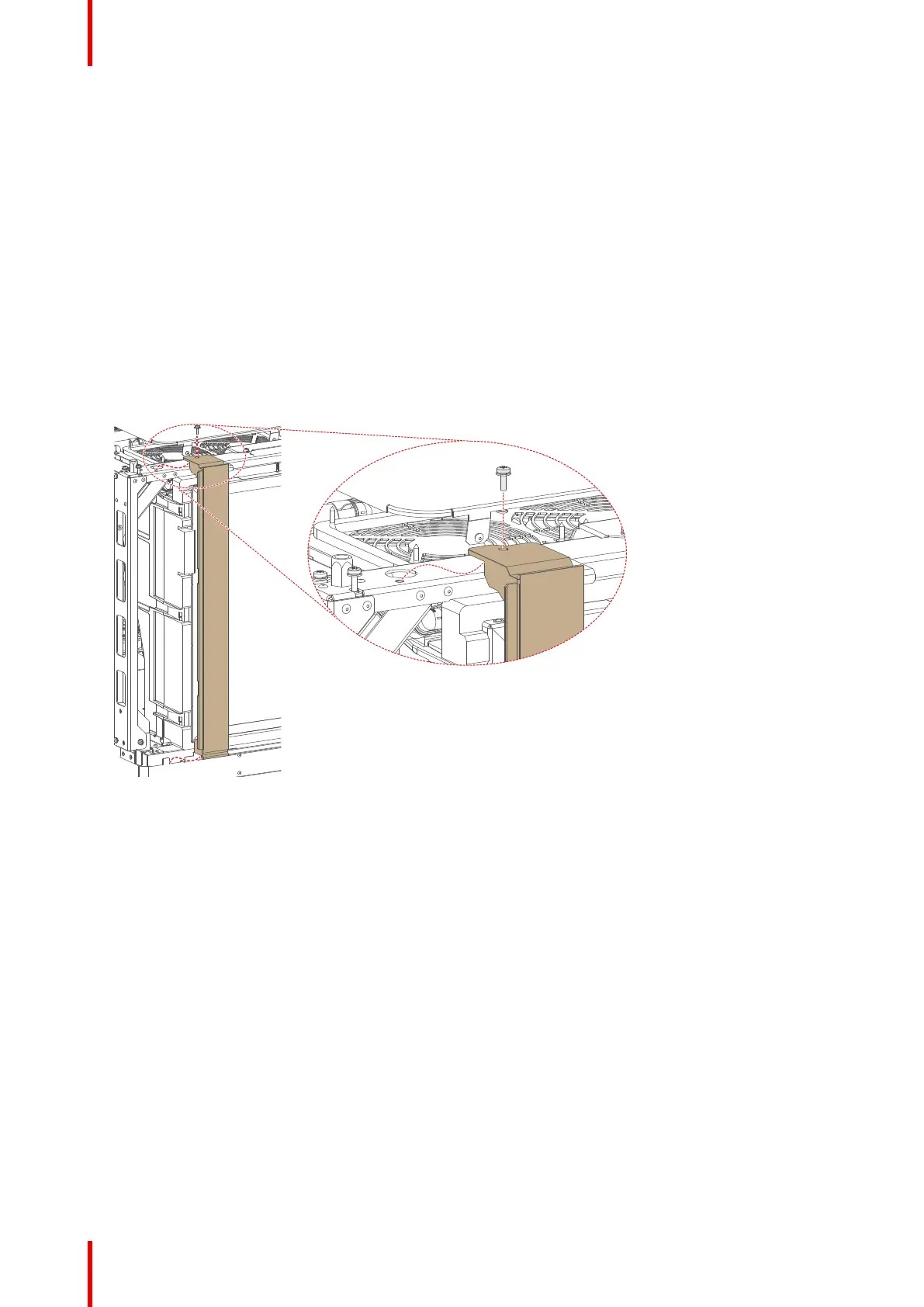
2. Loosen the screw on the top frame. Use a T20 Torx screwdriver.
3. Lift up and remove the small cover as illustrated.
Image 12–9 Removing the small rear cover.
Projector Covers



 To Next Page