R5912128 /03 SP4K-B136
12.9 Mounting the top cover
Required tools
Torx screwdriver T20
How to mount
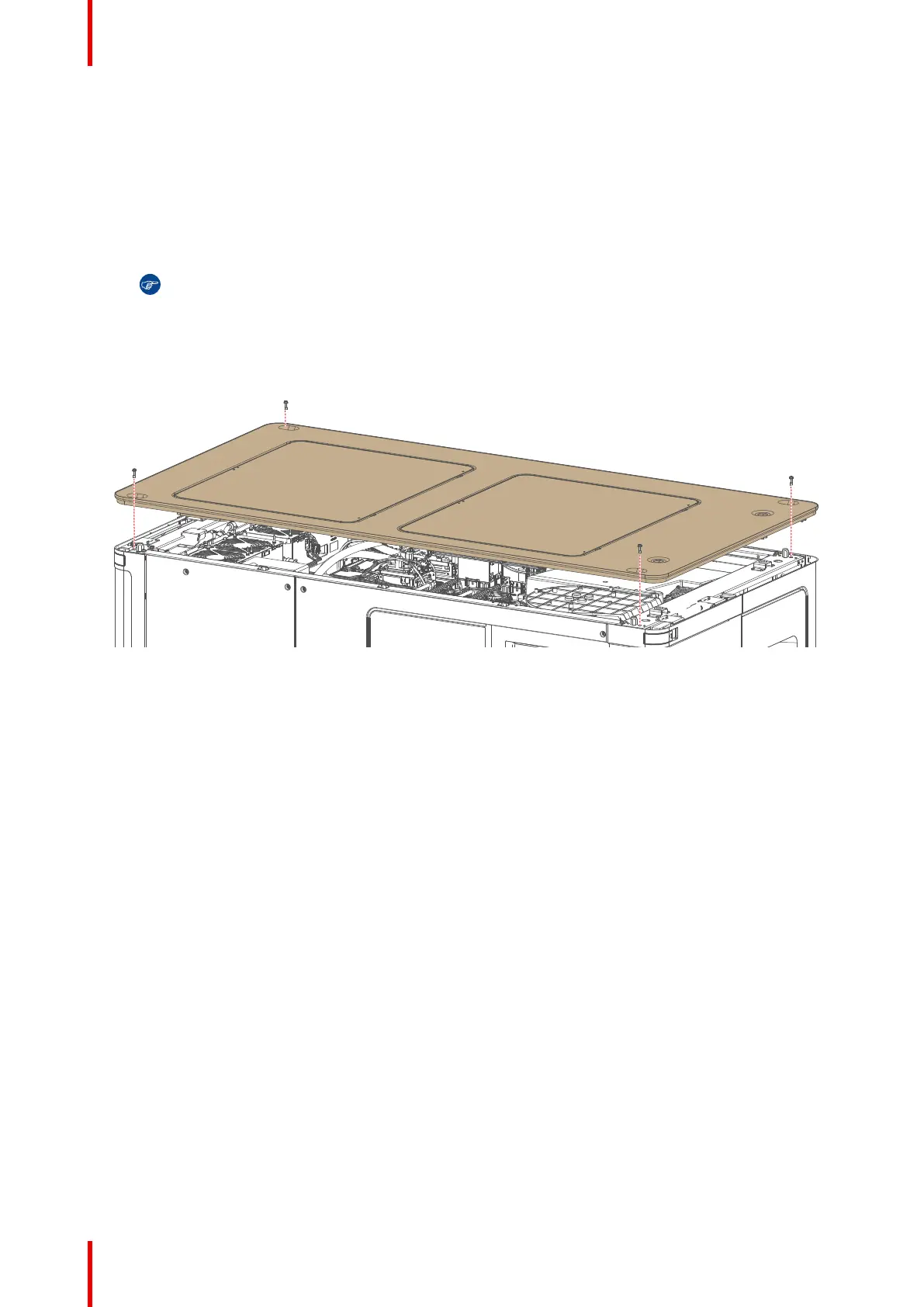
1. Place the top cover on top of the projector.
Tip: The top cover has been designed it can be mounted in only one way.
2. Carefully click the cover on the clips that are mounted on both side bars of the projector. This to make sure
the top cover doesn’t move.
3. Fasten the top cover with the four screws. Use a T20 Torx screwdriver.
Image 12–11 Mounting the top cover
Projector Covers



 To Next Page