75R5912128 /03 SP4K-B
7.1 ICMP-X introduction......................................................................................................................77
7.2 ICMP-X HDD................................................................................................................................79
7.3 What are the possible HDD swaps ................................................................................................81
7.4 ICMP-X communication and input ports..........................................................................................83
7.5 ICMP-X status LEDs .....................................................................................................................85
7.6 ICMP-X HDD status LEDs.............................................................................................................86
7.7 ICMP-X device certificate ..............................................................................................................88
7.8 ICMP-X configuration via Web Communicator ................................................................................90
7.9 ICMP-X reset ...............................................................................................................................91
7.10 Obtaining the ICMP-X certificate ....................................................................................................92
7.11 Removing a HDD from the ICMP-X ................................................................................................93
7.12 Installing a HDD into the ICMP-X ...................................................................................................94
About this chapter
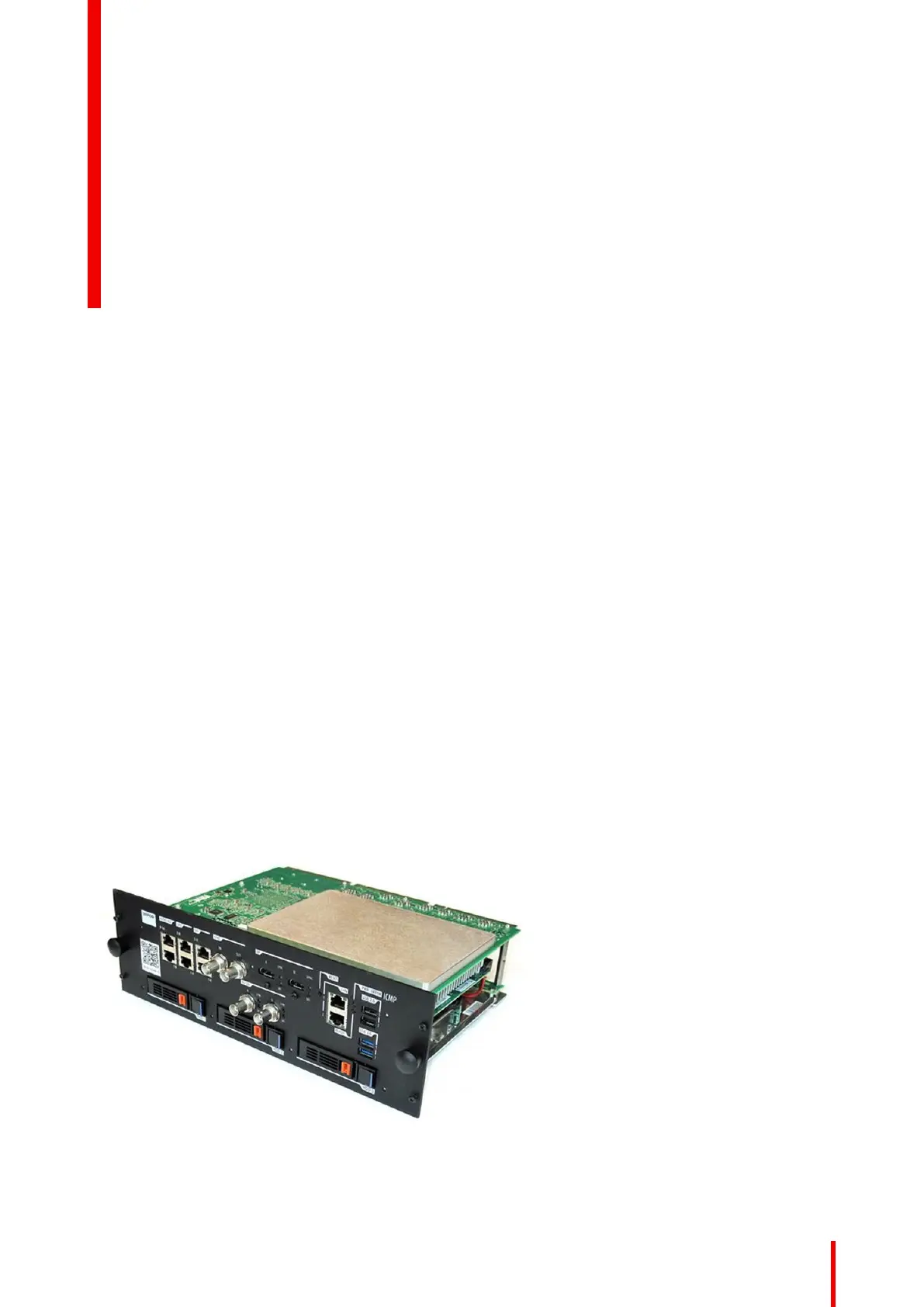
This chapter describes the ICMP-X in general, the HDDs, the input ports and the communication ports.
Furthermore, the status LEDs are described and the importance of the device certificate is illustrated.
For the specifications on the “network streaming (Live IP)”, SDI and HDMI ports, please refer to the
appendices of the ICMP-X installation manual.
Image 7–1
ICMP-X 7



 To Next Page