129R5912128 /03 SP4K-B
12.2 Removal of the rear cover
If the rear cover is the only cover you need to remove (e.g. when checking / replacing the filter),
there is no need to turn off the projector.
Required tools
No tools required.
How to remove
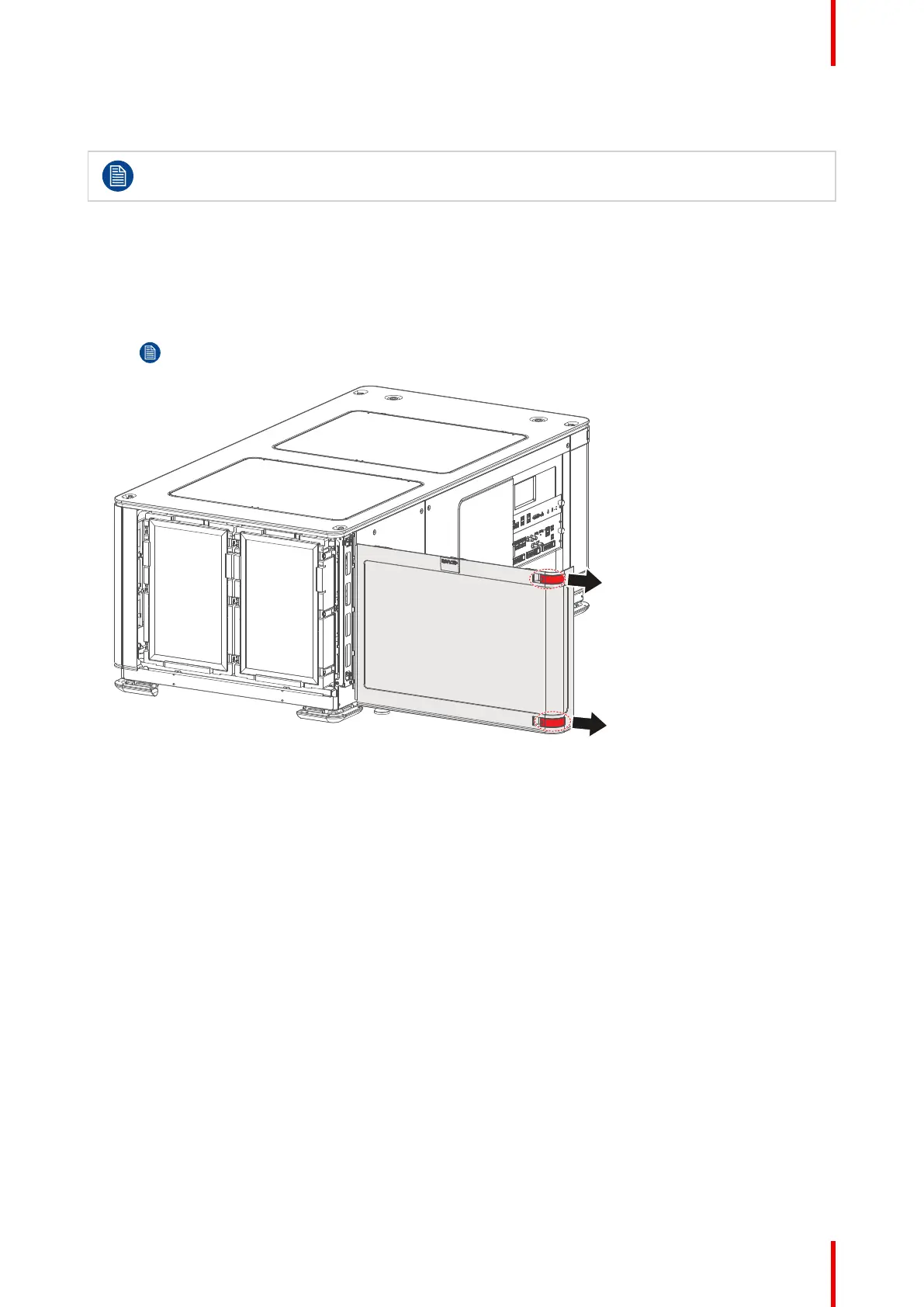
1. Slide the rear cover to the side of the Input & Communication unit and remove it.
Note: The handles do not click open. They are fixed into the cover.
Image 12–2 Sliding the rear cover away from the projector
Projector Covers



 To Next Page