R5912128 /03 SP4K-B30
2.3 Unpacking the external cooler
Only for SP4K-55B.
What you need to do?
Upon delivery, the cooler is packed in a cardboard box upon a wooden pallet and secured with strapping
bands and buckle clips. Furthermore, to provide protection during transportation the cooler is surrounded with
foam. Once the cooler has arrived at the installation site it needs to be removed from the cardboard box and
wooden pallet in a safe manner.
Required tools
• Side cutter
• Knife
How to unpack the cooler
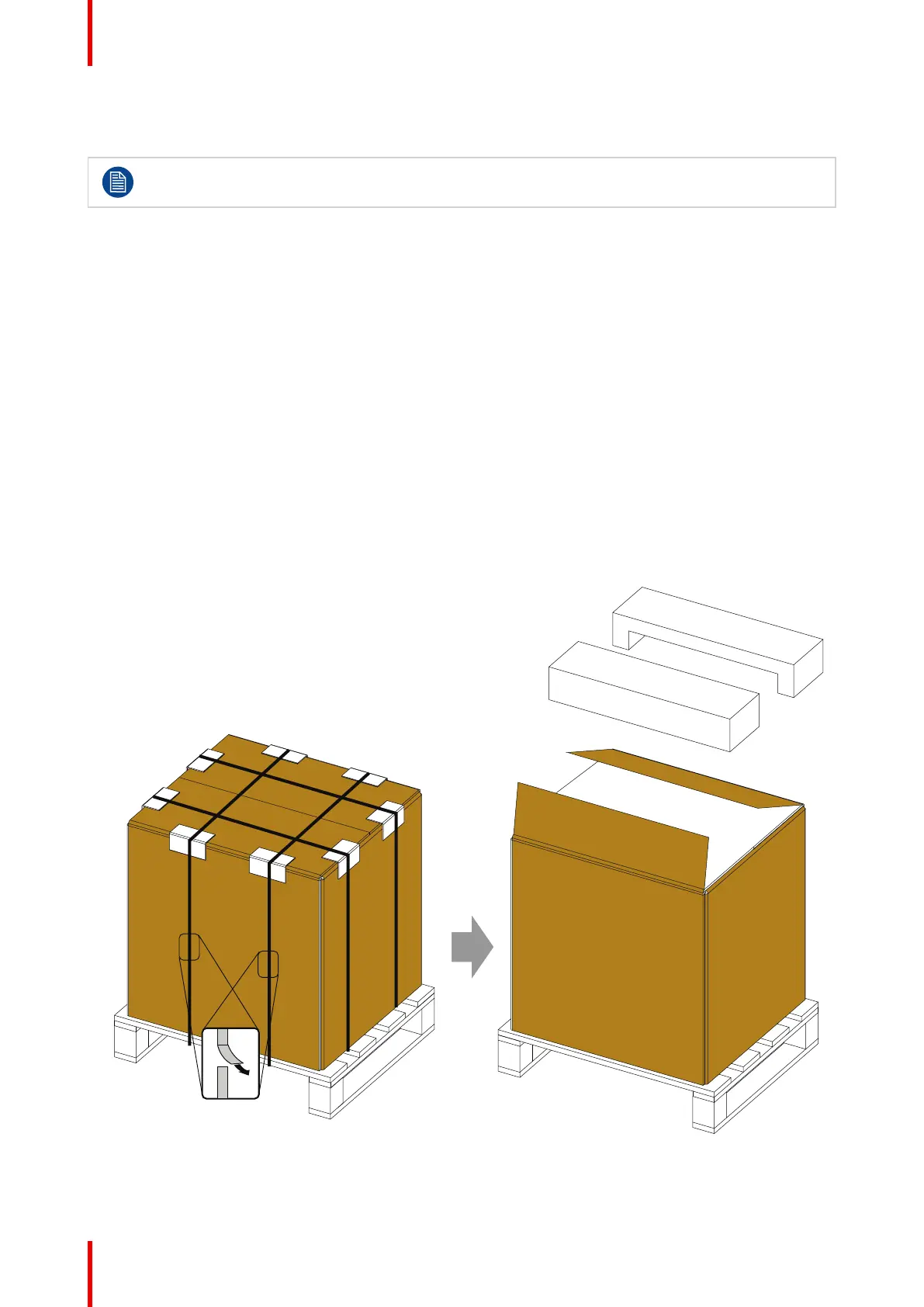
1. Remove the strapping bands from the packaging. Use a cutting tool (e.g. side cutter, knife, etc.) to
carefully cut the straps.
2. Carefully cut open the tape of the box and open it.
Take out the foam pieces.
Remove the outer cardboard box.
Image 2–7
3. Remove the lower foam pieces.
Getting started



 To Next Page