59R5912128 /03 SP4K-B
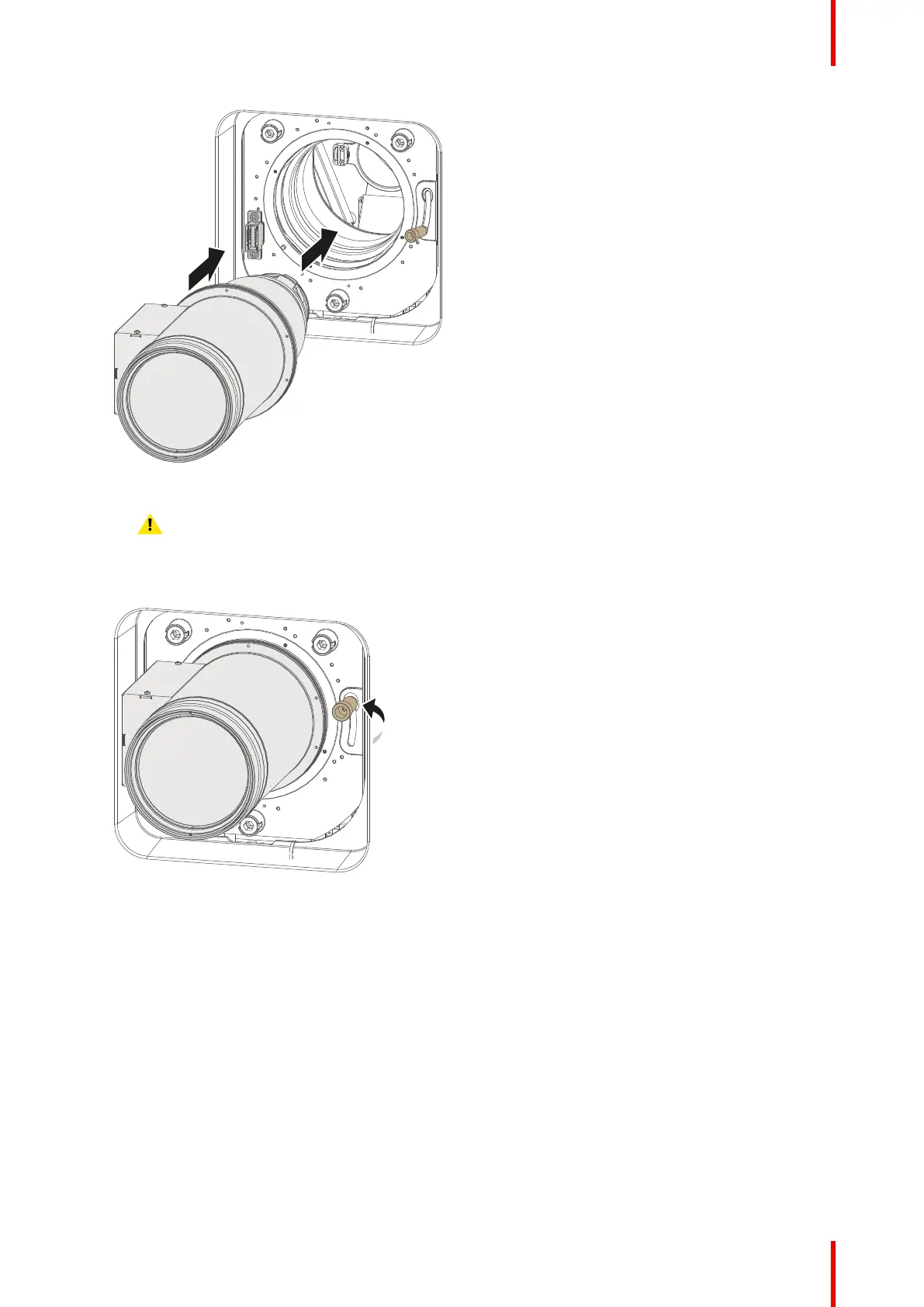
Image 5–4 Lens installation
5. Insert the lens until the connector seats into the socket.
Warning: Do not release the lens yet, as the lens may fall out of the lens holder.
6. Secure the lens in the lens holder by sliding the primary lens lock handle into the “locked” position (to the
top of the projector). Ensure the lens touches the front plate of the lens holder.
Image 5–5 Locking the lens
7. Check if the lens is really secured by trying to pull the lens out of the lens holder.
Lenses and Lens holder



 To Next Page