63R5912128 /03 SP4K-B
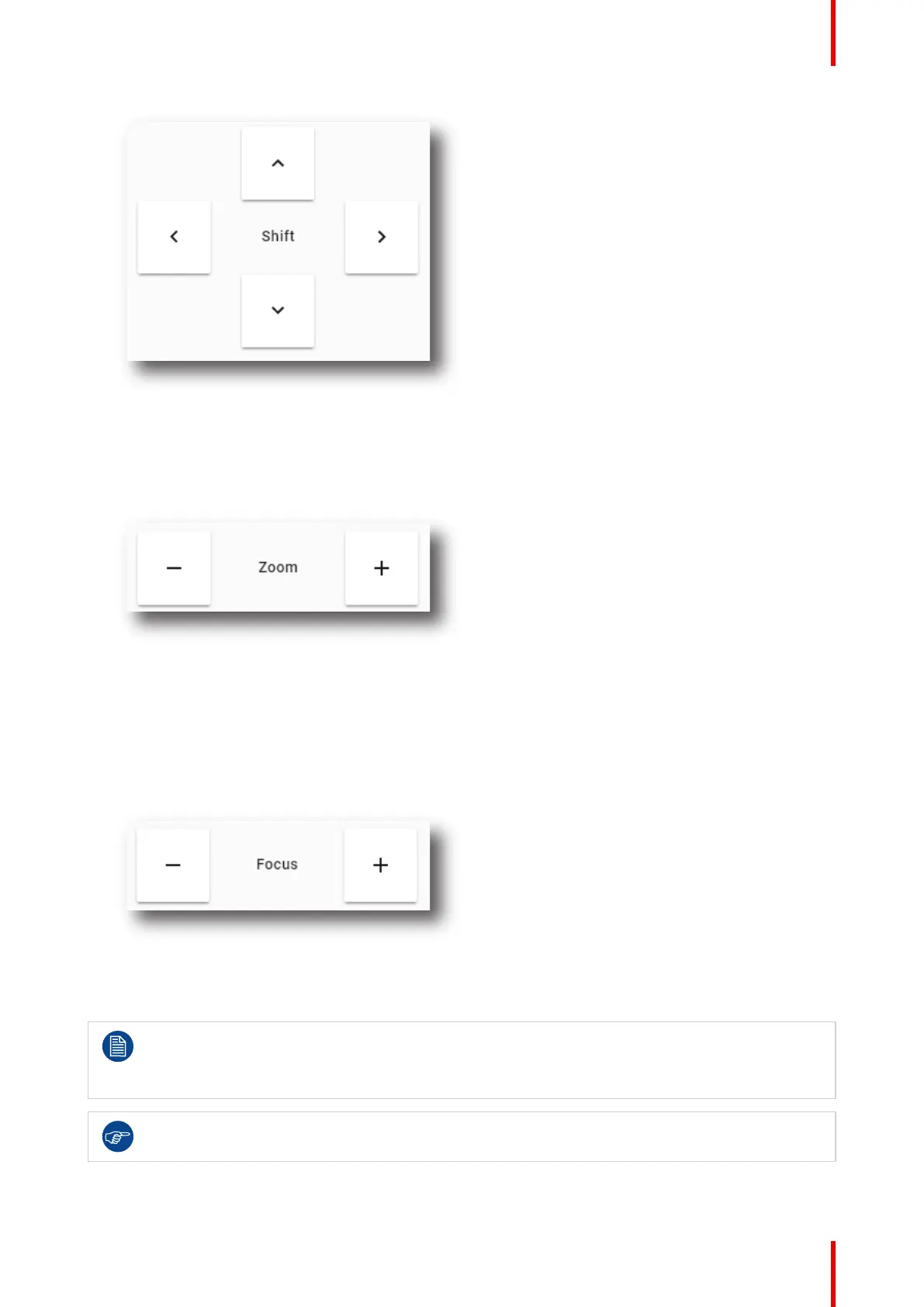
Image 5–10
How to zoom in or out?
1. Is the lens equipped with a motorized zoom & focus?
► If yes, Use the – and + Zoom keys in the Light, dowser, lens menu to zoom the lens in or out.
Image 5–11
► If no, the Z-axis lens motors can be used to manipulate the lens. Use the - and + Focus keys to
manipulate the lens image.
How to focus?
1. Is the lens equipped with a motorized zoom & focus?
► If yes, use the – and + Focus keys in the Light, dowser, lens menu to focus the image on the screen.
Image 5–12
► If no, the Z-axis lens motors can be used to manipulate the lens. Use the - and + Focus keys to
manipulate the lens image.
Take into account that the lens focus may slightly drift while the lens is warming up from cold to
operation temperature. This is a typical phenomenon for projection lenses used with high brightness
projectors. The operation temperature of the lens is reached after approximately 30 minutes
projection of average video.
If it becomes impossible to focus the image, perform a Scheimpflug adjustment. For more info on
this, refer to “Scheimpflug adjustment”, page 65.
Lenses and Lens holder



 To Next Page