Site~Rite
®
8 Ultrasound System Page 42
11.2.1. Calibration
Calibration may be required when the Performance Indicator (see Section 9.3.2) measures a poor magnetic
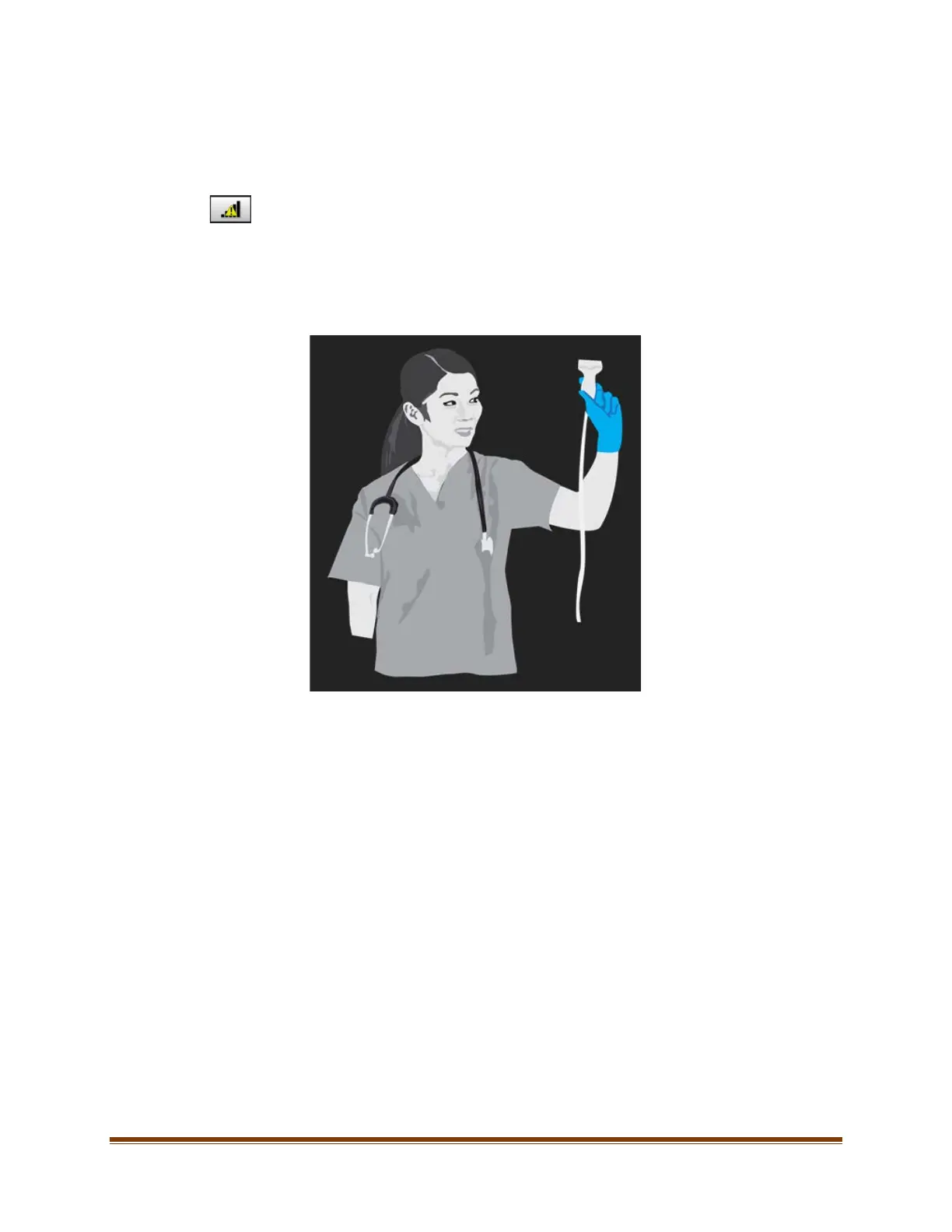
environment. To determine if calibration is necessary, hold the Cue™ Probe Stationary in the air away from all
metal, magnetic, and electronic devices. If the Performance Indicator improves, calibration is not required.
For tips on how to improve the Performance Indicator when calibration is not required, press the
‘Performance Indicator Help’ button.
The following steps will calibrate the probe:
1. Select the calibrate button on the Cue™ Needle Tracking System settings screen.
2. Follow the on-screen instructions to hold the probe in the air, at least 3 feet from any metal, magnetic, or
electronic devices (including watches, cell phones, etc.).
3. While holding the probe still in the air, press the calibration butt. Maintain this position until the system
indicates that calibration is complete.
4. Upon completion of calibration, the Performance Indicator should improve. A Performance Indicator of 3 bars
or higher is recommended before beginning any procedure.
Note: Maintain a distance of 4 inches between the Cue™ probe and Cue™ Activator to minimize the
potential need for calibration.








 To Next Page