Site~Rite
®
8 Ultrasound System Page 46
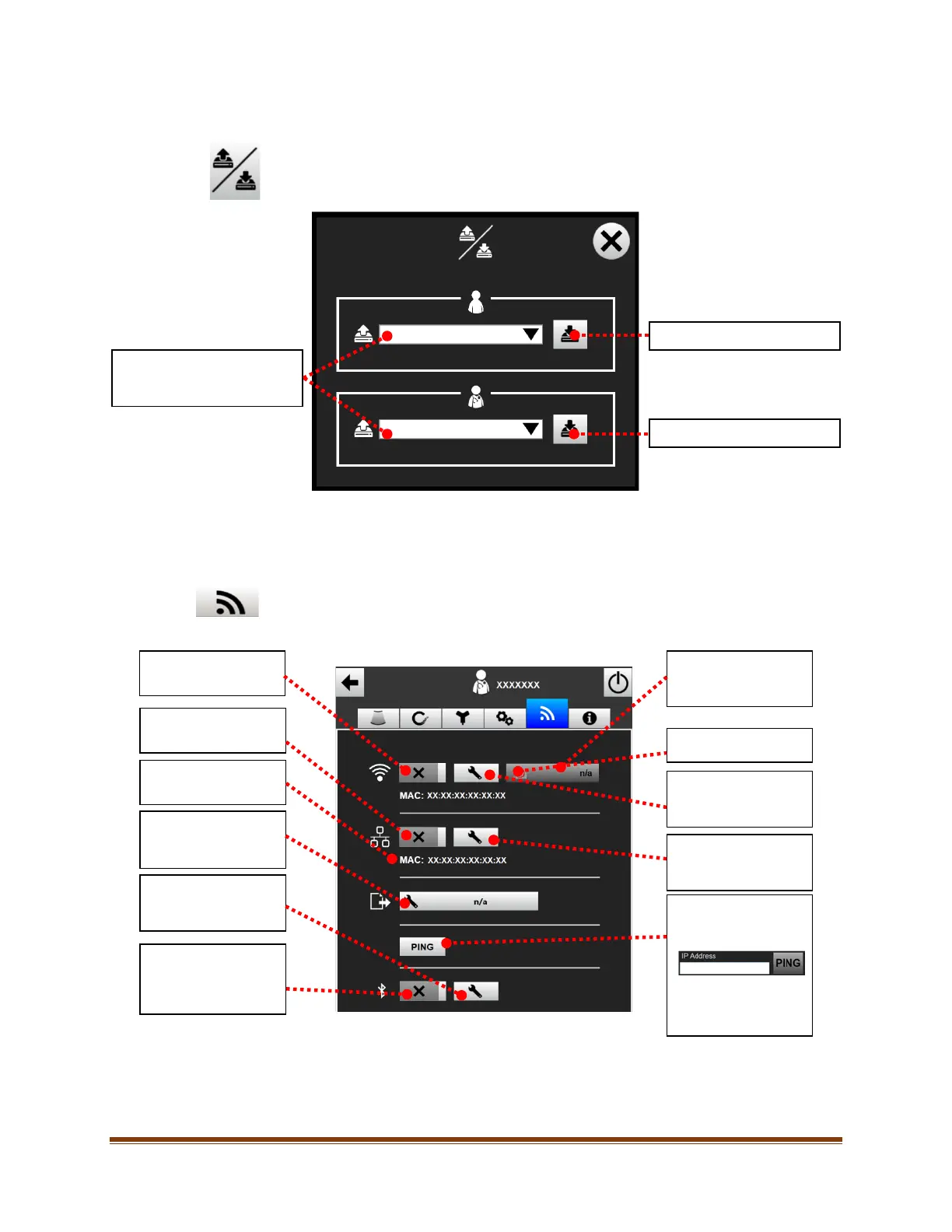
11.3.3. Patient/Clinician Backup/Restore
To backup and restore patient and clinician data, select the ‘Backup/Restore’ button in the General
Settings Tab (the admin password is required for access).
11.4. Connectivity Settings
Note: The actions described in this section should only be taken by authorized personal. To configure the
Site~Rite® 8 Ultrasound System, contact your network administrator or a PACS administrator.
To access the connectivity settings, click on the ‘Connectivity Settings’ tab at the top of the settings
screen. The following screen will appear:
Select drop-down to select
and restore from a previous
Backup patient data files.
Backup clinician settings data.
Media Access Control
(MAC) address.
Ethernet (if enabled).
(if enabled)
Bluetooth™ Wireless
Technology
Technology Settings
Enable/Disable WiFi
(if enabled).
(if enabled).
WiFi Signal Strength.
(if enabled).
(if enabled).
allow a PING to a
specified IP address.
Input the IP address
and select the PING
button.









 To Next Page