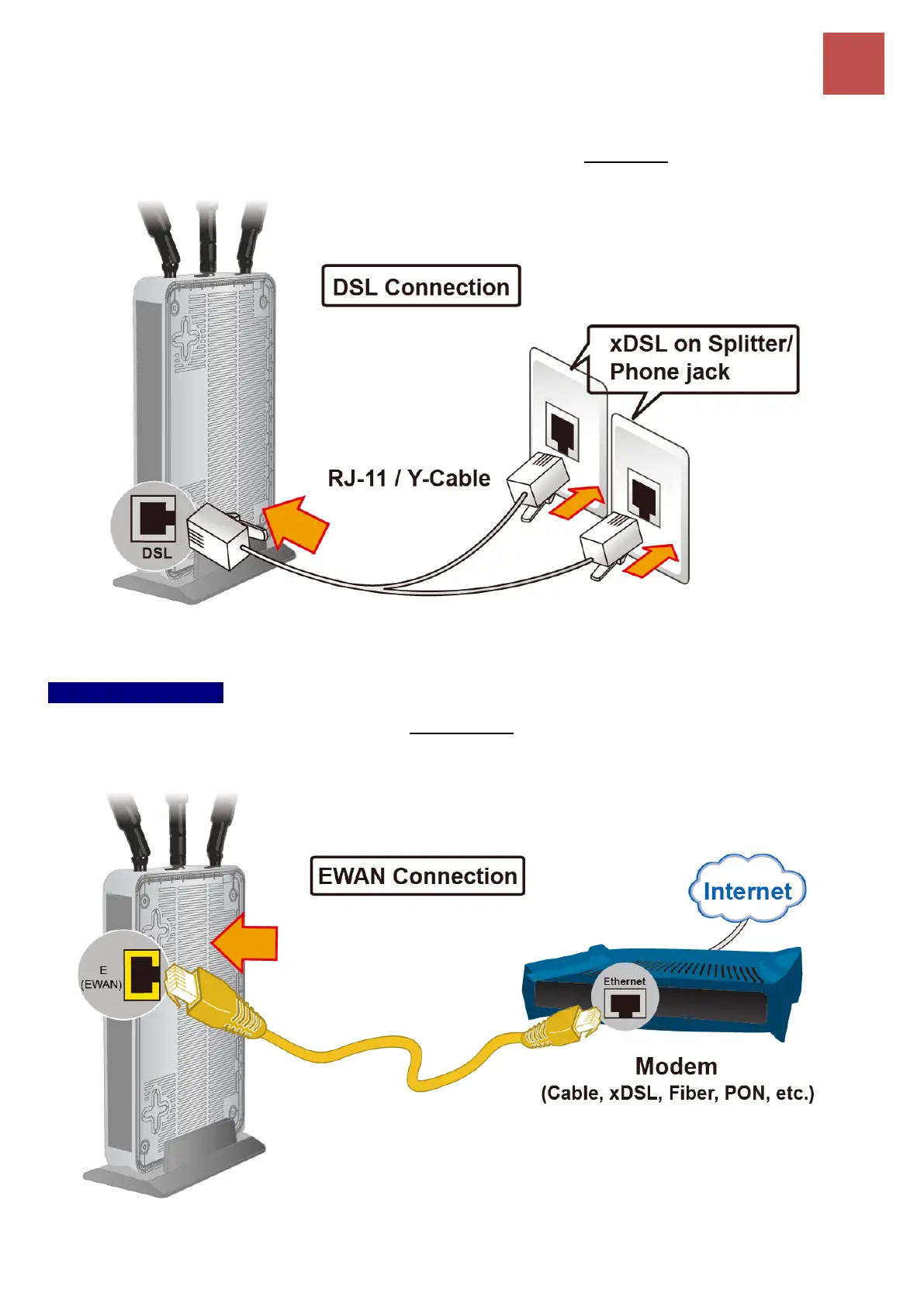
For bonded xDSL, please connect the supplied Y-cable to the DSL port, and the other two ends
(both pairs) to the phone jacks on the wall.
4.2 EWAN Interface
Connect RJ-45 Ethernet cable to the EWAN port, and connect the other side to another
alternative broadband device, such as Cable Modem, VDSL, Fiber Modem or PON optic lines.
<Please refer to User Manual for detailed instruction.>



 To Next Page