Configuring Your Router
Quick Start Wizard
BEC 8920AC User Manual
You now may be able to access to the Internet. If not, please check your WAN, Internet Connection,
setup again.
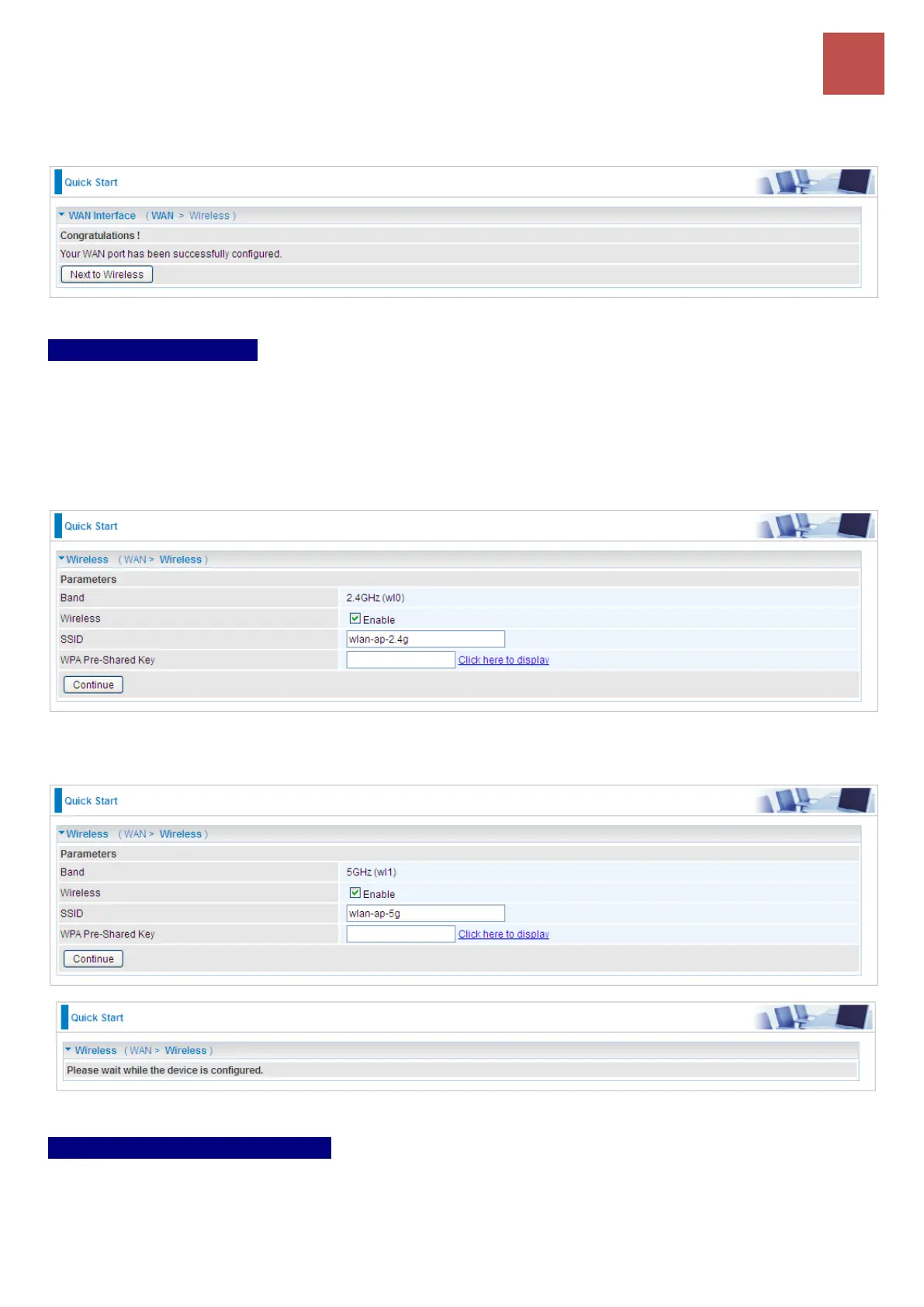
Step 5 – Wireless Setup
After the configuration is successful, click Next to Wireless button and you may proceed to configure
the Wireless settings, SSID and encryption Key (1. Leave it empty to disable the wireless security; 2.
Fill in the Key, and the encryption mode will be WPA2-PSK/AES).
2.4GHz Wireless
5GHz Wireless
Step 6 – Quick Start Completed!
You now may be able to access to the Internet via the Ethernet cable or Wireless.
Go back to Status > Summary for more information.



 To Next Page