PN A51387AB
2-10
Software Overview
Viewing Area
Customizing the Status Panel
You can customize colors and other aspects of the Status Panel display. For more information, see
Customizing the Status Panel, page 8-8.
Viewing Area
The Viewing Area, located in the middle of the Multisizer 4 software window, displays analysis files
as graphs, listings, or interpolations.
During an analysis run, the Viewing Area displays a graph or listing showing the particle size
distribution in progress.
You can work with multiple analysis files. To change how the Viewing Area displays multiple files,
open the Windows drop-down menu in the Main Menu bar and select one of the following options:
•
Cascade
• Tile
• Tile - Horizontal
• Tile - Vertical
• Minimize All
• Restore All
Run Menu
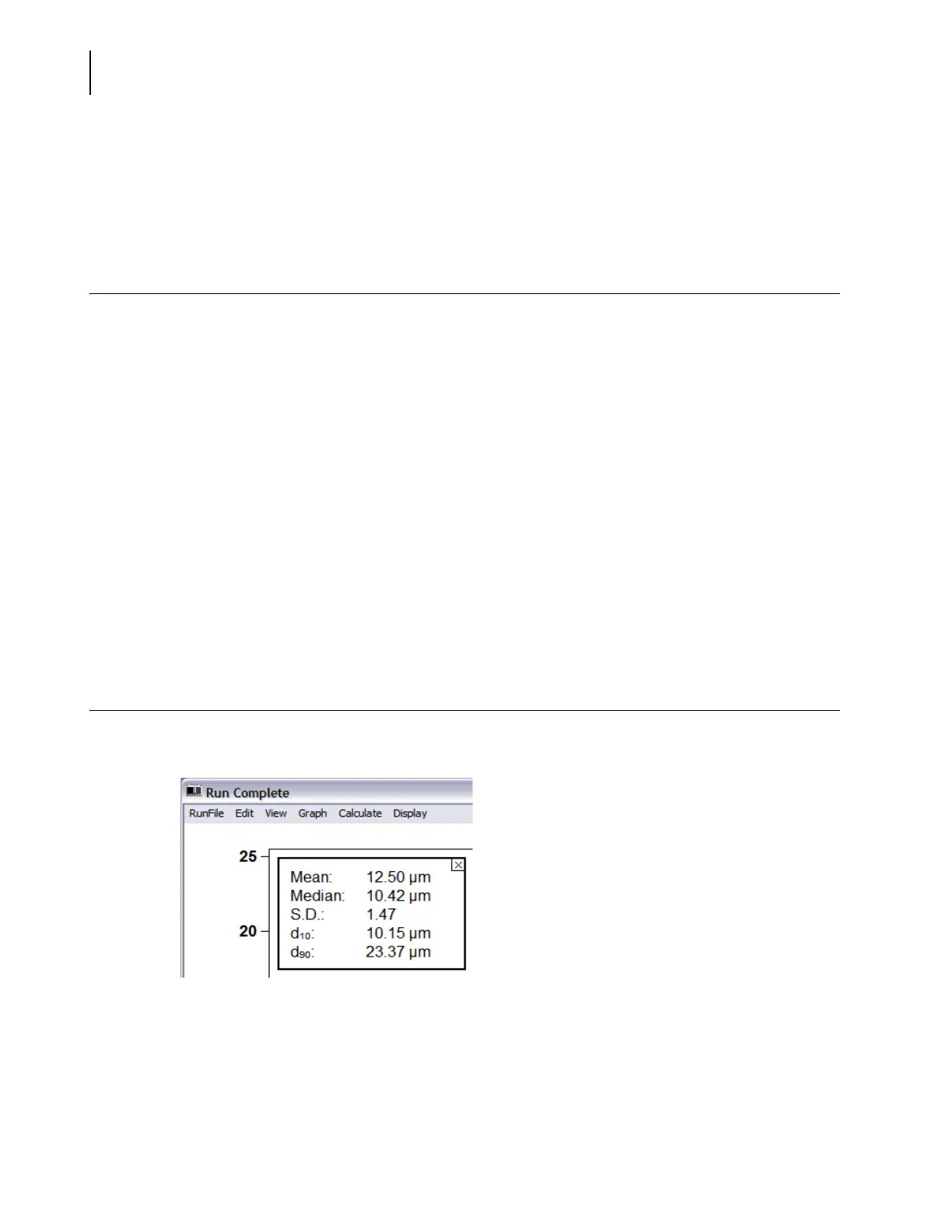
The Run Menu bar is located in the Viewing Area, at the top of each open analysis file.
Items displayed on the Run Menu bar vary based on selections made in the View drop-down menu.
For more information on Run Menu behaviors, see Viewing Analysis Files, page 7-2.



 To Next Page