PN A51387AB
3-11
Installing and Calibrating an Aperture Tube
Calibrating the Aperture
3
CAUTION
Sizing and statistical errors will occur if you do not use the proper procedure and/
or calibrator size.
Nano-Size Particle Calibration Standards
If you use polystyrene nano-particle calibrators, Beckman Coulter recommends that you keep the
concentration level below 2%.
Polystyrene nano-particles can bind to system components. After the Multisizer 4 has analyzed a
high concentration of nano-particles, it is necessary to clean the aperture tube and external
electrode thoroughly.
Systems with high levels of nano-particle contamination will require several filling and draining
cycles to return background counts to normal levels. For information on the recommended cleaning
procedure, see Cleaning the Analyzer, page 1-16.
Selecting Calibration Options
To select calibration options:
1. Select
Calibration > Aperture Calibration Options on the Main Menu bar. The Aperture
Calibration Options window opens.
NOTE
The
Calibration > Aperture Calibration Options menu item is only available to user types with
sufficient security privileges. If the Multisizer 4 software is running with no security, every
operator can calibrate the aperture.
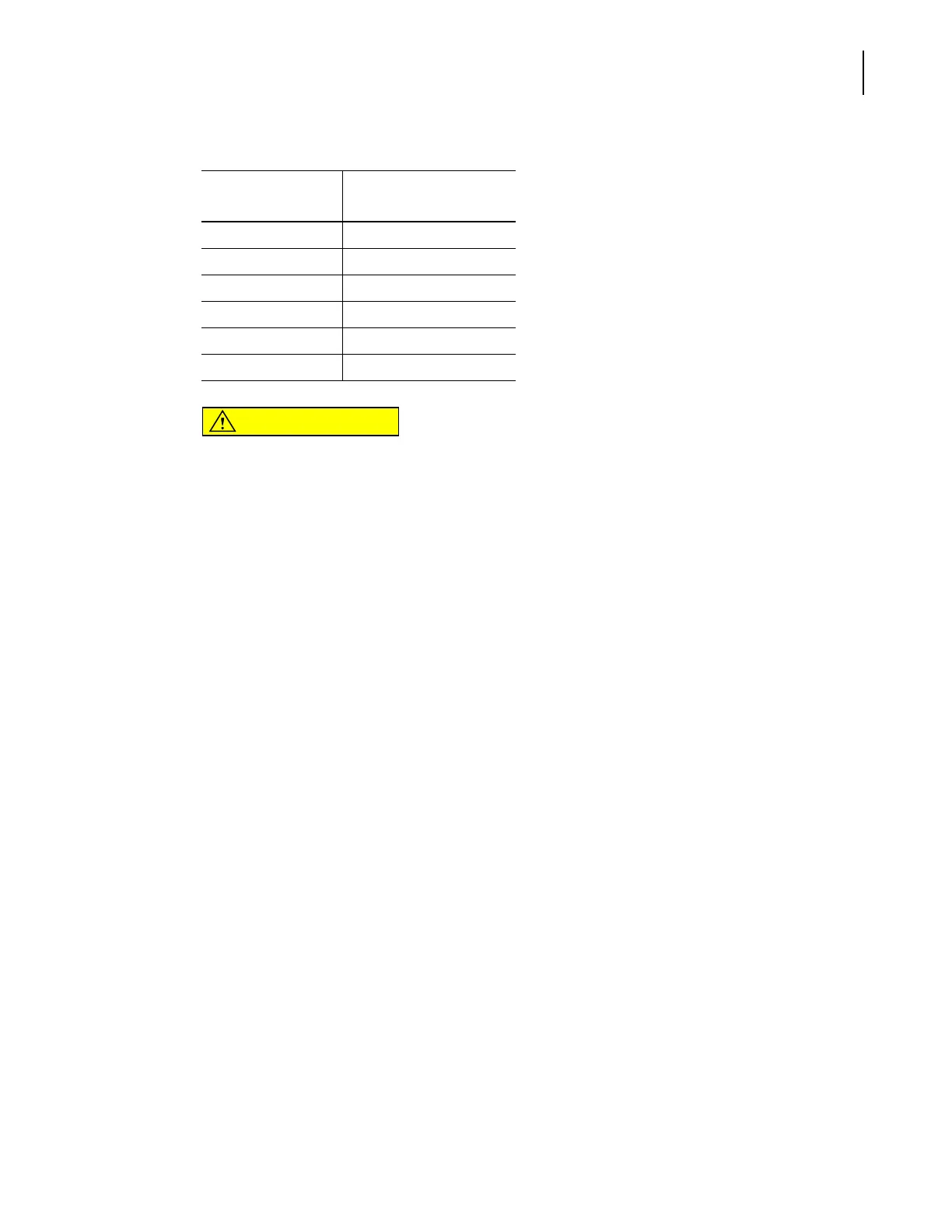
200 20 – 40
280 28 – 56
400 40 – 80
560 56 – 112
1000 100 – 200
2000 200 – 400
Table 3.2 Choosing Calibrator Size
Aperture Size (µm) Calibrator Mean or
Modal Size (µm)



 To Next Page