26
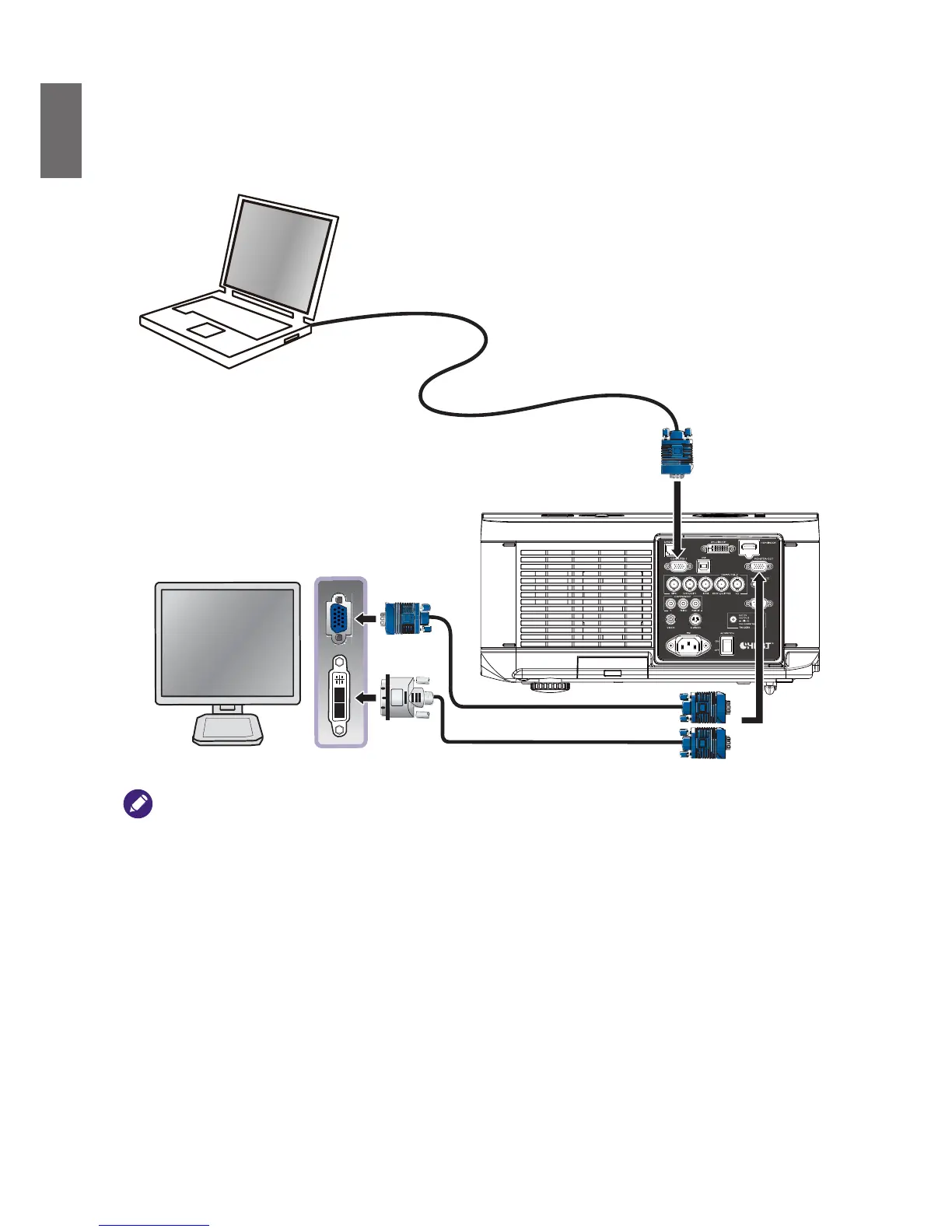
Connecting a monitor
If you want to view your presentation close-up on a monitor as well as on the screen and the
MONITOR OUT
jack is available on your projector, you can connect the
MONITOR OUT
signal
output jack on the projector.
or
VGA cable
VGA to DVI cable
• The
MONITOR OUT
jack only works when an appropriate D-Sub input is made to the PC jack.
• The
MONITOR OUT
function is not available when the projector enters standby mode.
VGA Cable



 To Next Page