71
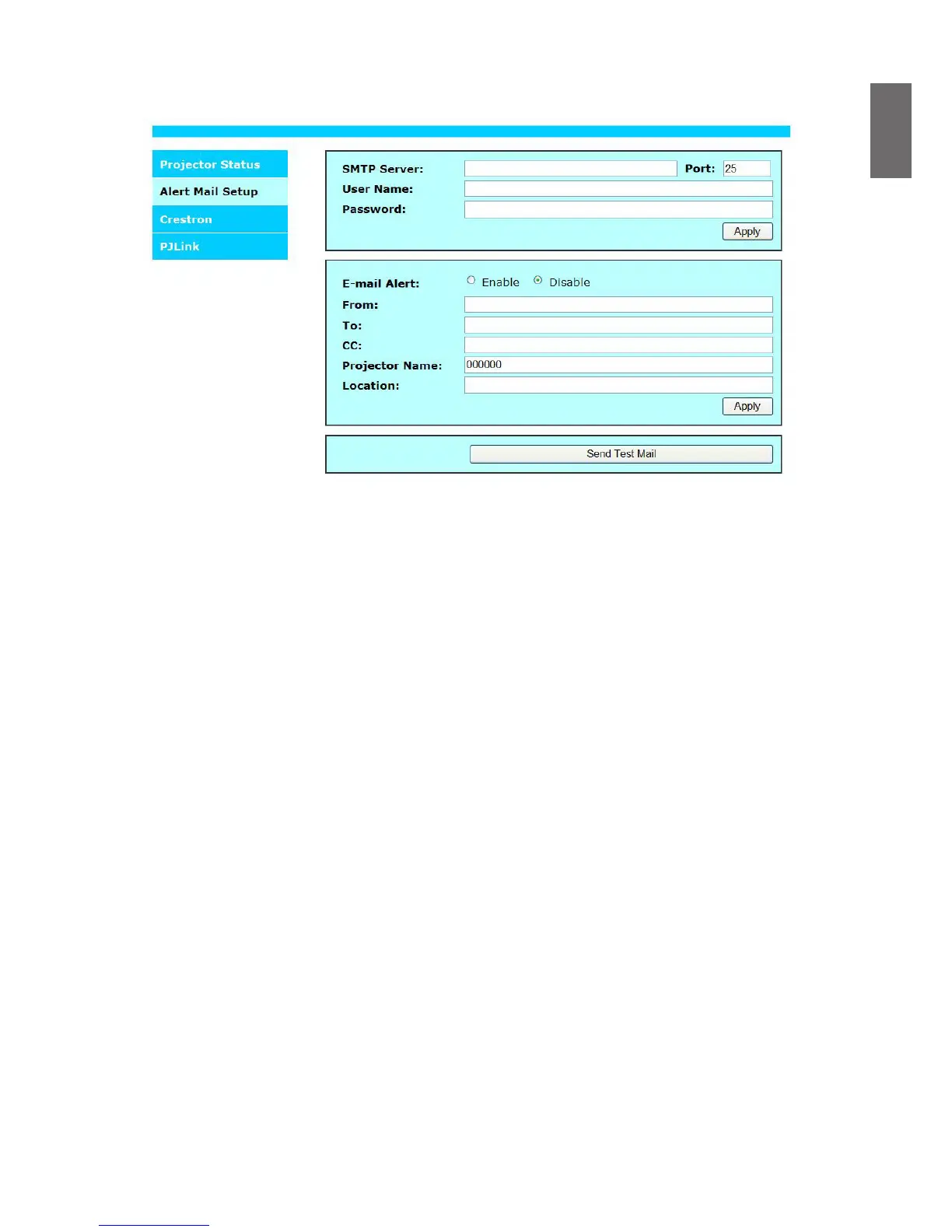
Alert mail setup
The projector can send alert messages with Email to predened users. Make the following settings
before enabling this function:
SMTP Sever
: Set up name of SMTP server for the projector's sending reminder email.
Port
: Set up transmission port
User Name
: Set up user name for the projector's sending reminder email through SMTP
server.
Password
: Set up user password.
E-mail Alert
: Enable or disable E-mail Alert function.
From
: Set up sender's email address.
To
: Set up recipient's email address.
CC
: Set up CC recipient's email address.
Projector Name
: Set up projector name or ID
Location
: Set up installation location of projector.
Apply
: Accept settings. Press this button to save the changes made.
Send Test Mail
: Send test email to validate your settings. The reminder email is sent only in
the event of a projector error. Press this button to validate email settings after
setup is completed.



 To Next Page